Start With Who Prints What, and How Often
In a shared office, the right colour printer is the one that matches actual use. Start by listing every team that prints, then note what they produce each week. Finance may only need charts and signed packs, while marketing may need proofs, posters and client handouts. Reception may print visitor material, and management may want sharp presentations. If you know the mix, you can avoid buying a machine that is too small for the creative team or too costly for the admin floor.
Count pages, but also count sizes. A printer that handles A4 comfortably may still struggle when somebody needs an A3 layout or a wider proof. If two departments share one machine, plan for peak times, not quiet ones. Mondays, month end and campaign launches are where queues show up. In Cape Town offices, that matters even more when load-shedding or building power dips interrupt the day.
- List each department and its top 3 print jobs
- Note A4, A3 or wider output needs
- Record peak days and monthly rush periods
- Check whether colour quality or speed matters more
Choose One Machine That Fits the Whole Team
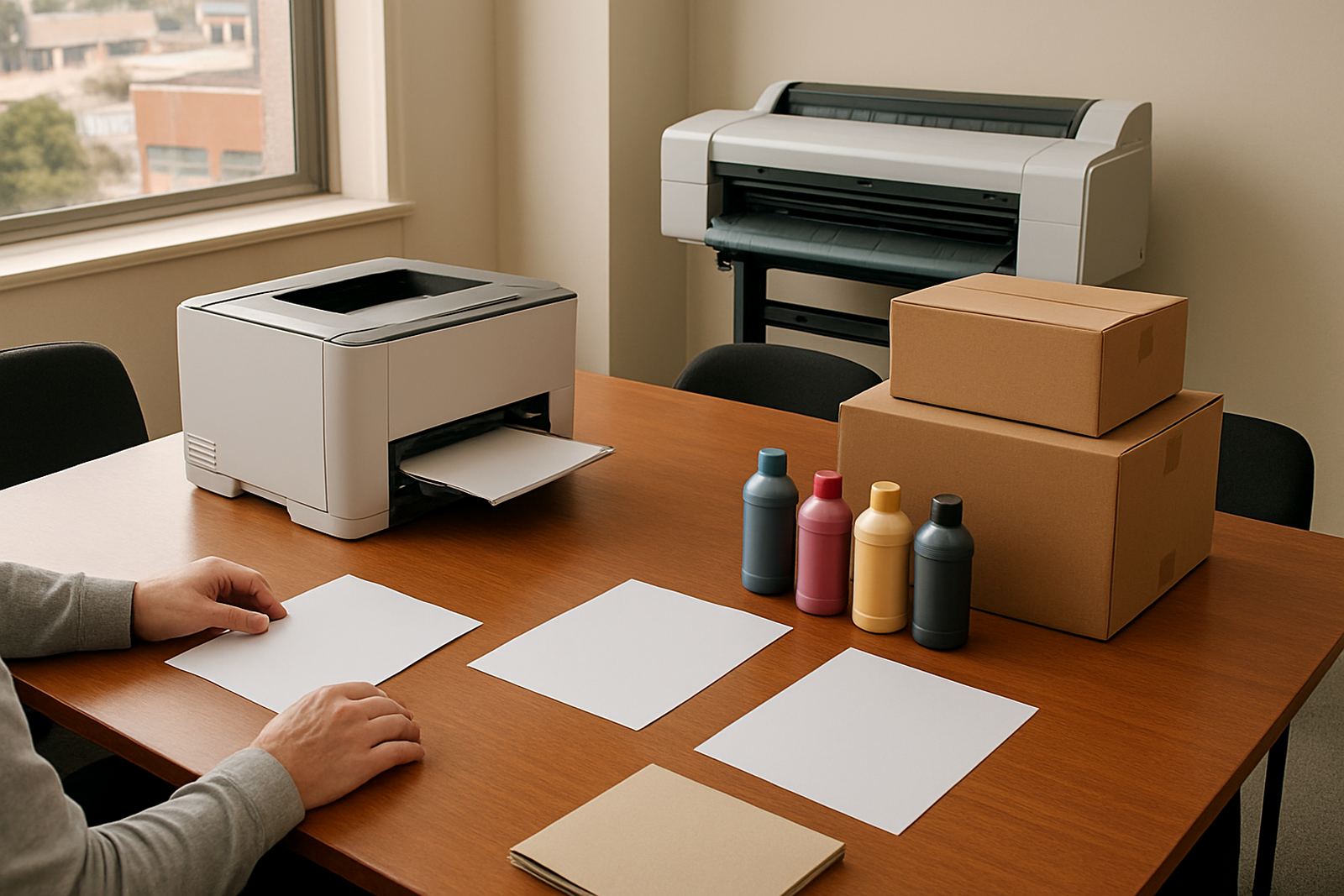
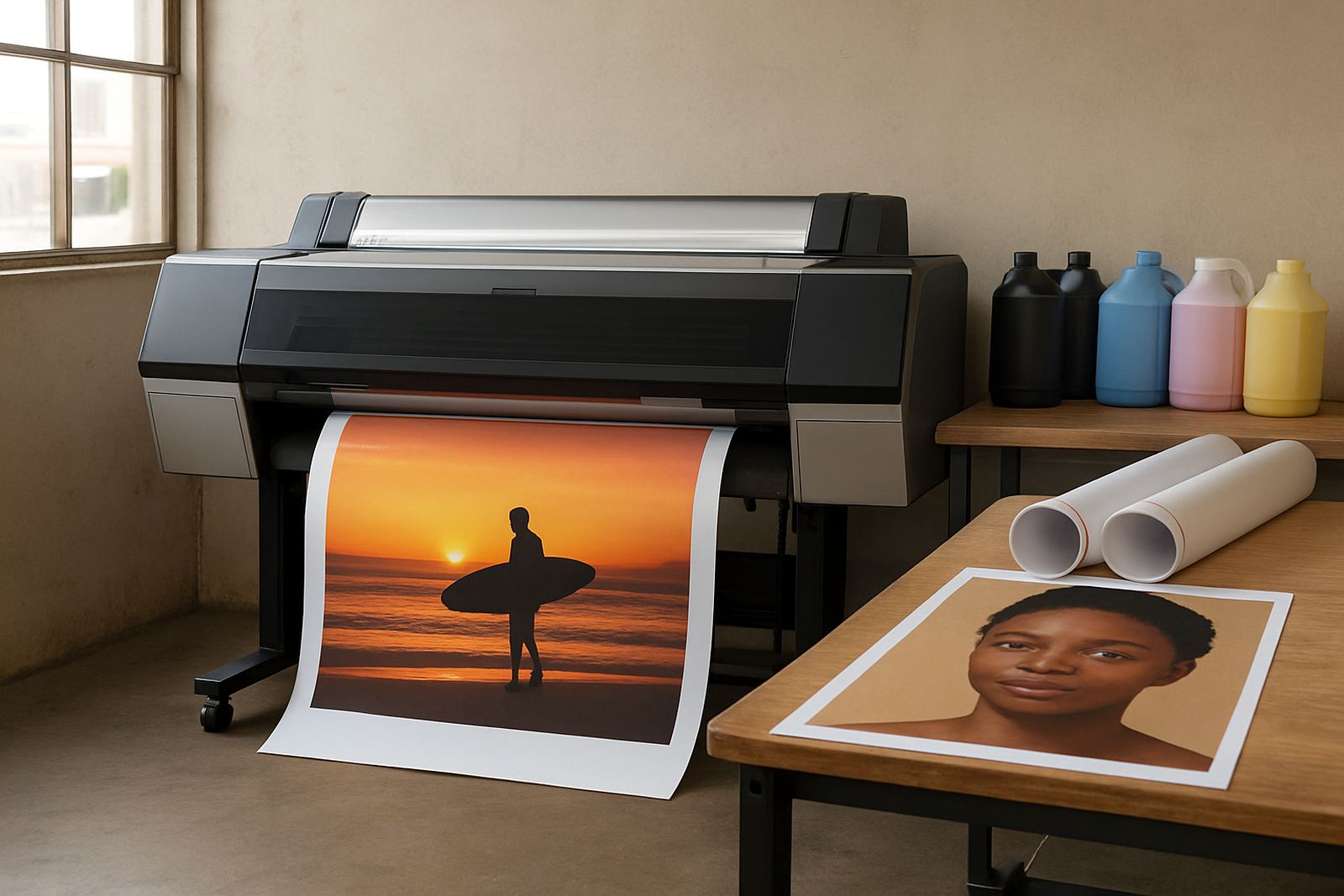
For shared departments, one colour device should be simple enough for everyone to use, but capable enough to keep up. A desktop inkjet colour printer can suit smaller offices that mainly print letters, internal packs and short run colour pages. Where staff need proofing, posters or wider layouts, a large-format colour machine becomes the better fit. The aim is not to buy the biggest unit, but the one that reduces repeat printing and support calls.
Look for clear paper handling, straightforward ink loading and easy access for the person who changes supplies. If the machine sits in a pass-through area or near a reception wall, it also needs a tidy footprint and low spill risk. In shared spaces, simple matters. People will not read a long manual when they just need to print a quote before a client meeting.
- Match printer size to room space and user count
- Check if the machine handles both everyday colour and proof work
- Confirm it is easy to load paper and replace inks
- Make sure the output tray and access panels suit shared use
Plan Ink Use Before the First Carton Arrives
Shared offices often overspend on inks because nobody owns the full plan. One person orders too late, another keeps a spare drawer full, and the result is uneven stock. A better approach is to set a simple reorder point for each colour set and keep one nominated person in charge. That person should know what is in use, what is on hand and what is already reserved for a campaign or monthly pack.
Ink choice also depends on the work. For office colour, the priority may be clean text and reliable graphs. For proofs and presentation work, consistency matters more, especially if the same file gets printed by different teams. Near the coast, humid conditions can affect paper feeding and storage, so inks and media need to be kept in a dry cupboard, not beside a kettle or window. That sounds basic, but it saves a lot of hassle.
- Set a minimum stock level for each ink type
- Assign one person to check and reorder consumables
- Store inks and paper in a dry, shaded place
- Separate proof stock from everyday office paper
Keep Print Quality Consistent Across Departments
When several teams use one printer, quality drifts fast if nobody checks it. One user may choose the wrong paper setting, another may print a full colour brochure on plain stock, and the final result looks off. A shared solution needs simple rules. Match the media to the job, use the correct print profile if it is available, and test new paper before a big run. It is better to waste two sheets on checks than fifty on a batch that misses the mark.
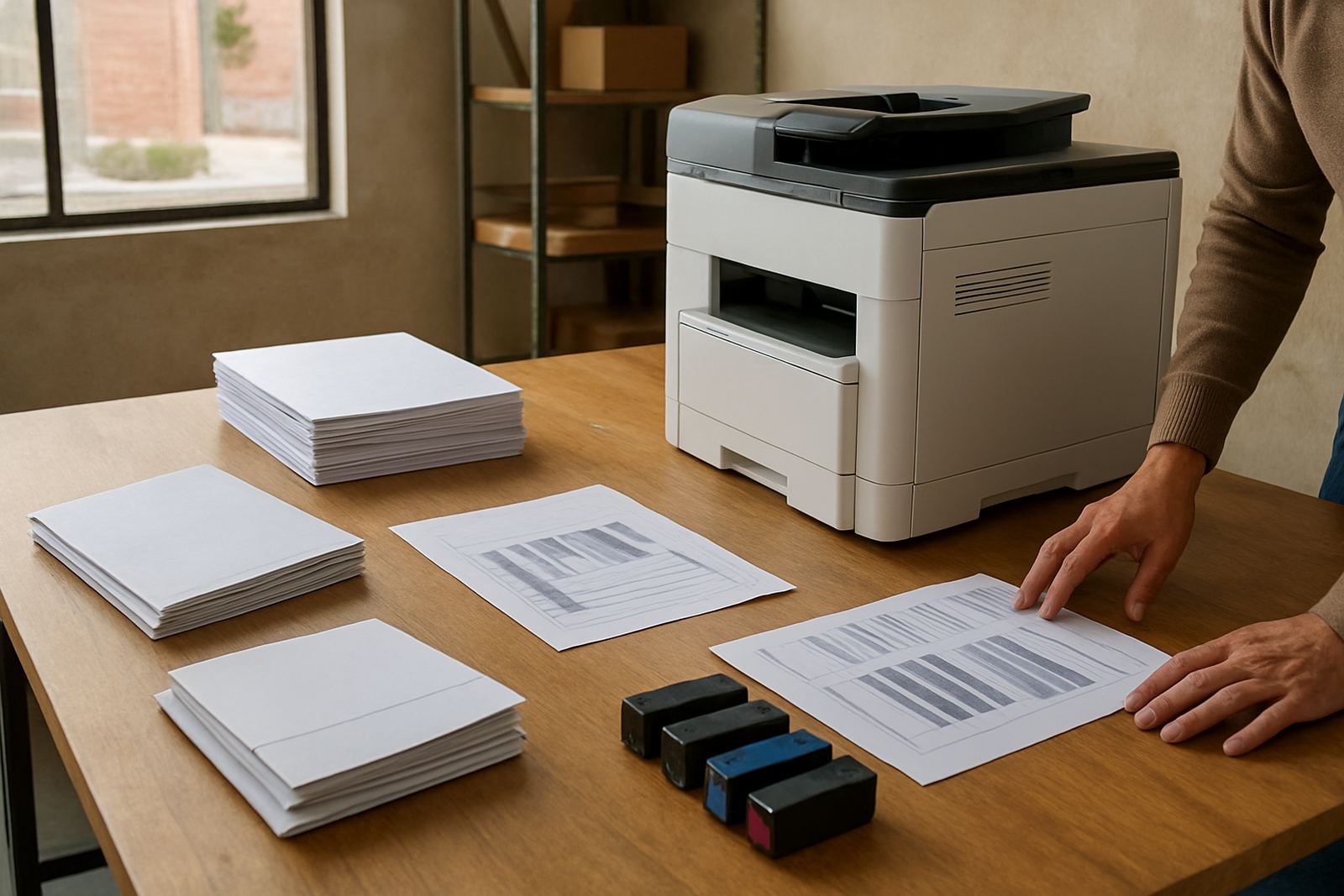
Print quality checks do not need to be complicated. A weekly sample page can show streaks, banding or colour shifts before clients see them. If the office prints branded material, keep one approved reference sheet near the machine. That helps everyone compare quickly. If the printer starts showing repeated marks or dull colours, do not push through the problem. Call for support and sort it before the next department depends on it.
For offices in Ndabeni, Montague Gardens or Bellville where multiple users share the same room, a short check routine saves arguments and reprints. It also keeps the machine calmer on busy days, which every office appreciates.
Set Up the Room for Smooth Daily Use
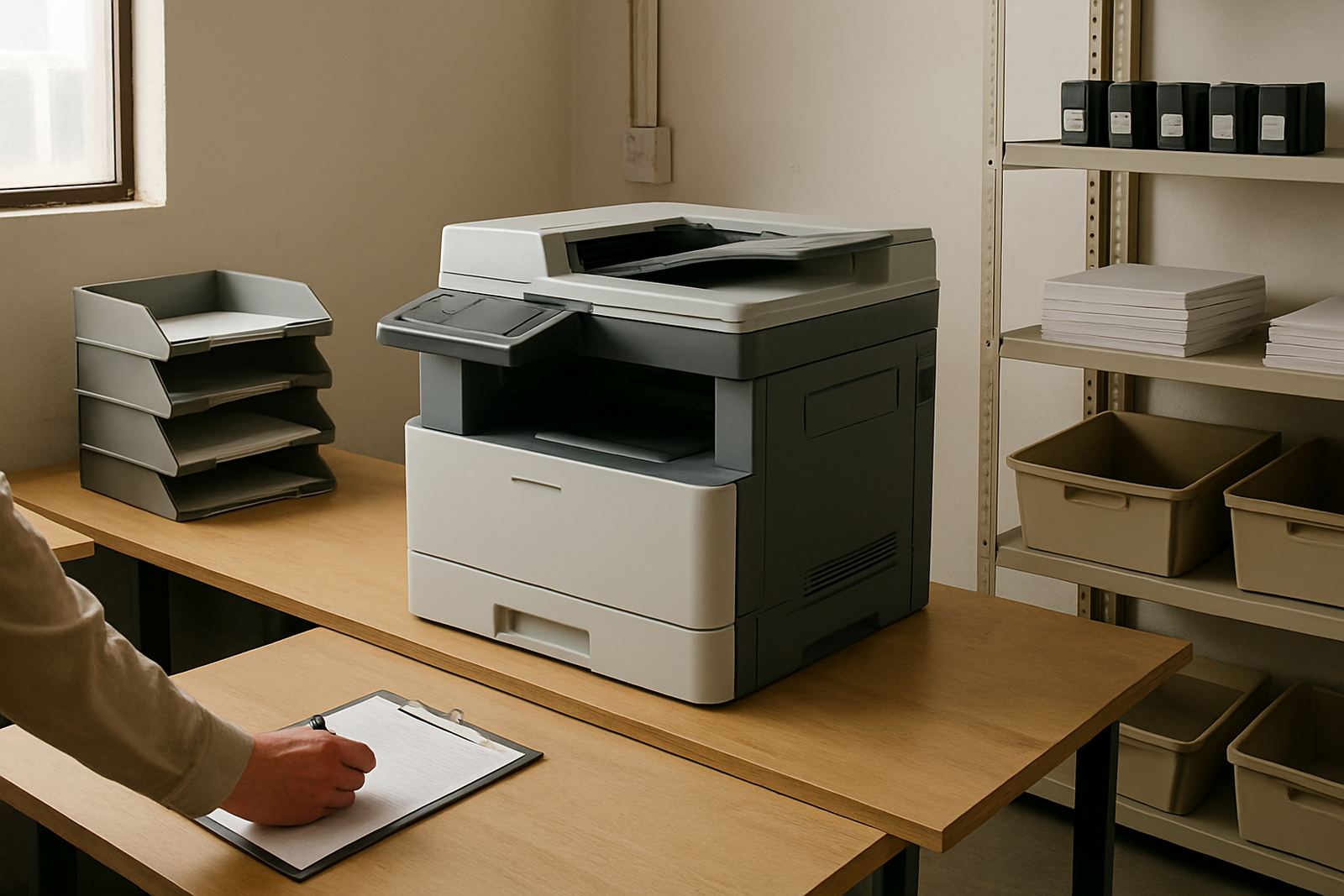
The print room is part of the system. A machine hidden in a cramped corner, next to a hot server cabinet or a draughty door, will cause more trouble than it should. Shared offices need enough space for paper, replacement inks, waste items if relevant, and a clear queue for users. Keep the machine on a stable surface and leave room to open covers fully. If the office has clients walking through, place the printer where it is easy to reach but not in the way.
Think too about power and access. A shared office in Somerset West may have one layout, while a Woodstock studio has another, but the same rule applies: the device should be close enough for staff, yet safe from accidental knocks. If loadshedding is frequent, plan for orderly shutdowns and restart steps so people are not guessing what to do when power returns.
- Allow space for paper stock and open covers
- Keep the printer away from heat, dust and damp
- Use a stable surface with easy user access
- Post a short shutdown and restart note near the machine
Use a Support Routine, Not Just a Supplier
A shared colour solution lasts longer when it comes with routine support. Installation should be followed by user handover, so staff know which tray to use, how to choose media and what to do when an error appears. Preventive maintenance can then keep the machine in good order before a busy quarter starts. This is especially useful for offices that print often but do not have one full-time print person on site.
Remote help can resolve many small issues, while collection coordination helps when a unit needs workshop attention. Consumable reordering should be tied to real usage, not guesswork. If a department grows, or if print volumes move from office colour into wider format, step up early instead of waiting for complaints. The cost of staying too small is usually more than the cost of planning properly.
MyColour works from Ndabeni, Cape Town, with courier supply nationwide, so shared offices can keep their print supply line steady whether they are in Claremont, Bellville or further afield. Practical guidance, the right media and the right inks make the day easier for everybody.