1. Start with the kind of colour work you actually print
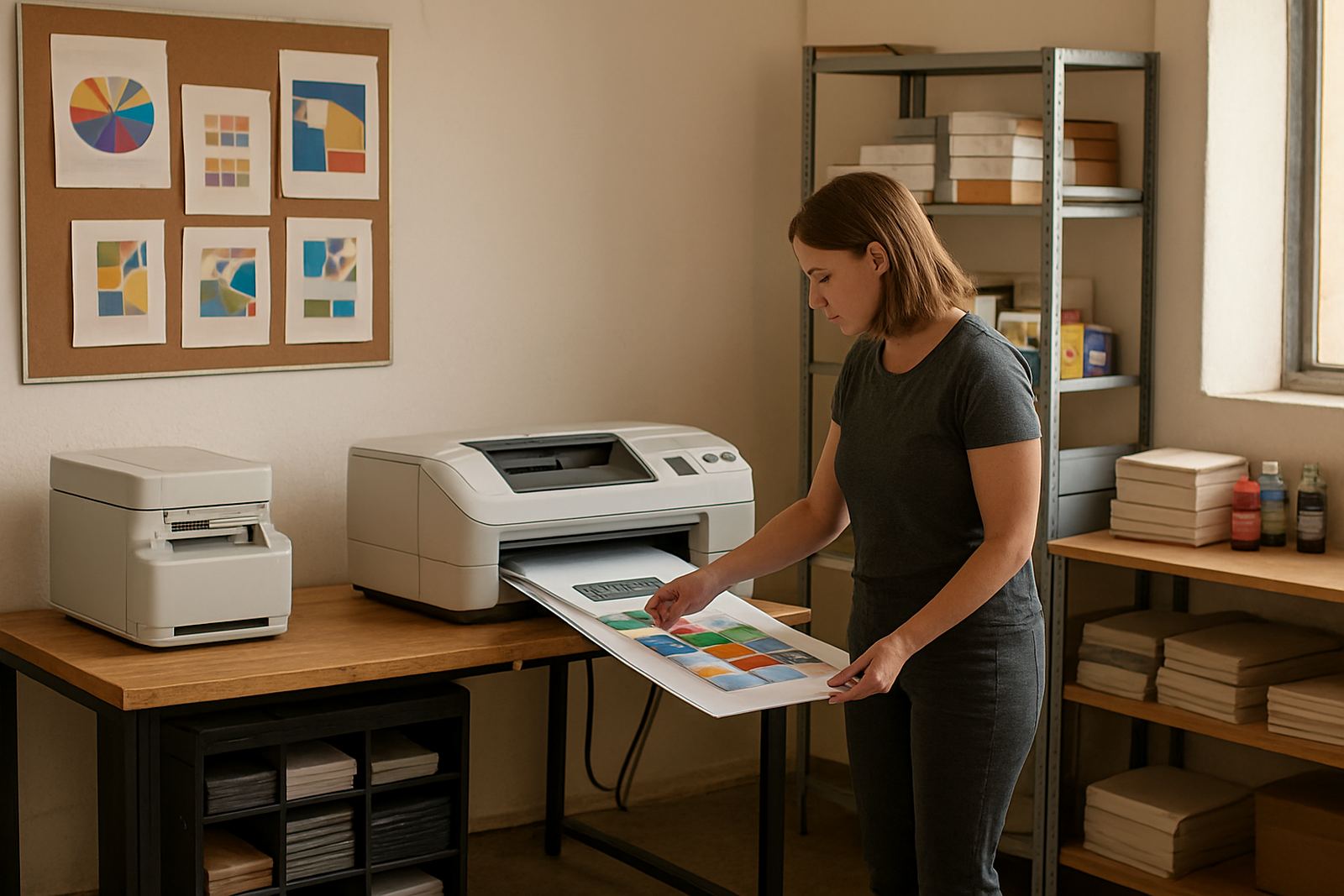
Before you choose a machine, map the work on your floor. A design studio in Woodstock may need sharp proofing and daily A4 colour output, while a sign shop in Montague Gardens might move between mock-ups, posters and wider media. An office in Claremont or Bellville may just need reliable reports, brochures and the odd presentation pack. The right unit depends on volume, media size and the finish your clients expect.
As a rule, desktop inkjet colour printers suit lighter office use and smaller proofing jobs. Large-format colour machines come into play when you need posters, technical sheets or media that runs beyond standard office sizes. If you are unsure where the handover point is, ask for a simple print plan before you buy it saves time later.
- Count average pages per day, not just the monthly peak.
- List your common sizes: A4, A3, roll media or cut sheets.
- Check whether you need proof colour, presentation colour or production output.
- Note if your team prints on matte, glossy or self-adhesive media.
2. Delivery, collection and installation in Cape Town
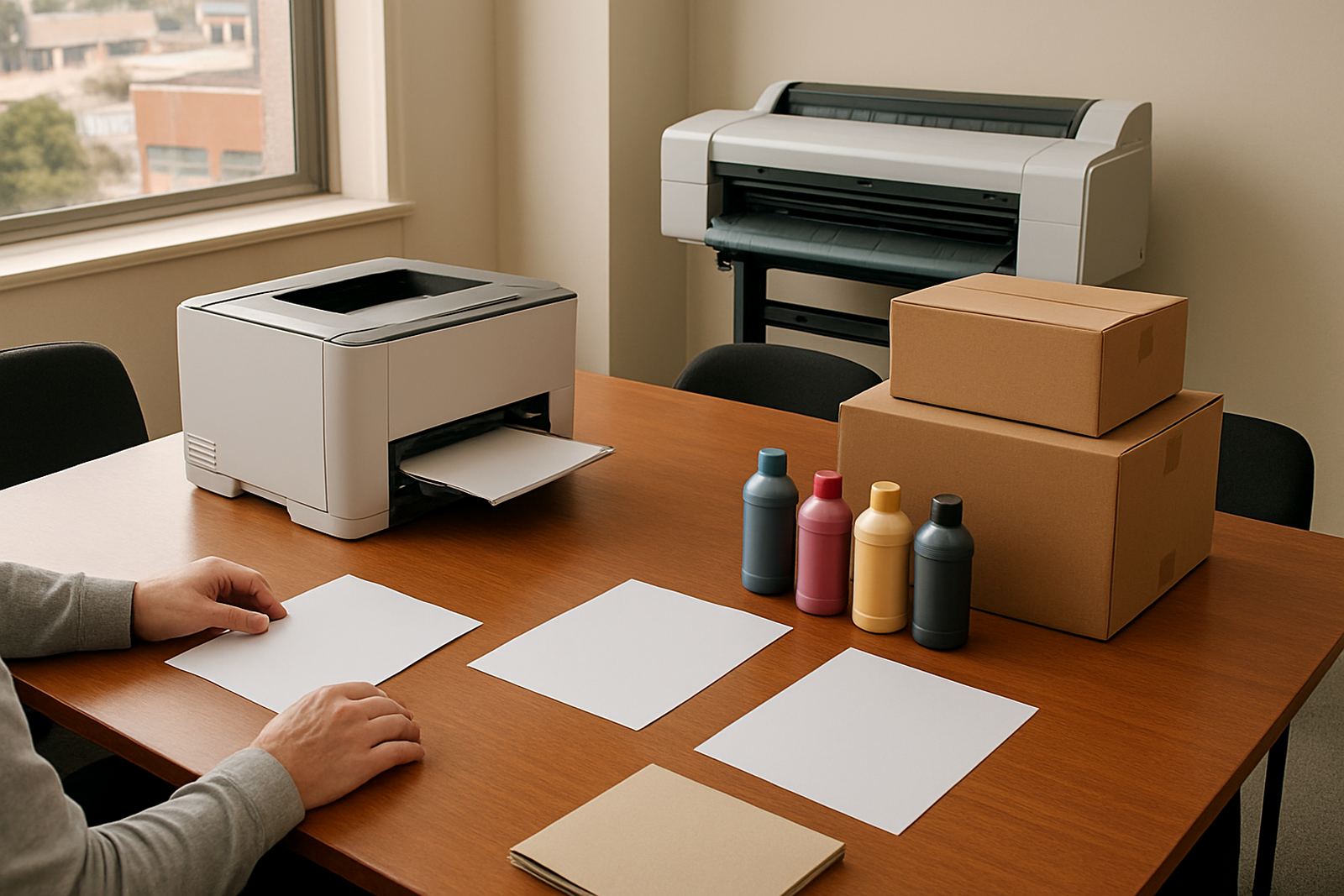
MyColour is based in Ndabeni, which makes support practical for Cape Town buyers in nearby areas such as Woodstock, Montague Gardens, Claremont, Bellville and Somerset West. Smaller items can move by courier nationwide, while local orders can be coordinated for collection or delivery depending on timing and stock. If you are arranging an office move or opening a new space, it helps to line up delivery with the furniture install and network work so the printer is not sitting in a box for days.
Installation should cover the basics properly: unpacking, setup, connection checks and a first print test on the media you use most often. For wider machines, make sure there is space for the unit, the feed path and safe access around the back. In Cape Town, coastal humidity can affect some papers and inks, so storage conditions matter too.
- Confirm lift access, loading bay rules and parking before delivery day.
- Measure the final position, including clearance for lids and paper paths.
- Ask whether the machine needs a dedicated power point or surge protection.
- Keep consumables in a dry cupboard away from direct sun and damp walls.
3. Ink supply planning that keeps the work moving
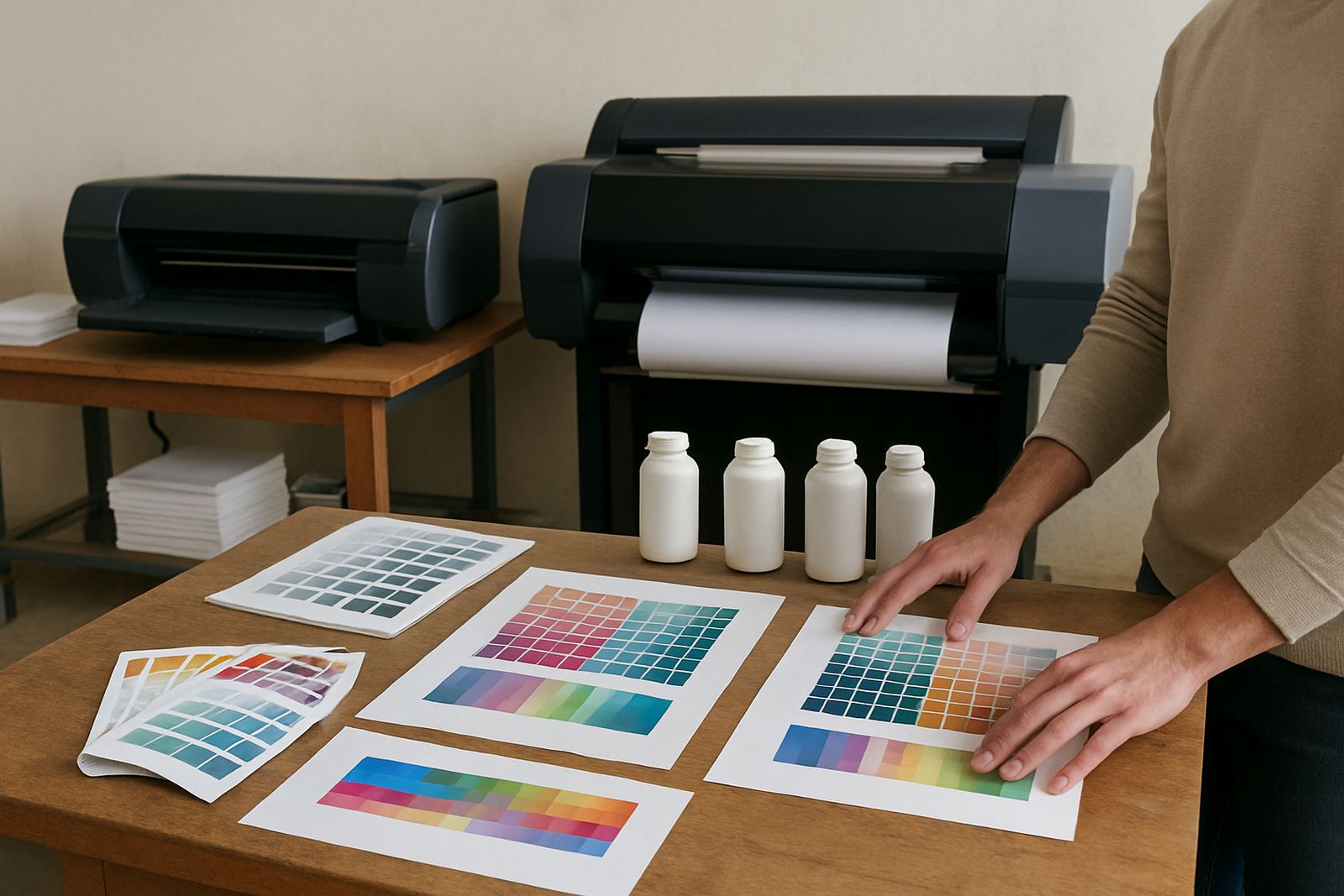
Ink planning is where many teams save money or lose it. If you only reorder when a cartridge is nearly empty, you risk delays during a client rush or month-end reporting. A better method is to track usage for a few weeks, then set reorder points based on your real consumption. That matters even more for studios that print proofs daily or offices that share one printer across departments.
When you work with matching inks and the right media, the output stays more consistent. That gives you cleaner colour checks, fewer wasted sheets and less back-and-forth with clients. It also helps when load-shedding or brief power interruptions interrupt a print run, because you can resume with less risk of colour shifts or dried nozzles. One small typo here is not the end of the world, but running out of ink mid-job is.
- Keep one spare set of the inks you use most.
- Record which jobs use more cyan, magenta, yellow or black.
- Store a small buffer for end-of-month deadlines and school terms.
- Review stock before long weekends and public holidays.
4. Wide-format setup for posters, signage and proofing
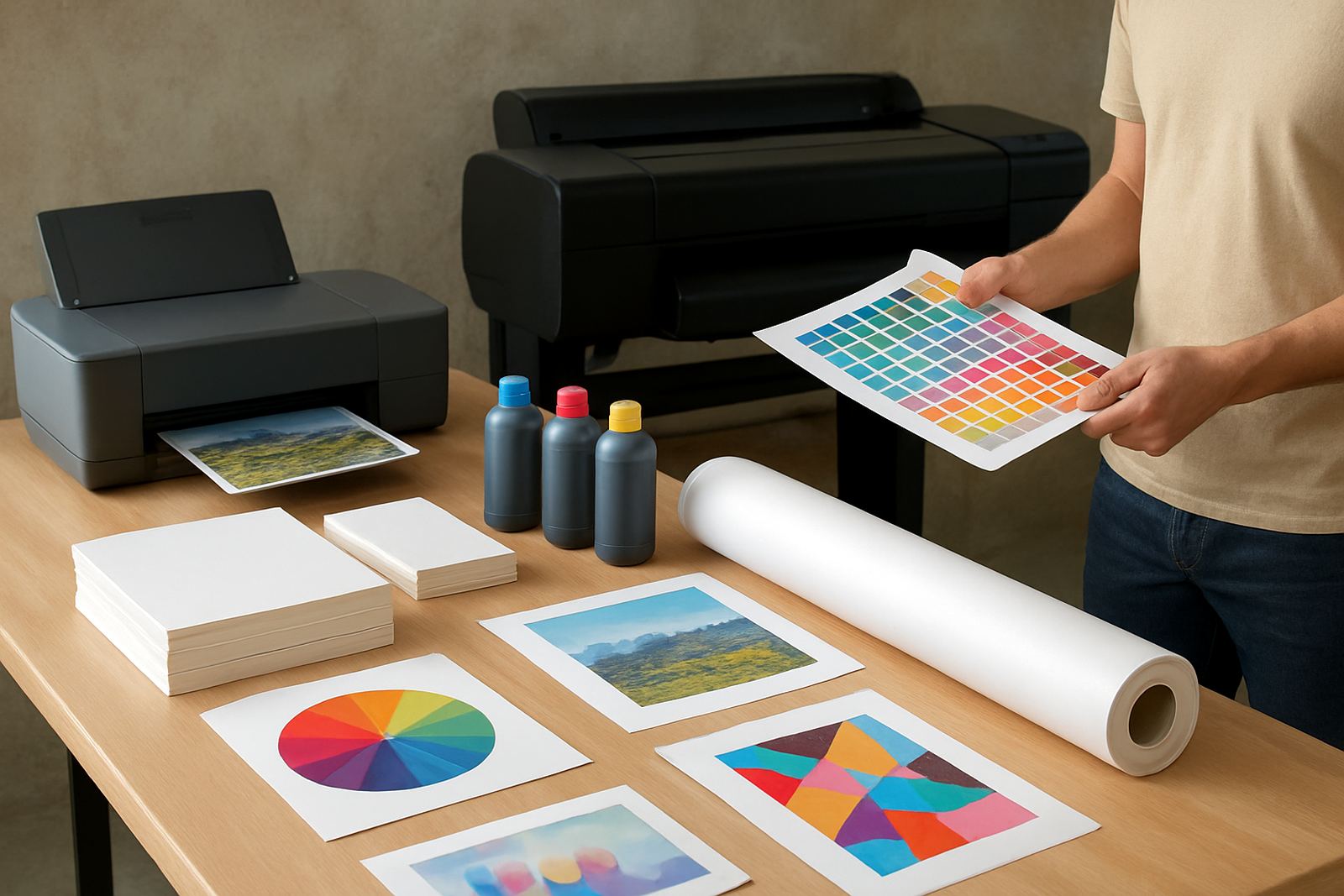
When office colour is no longer enough, wide-format setup becomes the next step. A sign shop in Ndabeni or Montague Gardens may need larger proofs before cutting vinyl or sending out final artwork. A marketing team in Somerset West may want posters, foam board graphics or event boards without sending every job out. The move to wide-format should be based on output size, speed and the media you use most often.
Setup is not only about plugging in a bigger machine. It includes media matching, colour checks and a user handover so the team knows how to load roll media, trim correctly and avoid costly mistakes. Good setup also means checking drying time, storage space and the route finished prints take through the workspace. If the printer sits near a busy doorway or in a dusty corner, you may get avoidable faults.
- Choose the print width around the largest repeat job.
- Check whether you need indoor posters, presentation boards or production signage.
- Confirm who will manage daily cleaning and ink checks.
- Train more than one person so the machine is not reliant on one operator.
5. Service access, checks and repairs without the runaround
Fast help matters when a printer stops, produces banding or starts feeding poorly. For Cape Town clients, being able to speak to someone who knows the area and the machine type makes the process simpler. Preventive maintenance is often better than waiting for a fault, especially on machines that work hard in a shared office or production room.
Routine checks should cover print quality, feed rollers, ink flow and basic cleaning. A service technician can also spot signs of wear before they become a bigger bill. If a unit needs to be collected, it should be logged clearly and coordinated with the office schedule so teams know when to expect it back. Keep the serial details, purchase notes and fault description in one place, it saves time when a problem pops up.
- Run a nozzle or test print at set intervals.
- Clean dust from the media path and air vents.
- Watch for repeated feed errors after long idle periods.
- Book checks before a major campaign or seasonal rush.
6. A simple buying checklist for Cape Town offices and studios
If you want a straightforward process, use a checklist and stick to it. Start with the job type, then confirm the machine size, consumables and support path. A good supplier should explain media choices, likely print costs and what to do when stock runs low. That way your team can keep printing without guessing at each step.
For local teams in Ndabeni, Bellville, Claremont or Somerset West, the practical advantage is quick access to advice and parts when needed. For out-of-town buyers, courier supply keeps the same planning discipline in place. The main thing is to order with a clear view of what will happen after delivery not only on the day itself.
- Define the print job, media and monthly volume.
- Confirm delivery or collection timing.
- Book installation, test prints and handover.
- Set reorder points for inks and key consumables.
- Keep one contact for support, service and reordering.