Start with the kind of proof you print every week
Before looking at price, write down the proof work you do most often. A design studio in Woodstock may need A3 mockups, image heavy client sheets and quick changes before sign-off. A print shop in Bellville may need larger proofs for boards, labels or poster work. A busy office in Claremont may only need accurate colour for presentations and internal review, but still needs prints that match from one person to the next.
For controlled proofing, the printer must handle the same file twice and give the same result twice. That means stable inks, correct driver settings and paper that suits the job. If your work is mostly office colour, a compact inkjet colour printer may be enough. If your proofs run beyond A3 or need to show final artwork at size, wide-format starts to make more sense.
- List your common proof sizes: A4, A3, A2 or larger
- Note whether you print photos, flat artwork, line work or mixed pages
- Check how many proof sets you print in a normal week
- Decide if colour matching matters more than speed
Choose print size and media handling before anything else
Proof work fails quickly when the paper path cannot handle the media. If your team uses coated proof paper, heavier board or synthetic stock, check the printer’s media range, thickness limits and feed reliability. In Cape Town’s dry summer air, static can affect lighter sheets, while coastal humidity around Somerset West can change how some papers feed and dry. The printer should cope with both without constant fiddling.
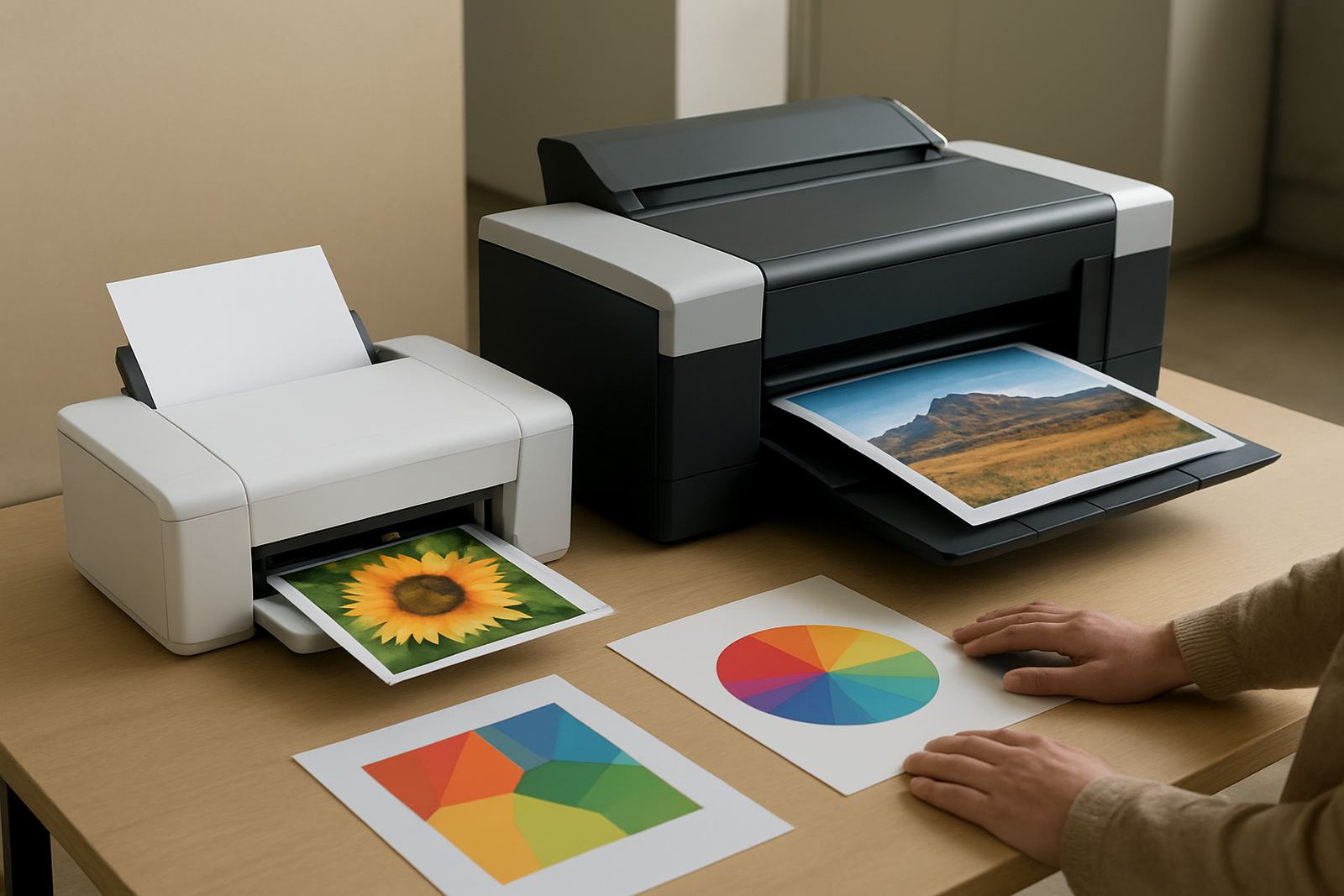
For many studios, a desktop colour printer is the right starting point for everyday proof sheets and colour checks. Once you need larger visuals, side by side layouts or client review posters, a large-format colour machine becomes the better tool. The key is not just size, but how calmly the printer holds registration and colour across the page. A proof that shifts by a few millimetres or shows banding is not useful for sign-off.
- Match the printer to your largest regular proof, not your rarest one
- Confirm support for the exact paper weights you buy locally
- Ask how the machine handles coated paper, matte stock and special media
- Check whether the output tray and feed path suit longer review runs
Ink choice matters more than most buyers expect
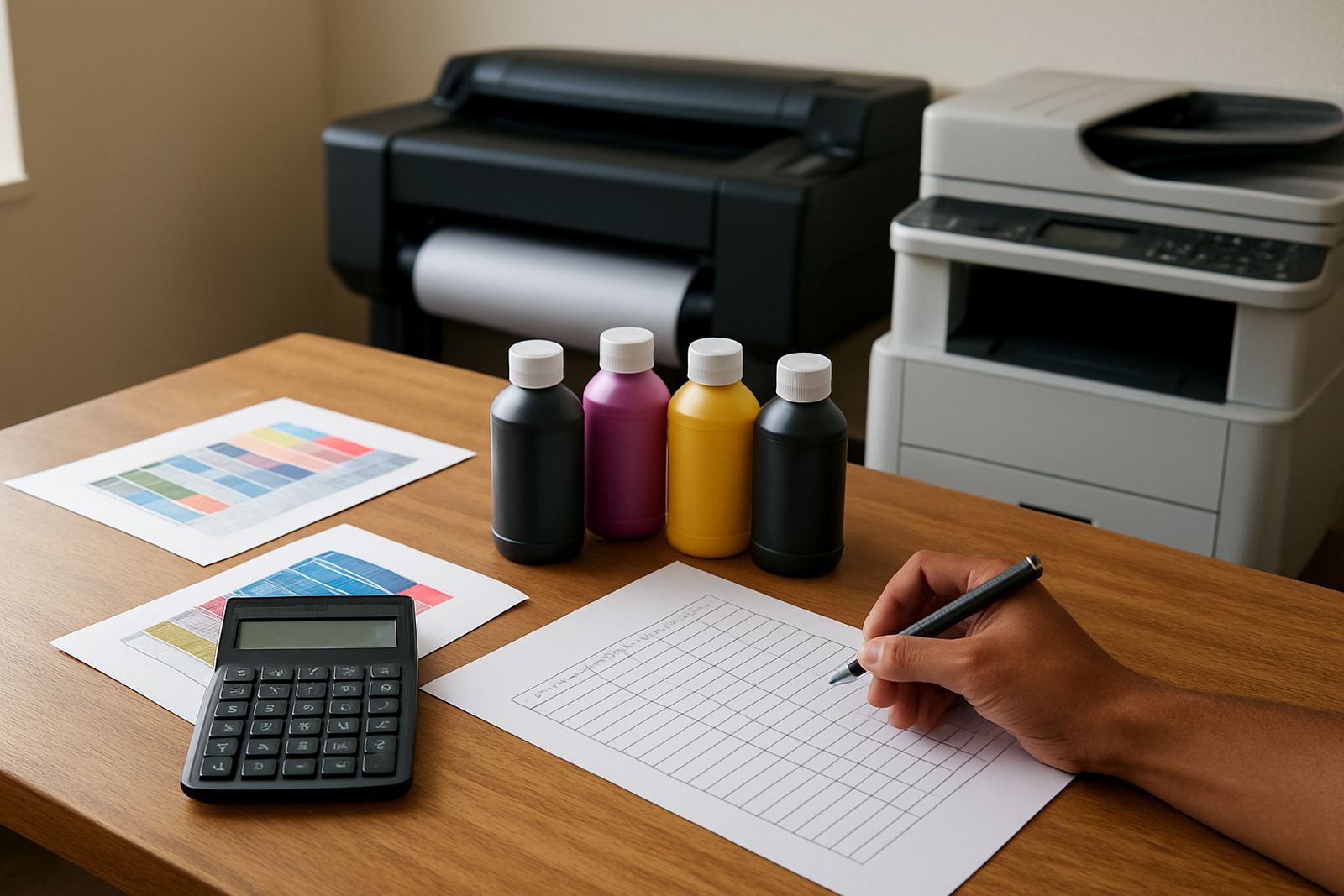
Colour proofing is only as good as the ink set behind it. A controlled proof should keep skin tones, brand colours and shadows predictable enough for a client to approve with confidence. That is why matching the ink to the printer and the paper matters. Some jobs need bright presentation colour, while others need tighter control for packaging or signage mockups.
Ask how often the printer will sit idle. A machine that is switched on and off around load-shedding must recover cleanly after power interruptions, and inks should not become a maintenance headache when a team returns after a blackout. If your office in Ndabeni prints in bursts, keep spare sets of consumables on hand and track usage by job type. Waiting until a cartridge or tank runs dry almost always leads to a rush and a poor proof timing.
- Use the ink type recommended for your printer and media combination
- Keep spare inks for the colours you use most often
- Record which jobs use more ink so reordering is easier
- Check drying time before stacking proofs or posting them to clients
Set up the workflow so proofs stay consistent
A proof printer should fit the way people actually work. If one person exports files with the wrong colour settings, the printer will be blamed for a file problem. If the driver is set differently on two computers, the same job can shift from one output to the next. Good proofing relies on a fixed workflow: same paper profile, same print settings, same handover steps.
For a team in Montague Gardens or Bellville, the best setup often includes one person responsible for final print release and one person checking each batch against the correct reference. Remote help is useful when a designer or admin user changes a setting and the output starts drifting. A clear user handover at installation also helps. Staff should know how to load paper, confirm ink levels and recognise when the printer needs a clean rather than another print run.
When you are comparing printers, ask how easily they integrate into a simple proof process. You want quick proofing, not constant adjustments. A printer that needs a lot of trial and error is usually too fussy for busy review work, even if the spec sheet looks good.
Preventive care keeps colour honest
Most colour complaints start with maintenance that was delayed for too long. Nozzle checks, head cleanings and regular test prints prevent blocked lines and weak colour. In a Cape Town office, dust and long weekends can create problems just as quickly as heavy usage. In a sign shop, the printer may be pushed hard during a rush then left for days, which is when ink systems need attention.
A practical maintenance plan does not have to be complicated. It just needs to be regular. Keep a log of print dates, cleaning cycles and any paper jams. When output changes, compare the latest sheet with the last approved proof before changing settings. If a printer repeatedly misses colour, service support should inspect it rather than letting staff chase the same fault all week.
- Print a colour check at a set interval, even if jobs are quiet
- Replace consumables before they are completely empty
- Keep the printer in a clean, stable room away from heat and direct sun
- Use one person or one process to approve changes to print settings
A simple buying checklist for proof printers
If you are ready to compare options, use a checklist that looks at the work, not the marketing. The right proof printer should match your volume, your paper, your colour expectations and your space. A studio in Claremont may want a compact unit that sits quietly near the creative team. A wider production room in Ndabeni may need more capacity, faster turnaround and easier consumable access.
Think also about supply. A good proof printer is only useful if inks and support are easy to get when the team needs them. That includes installation, media matching, consumable reordering and a sensible plan for repairs or collection if the unit needs attention. In practice, the best printer is the one that keeps proofs moving with the least interruption, not the one with the longest brochure of features.
- Does it match your proof sizes and paper types
- Can the team keep colour settings consistent
- Are inks and consumables easy to reorder nationwide
- Is there practical support for setup, checks and maintenance
- Will it still work for your business if power cuts interrupt the day