Start With the Work, Not the Sticker Price
Before you compare machines, write down what actually gets printed in a normal month. A design studio in Woodstock may output short proof runs, A3 visuals and client swatches, while a busy office in Bellville may print reports, proposals and the odd colour brochure. Those jobs do not use ink in the same way, and they should not be priced the same way either.
Look at three things first: page size, colour coverage, and volume. A machine with a low purchase price can become expensive if it uses high-yield inks too quickly or needs frequent cleaning cycles. In Cape Town, where load-shedding and stop-start use are common, it also matters how well the printer wakes up after a few quiet days.
- Count typical pages per month for black and colour.
- Note how many are A4, A3 or wider.
- Check whether the work is light office colour or full-coverage graphics.
- Ask how often the machine will sit idle over weekends or holidays.
Work Out the Real Monthly Ink Cost
To judge value properly, divide consumable spend by the number of pages you expect to print, not by the machine price alone. If a printer is cheaper upfront but needs small cartridges that run out fast, the monthly cost can climb quickly. A larger-format unit may cost more on day one, but it can be better value when teams print proofs, marketing pieces or technical visuals every week.
A practical budget should include inks, maintenance items where relevant, and any media waste from test prints. Many buyers forget the cost of reprints caused by colour drift, blocked nozzles or poor media matching. That is often where the real money goes. If your team needs consistent colour across multiple printers, use one supply plan and stick to it, rather than buying whatever is cheapest that month.
- Estimate monthly ink spend using your busiest normal month.
- Add a small allowance for cleaning cycles and test prints.
- Include waste from start-up, colour checks and rejected proofs.
- Review the number every quarter, not once a year.
Choose the Right Printer Size for the Job
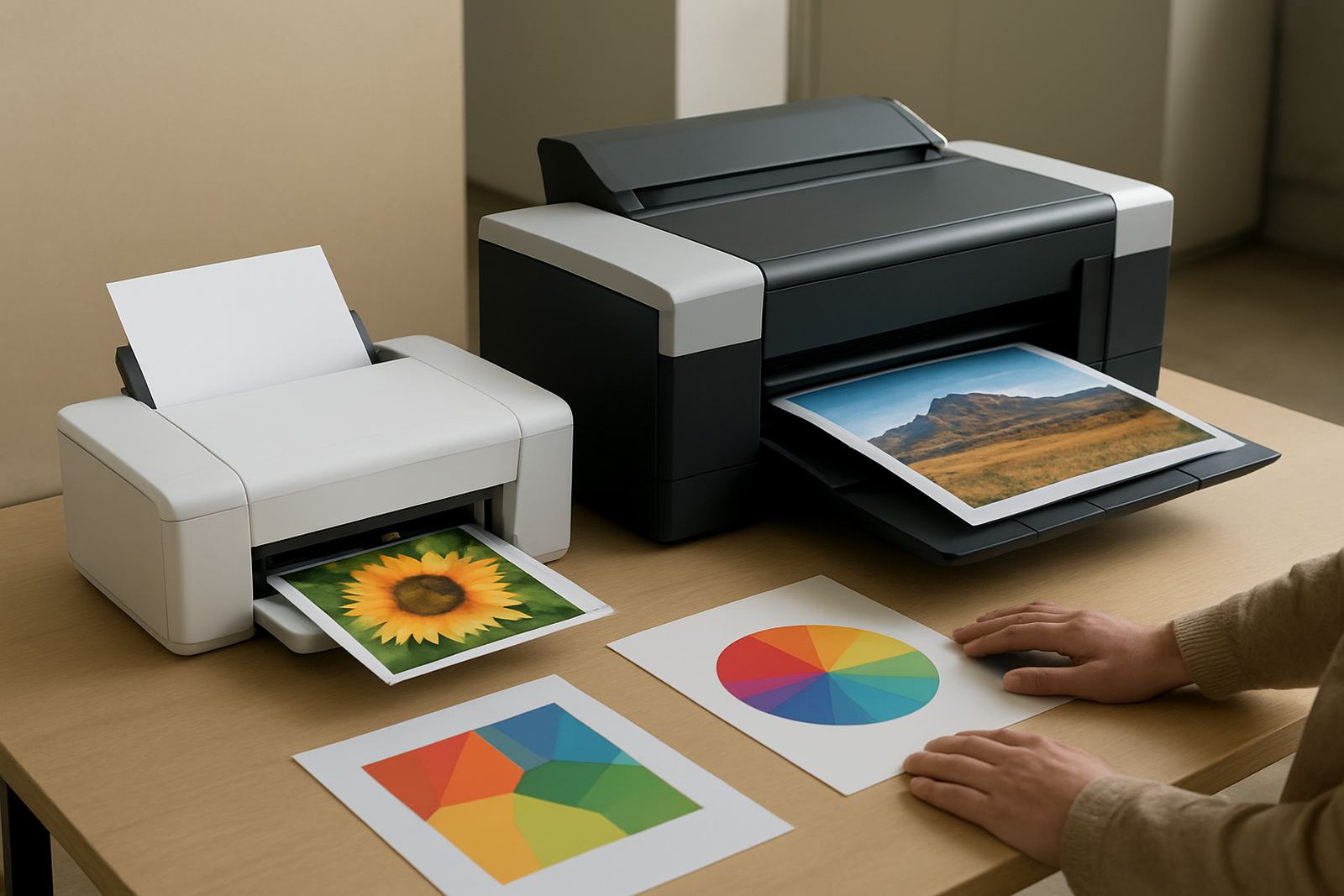
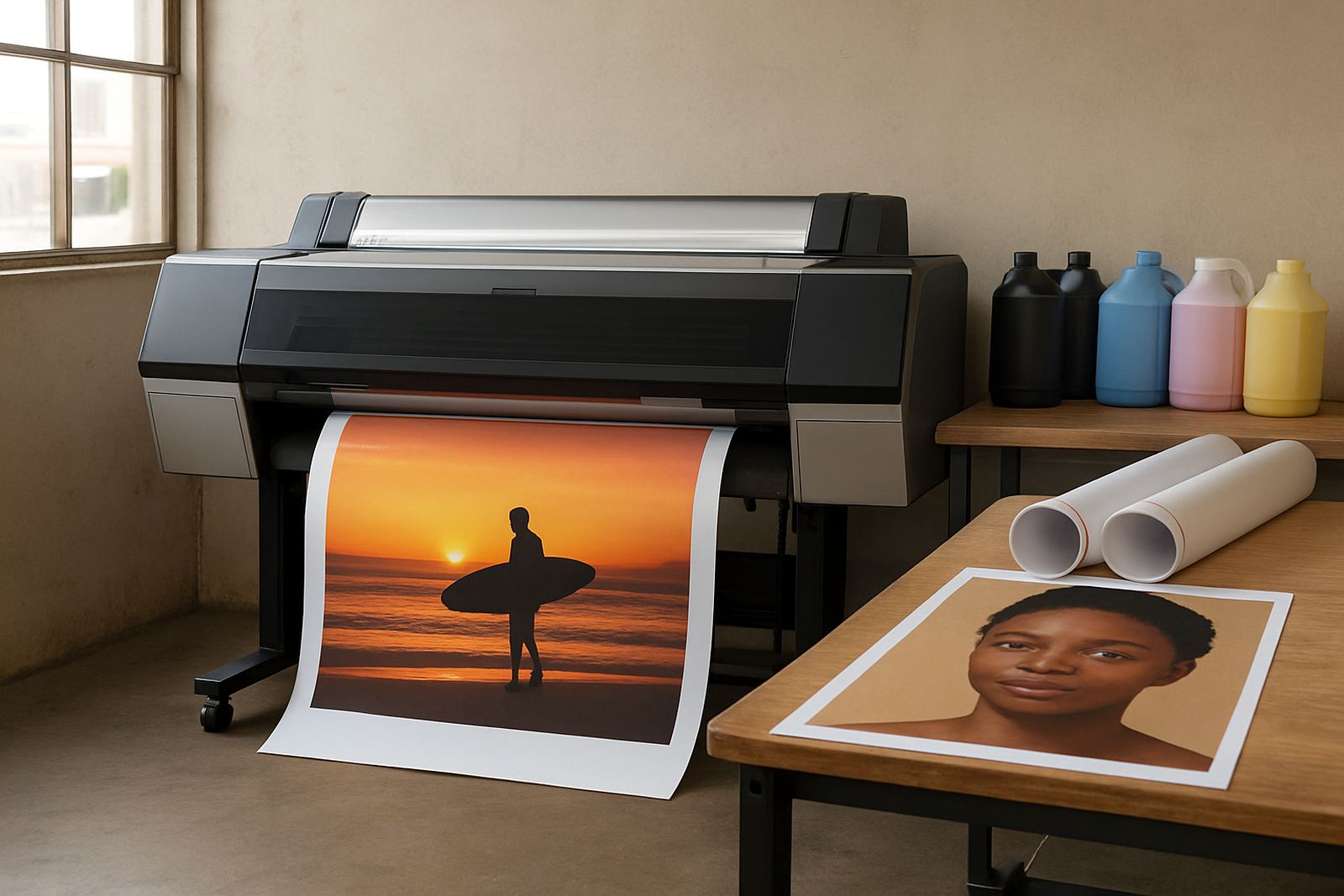
Desktop colour printers work well for everyday office output, client letters and lighter proofing. They are useful when space is tight and printing stays mostly at A4, with only occasional A3 work. Once the team starts asking for posters, plan visuals or wider proofs, it is time to look at large-format colour machines. Trying to force a small printer to do a wide-format job usually wastes both time and ink.
The right choice depends on what goes through the printer most often. If the machine will handle mixed work in a shared office, choose one that is easy to maintain and simple for staff to use. If it will sit in a sign shop or design studio, focus on colour accuracy, media handling and steady output across longer runs. A printer that matches the workload will usually give better value than a cheaper model that is pushed too hard.
- Choose desktop colour for office use and short proof runs.
- Choose wide-format for posters, mock-ups and sign work.
- Check whether the media width suits your most common jobs.
- Match the machine to the staff who will use it daily.
Match Ink Type to the Media You Use
Ink choice and media choice should be planned together. Glossy stock, matte paper, coated sheets and banner media all behave differently, and the wrong match can drain ink faster than expected. If a team keeps changing paper types without checking settings, colour shifts and wasted prints usually follow. That gets expensive very quickly, especially when deadlines are tight.
For South African conditions, humidity and storage matter too. Coastal areas like Somerset West can affect how paper feeds and dries, while dusty spaces in industrial areas may lead to more head checks and maintenance. Keep media in a dry cupboard, open packs only when needed, and label each paper type clearly. A simple media note sheet next to the printer can save a lot of money and frustration.
- Use the media recommended for the finish you need.
- Keep paper sealed until the day of use.
- Write down the correct settings for each stock type.
- Separate proof paper from final production stock.
Plan for Downtime, Cleaning and Service Costs
Ink budgeting is not only about printing pages. Printers that sit idle can use extra ink during cleaning, and a neglected machine may need service work sooner than expected. In a busy office, this shows up as surprise stoppages. In a sign shop, it can mean missing a collection time and paying for reprints. If you know the machine will be used lightly on some weeks, build a small service buffer into the monthly budget.
Preventive maintenance is usually cheaper than waiting for trouble. Keep the printer clean, check nozzles when output starts looking uneven, and do print quality checks before an urgent job begins. That way you spot issues early, not after a client has already arrived. For teams around Ndabeni, Montague Gardens and Bellville, a collection or remote help plan can also reduce time lost when equipment needs attention.
- Schedule basic checks before busy print days.
- Keep spare supplies on hand so jobs do not stop.
- Allow for cleaning cycles in the monthly cost.
- Track any service callouts and repeat faults.
Simple Buying Checklist for Better Budget Control
Use this checklist when comparing options so you do not get distracted by only the purchase price. The right answer is the one that fits the work, the staff and the monthly consumable spend. That is especially important for buyers moving from office colour into wider-format printing, where the cost pattern changes fast.
MyColour's approach is to keep the numbers practical. We look at the print mix, the media, the supply schedule and the support needed after installation. Whether you are in Claremont, Woodstock or Somerset West, or you need courier supply nationwide, the goal is the same: steady colour output without overspending. If your team prints enough to need regular reordering, it is worth setting a clear consumable plan from day one.
- What is the normal monthly page count?
- How much of that work is colour-heavy?
- Will the printer sit idle for long periods?
- Do you need desktop output, A3, or wide-format?
- Are media and inks easy to keep in stock?
- Is there a clear path for setup, maintenance and reordering?