Begin with the jobs your team prints every week
If your team prints invoices, proposals, presentations and the odd colour flyer, an office colour printer is usually the right place to start. The aim is quick turnarounds, easy sharing over the network and steady colour for documents that must look clean and professional.
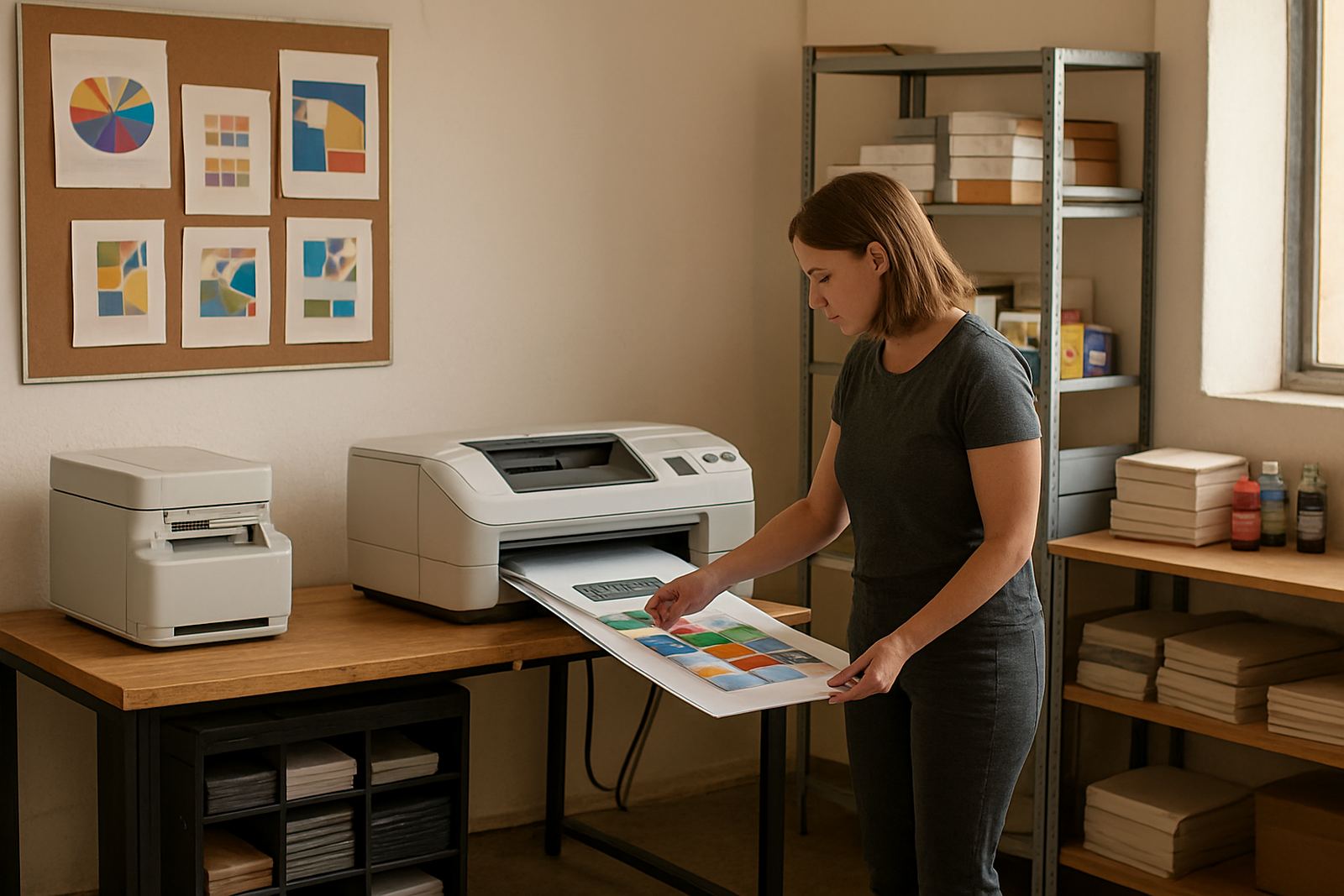
Studio teams in Cape Town, especially design studios and sign shops in Ndabeni, Woodstock and Montague Gardens, usually need more control. They print proofs, small posters, mock-ups and colour references where the next print must match the last one as closely as possible. That means stronger media choices, better ink planning and a wider view of running costs.
Ask one simple question: is the print meant to inform, or is it meant to approve colour before final production? If it is for approval, a studio set-up needs more attention to media matching and print quality checks.
When a desktop colour printer makes sense
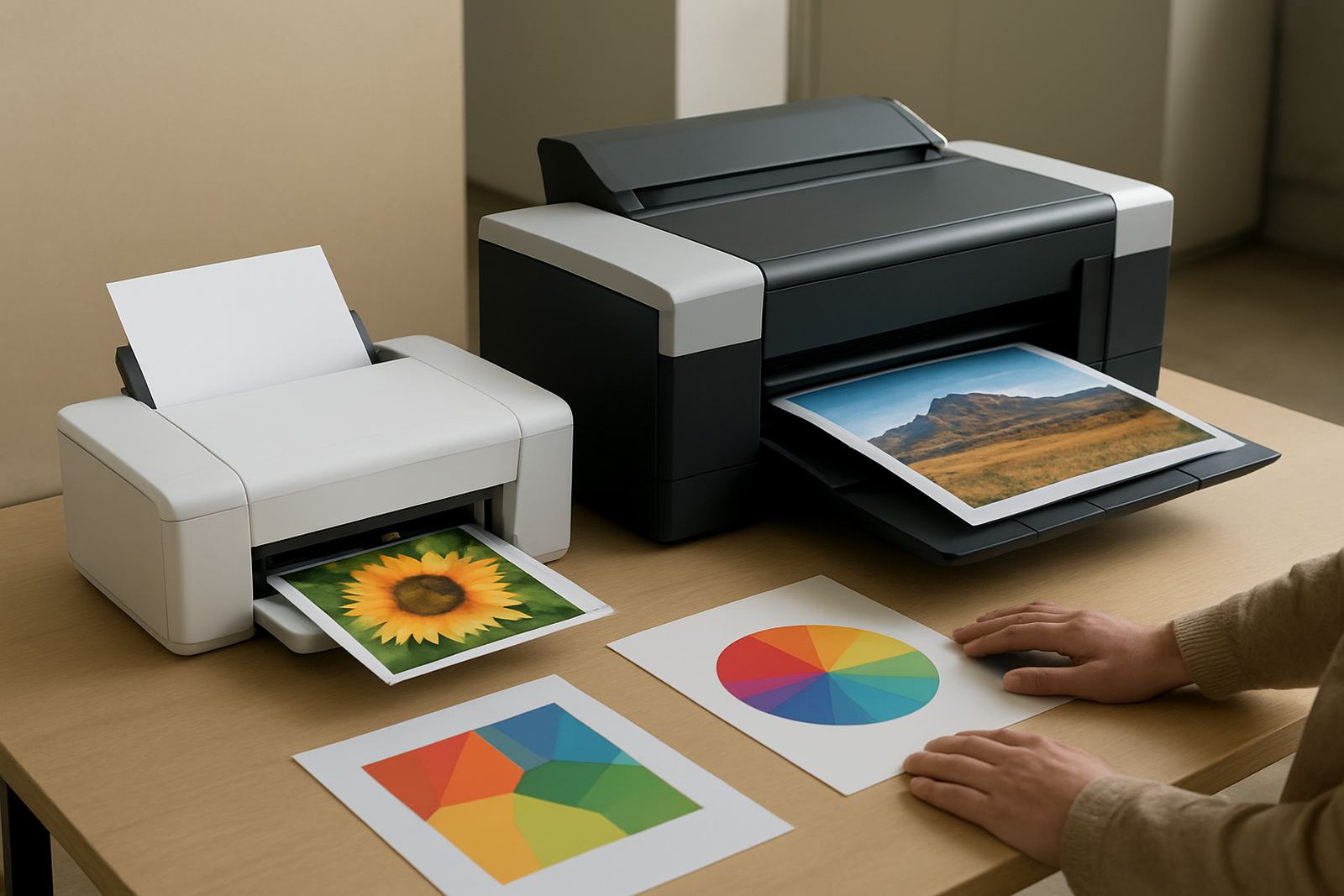
Desktop inkjet colour printers suit smaller teams, branch offices and departments that need colour on demand without heavy daily volume. They are useful where space is tight and the main job is documents, labels and light marketing material. In humid coastal areas such as Cape Town, the printer should sit in a dry indoor room and be used often enough to keep ink flowing.
These machines are usually easier to place, quicker to install and simpler for staff to use. They also work well where remote help may be needed after hours or when branches in Bellville, Somerset West or Claremont need support without waiting for a major set-up.
Keep in mind that office printers are not built to replace a studio proofing device. If your team regularly needs exact colour matching on coated media, or if you print at larger sizes, office colour starts to reach its limit.
When wide-format colour is the better fit
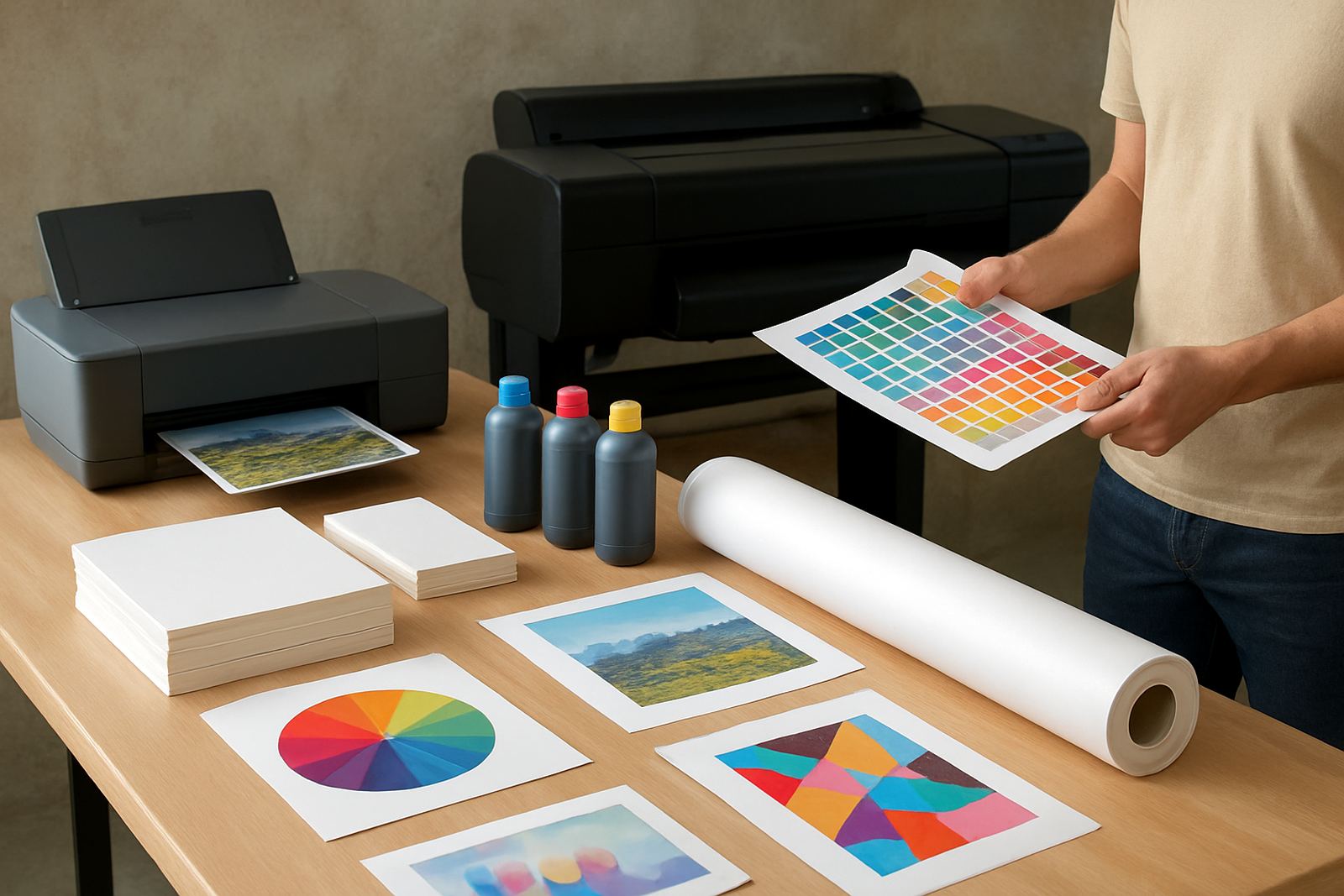
Wide-format machines are the better choice when your work needs more size, more media choice or tighter proof control. Sign shops, design studios and production teams often move to wide-format once A3 is no longer enough and they start needing posters, layout proofs, maps or presentation boards.
Oarabile and Pieter often look at three things first: the media being used, the ink set required and how often the machine will be run. A printer that sits unused for days can waste time and ink later, especially during load shedding or when deadlines stack up after a power interruption.
Wide-format also helps when you need to test colour on the same surface that the final job will use. That reduces surprises. If a client signs off on a proof in the studio, the print team should be able to repeat that result with fewer adjustments.
Paper, media and ink choices change the result
The same file can look different on office paper, coated media or a heavier proofing stock. That is why media matching matters. A design studio may need one paper for internal approval and another for client sign-off, while an office usually only needs a dependable everyday sheet that takes colour cleanly.
Ink choice matters too. Some inks dry faster for busy office use. Others are better suited to colour control, smoother gradients and richer proofing output. The right call depends on the machine, the application and how the team handles prints after they come out.
If staff are unsure, start with the print finish you need and work backwards. A practical supplier should be able to say whether a matte sheet, coated proofing stock or heavier presentation media is the better match for that job.
A simple print setup checklist for Cape Town teams
Before you buy, install or upgrade, walk through the practical details. This helps in offices from Ndabeni to Montague Gardens, and it saves time when a team is trying to keep work moving through municipal restrictions, power cuts or tight dispatch windows.
Use the checklist below for both office colour and studio proofing. If more than two points are uncertain, the machine choice may be wrong for the job.
Keep colour steady with a small routine
Colour printers last longer and waste less when they are looked after. That does not mean constant attention, just a routine that fits the office or studio. Preventive maintenance, print quality checks and consumable reordering should be built into the month instead of waiting for a failure.
For busier teams, the best routine is often simple. Print a test page, check the nozzles, confirm the paper settings and keep a spare set of inks or the key consumables on hand. If the team shares one machine, make one person responsible for reporting early signs of banding, streaks or colour shift.
MyColour works best when clients treat the printer like production equipment, not a loose office extra. That means planning ahead, using the right stock and keeping a clear line for advice when the work changes.