Start with the work you are actually printing
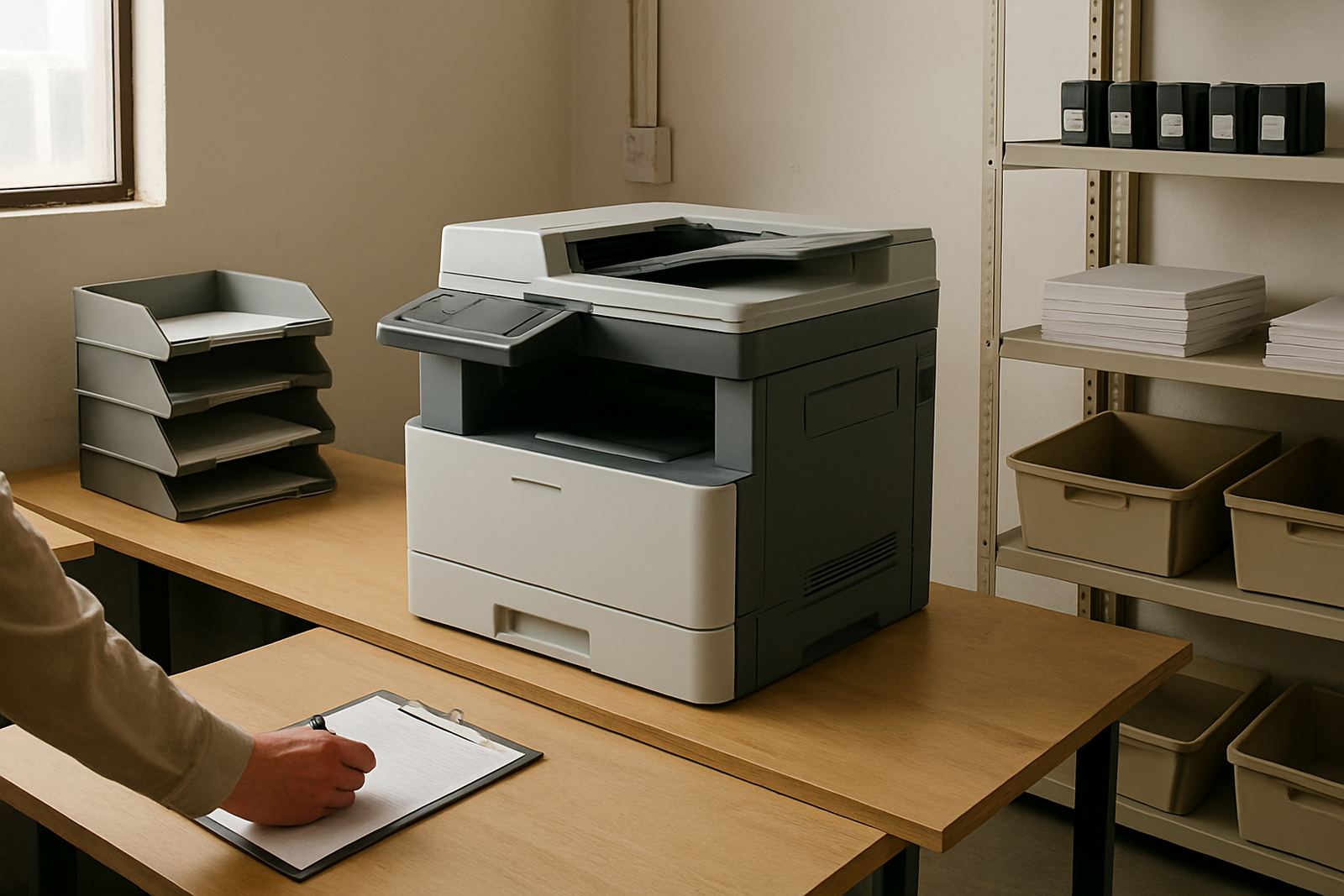
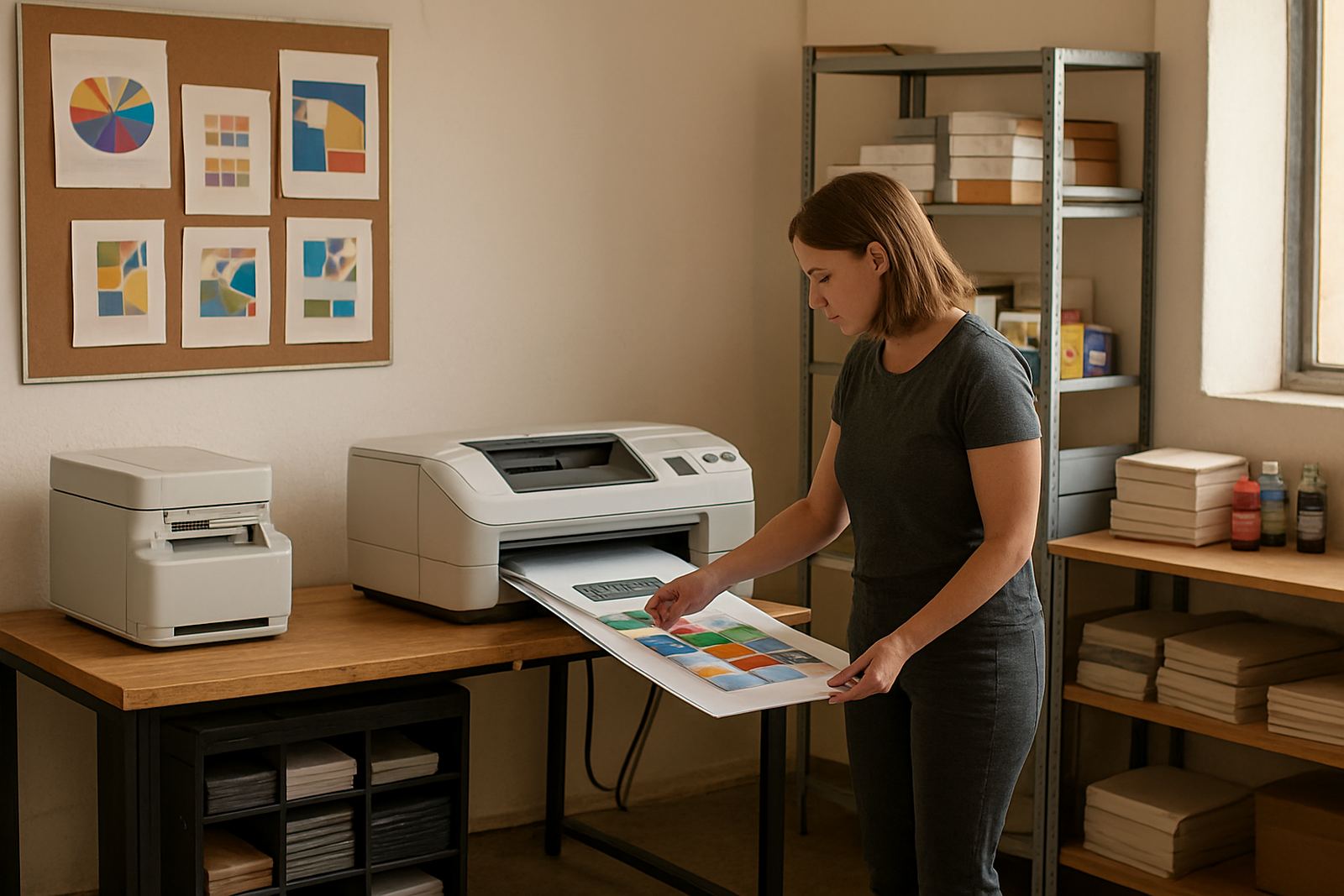
Desktop inkjet colour printers suit studios that need controlled proofing, colour checks and everyday office printing. They are useful when the team wants to compare paper stocks, test text size, or send client samples before a final run. If jobs are mostly A4, with the occasional A3 proof, this level of machine can carry a growing team for some time.
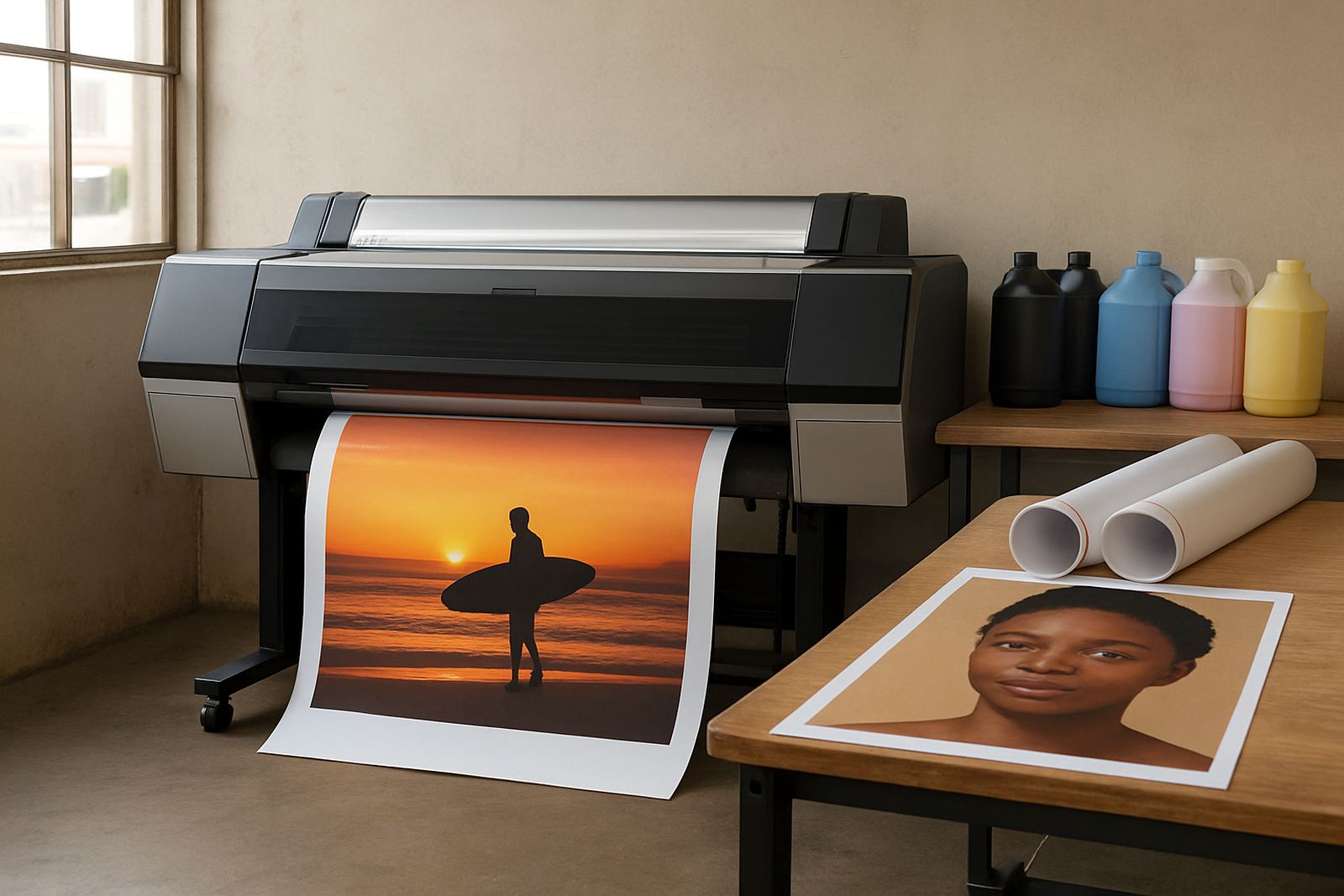
Step up when you start needing wider layouts, longer runs or cleaner handovers to production. A wide-format unit helps when posters, signage mock-ups or presentation boards become regular work. It also reduces the back-and-forth of tiling multiple sheets together, which saves time and avoids alignment issues. In a humid coastal office, a proper print setup can also help keep output consistent when paper curls or picks up moisture.
Think about the handover point too. Once the creative team is sending regular artwork to installers or outside production, a larger printer can act as the final in-house checkpoint. That way colour, scale and crop marks are checked before anything leaves the studio.
Match the printer to the team rhythm
Consumables planning matters as much as the printer itself. Many growing teams run out of the wrong ink colour at the worst moment, or keep the wrong media on hand for the type of work they now produce. If your studio is quoting on proofs, posters and daily colour work from one supplier, keep a simple stock view by printer, ink set and media size. That avoids the false economy of buying whatever is cheapest on the day.
Use media that suits the job. Proofs need predictable colour and a clean surface. Posters and presentation pieces may need a different weight or finish. Sign work often needs media that handles handling, transport and outdoor exposure better. The goal is not to stock everything, only the right few items that cover most of your jobs. A quick monthly check saves courier delays and urgent collection runs later on.
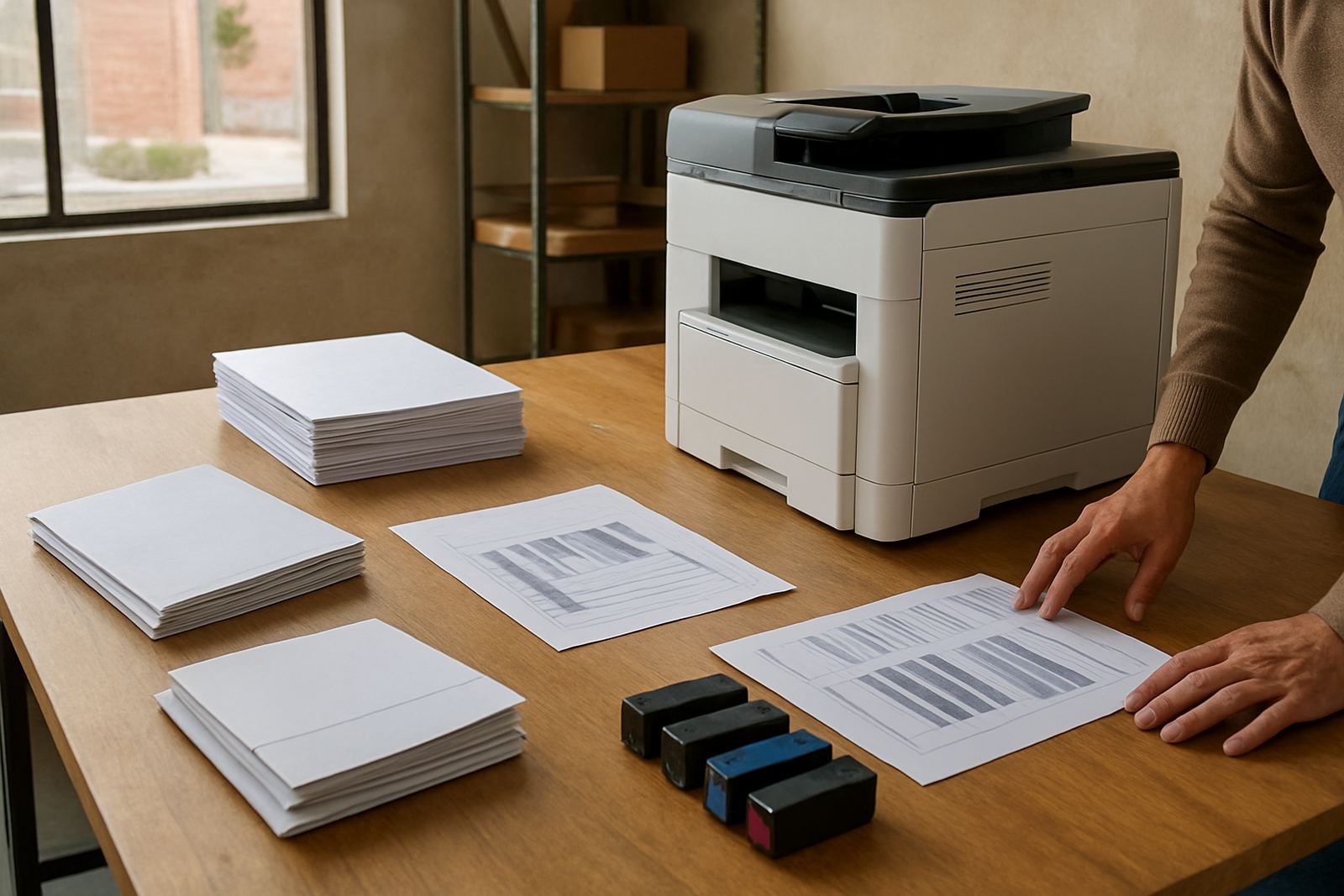
When colour shifts, do not blame the artwork first. Check ink levels, media compatibility, head condition and whether the paper stored near a window has picked up humidity. A steady supply plan keeps the team from printing the same file three times because the first sheet looked dull.
Build a proofing workflow the team can repeat
Once the printer sits at the centre of daily work, small maintenance habits protect uptime. Plan cleaning, alignment checks and basic inspection before the machine starts causing reprints. A technician visit is easiest to manage when you already know the symptoms, the error history and which jobs failed. That makes service quicker and usually cheaper in the long run.
For growing studios in Somerset West, Bellville or Woodstock, courier supply can keep the workflow going, but only if reordering happens before stock is critical. Tie consumable reordering to actual usage, not guesswork. If your team prints heavily on Wednesdays and Fridays, do not wait until Friday morning to discover the last black cartridge is already flat.
Good support also includes handover. When new staff join, make sure they know which machine is for proofs, which is for wider work and when to ask for help. A calm print bench is not about having more machines than you need, it is about having the right ones and using them properly.
- Schedule preventive checks monthly or after heavy print periods.
- Keep a note of recurring faults and colour issues.
- Set reorder levels for inks and media by average weekly usage.
- Train new users on shutdown, restart and basic care.