Start With The A3 Jobs Your Studio Prints Weekly
Before you compare models, list the jobs that actually land on the printer. A design studio in Woodstock may need clean A3 proofs and short run presentations, while an office in Bellville might mainly print reports, training packs and the odd marketing sheet. The more honest the list, the easier it is to avoid paying for features you will not use.
Check whether your move to A3 is for occasional larger sheets or for a steady flow of colour work. If the printer will sit near a busy team, look at first page speed, paper tray size and how often it needs attention. In smaller spaces, especially where load-shedding and power interruptions are part of the week, a printer that starts up quickly and holds settings well can save a lot of time.
- Count your monthly colour pages, not just your peak weeks.
- Note whether you print one A3 page at a time or full sets.
- Check if the printer must handle proofs, posters, brochures or simple office colour.
- Allow for courier delays and keep a buffer of ink and paper on site.
Know The Difference Between Office Colour And A3 Output
An A3 printer is not only about bigger paper. It is about how the machine handles larger images, heavier media and colour consistency across the full page. Many office printers can technically accept A3, but they may slow down too much or struggle with thicker sheets, coated stock or high coverage pages.
If your team works with layouts, signage mock-ups or customer presentations, compare print resolution, borderless options and support for common media weights. A printer that handles A3 at home office level may be fine for an admin team, but a sign shop in Montague Gardens will usually need something with stronger media handling and more predictable ink use.
- Check the maximum paper size, not only the tray size.
- Confirm whether the machine supports plain, coated and heavier stock.
- Ask how the printer handles full-colour pages with high ink coverage.
- Look at colour consistency over long runs, not only the sample print.
Compare Ink Cost, Yield And Real Running Costs
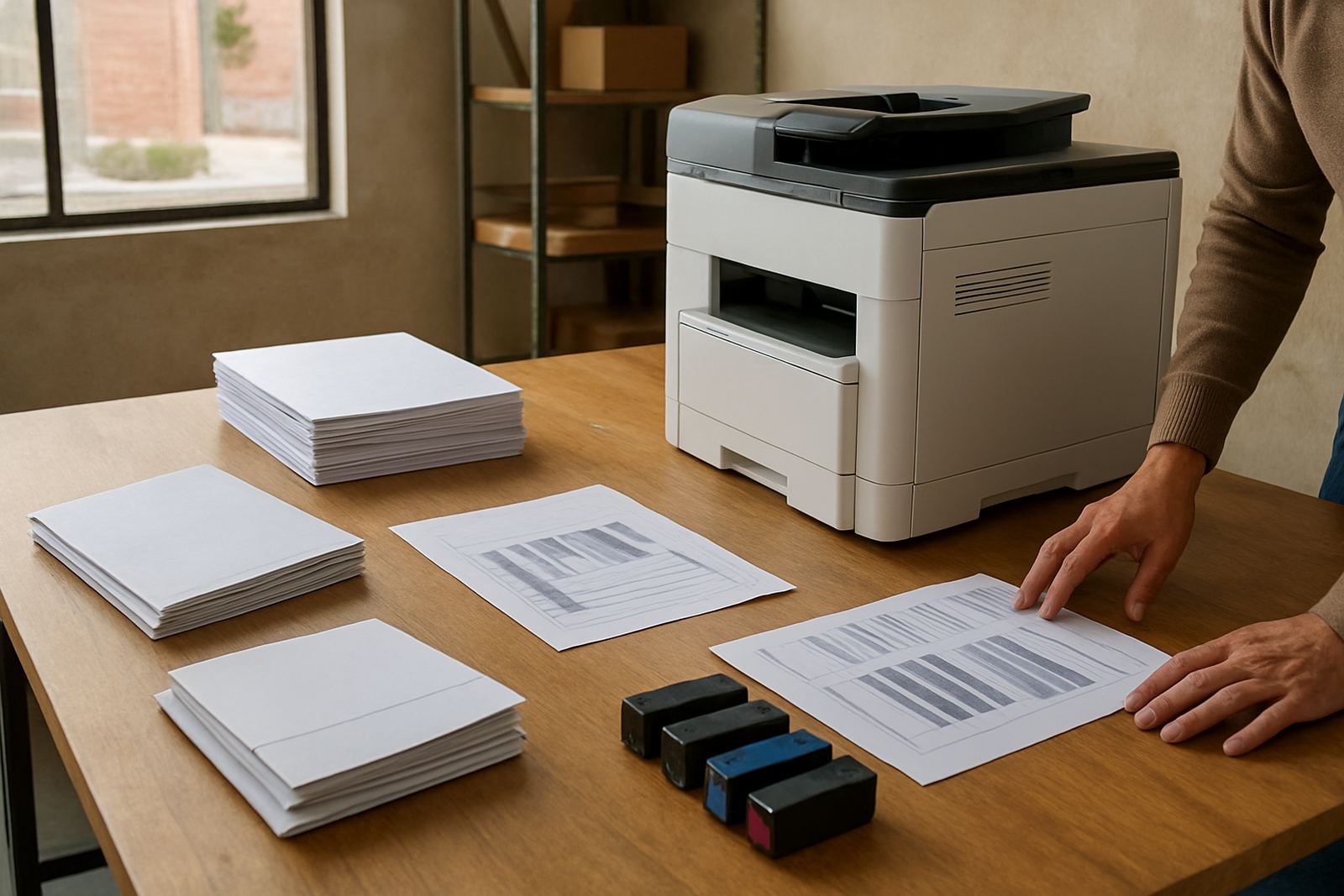
The lowest purchase price is often not the lowest cost over 12 months. With colour printers, the real question is what each page costs once you factor in ink, maintenance and downtime. This matters even more when you print proofs for clients, because a cheap unit that burns through cartridges can become expensive very quickly.
Ask for ink yield figures in plain numbers and compare them against your own average page coverage. A page with a few logos is one thing, a full A3 photo or artwork proof is another. For busy teams, it also helps to know how easy it is to reorder consumables and whether there is a clear plan for keeping spare cartridges on hand. In Cape Town, same day collection and courier supply can make a proper difference when stock runs low.
- Work out cost per page using your own print mix.
- Check whether inks are standard yield or high yield.
- Ask how many pages a full set can produce in normal office use.
- Confirm who supplies spare cartridges and how quickly they can be replaced.
Paper Handling Matters More Than People Think
A3 printing sounds simple until the paper starts jamming or the feed marks show on coated stock. If you often print proposals, drawings or presentation sheets, paper handling should sit near the top of your checklist. Tray capacity, rear feed options and support for thicker media all matter more than many buyers expect.
In humid coastal areas such as Somerset West and parts of Cape Town, paper can curl or pick up moisture if it is left open too long. That can affect feed quality and print finish. Keep reams sealed until needed, store them flat and check whether the machine handles lighter and heavier sheets without constant manual adjustment. A good unit should make changing paper sizes straightforward, not a half hour job.
- Confirm the supported paper weights for plain and coated stock.
- Check how many sheets each tray holds.
- Ask if the printer can manage borderless A3 or only standard margins.
- Make sure the feed path is easy to clear if a sheet misfeeds.
Installation, Setup And User Handover
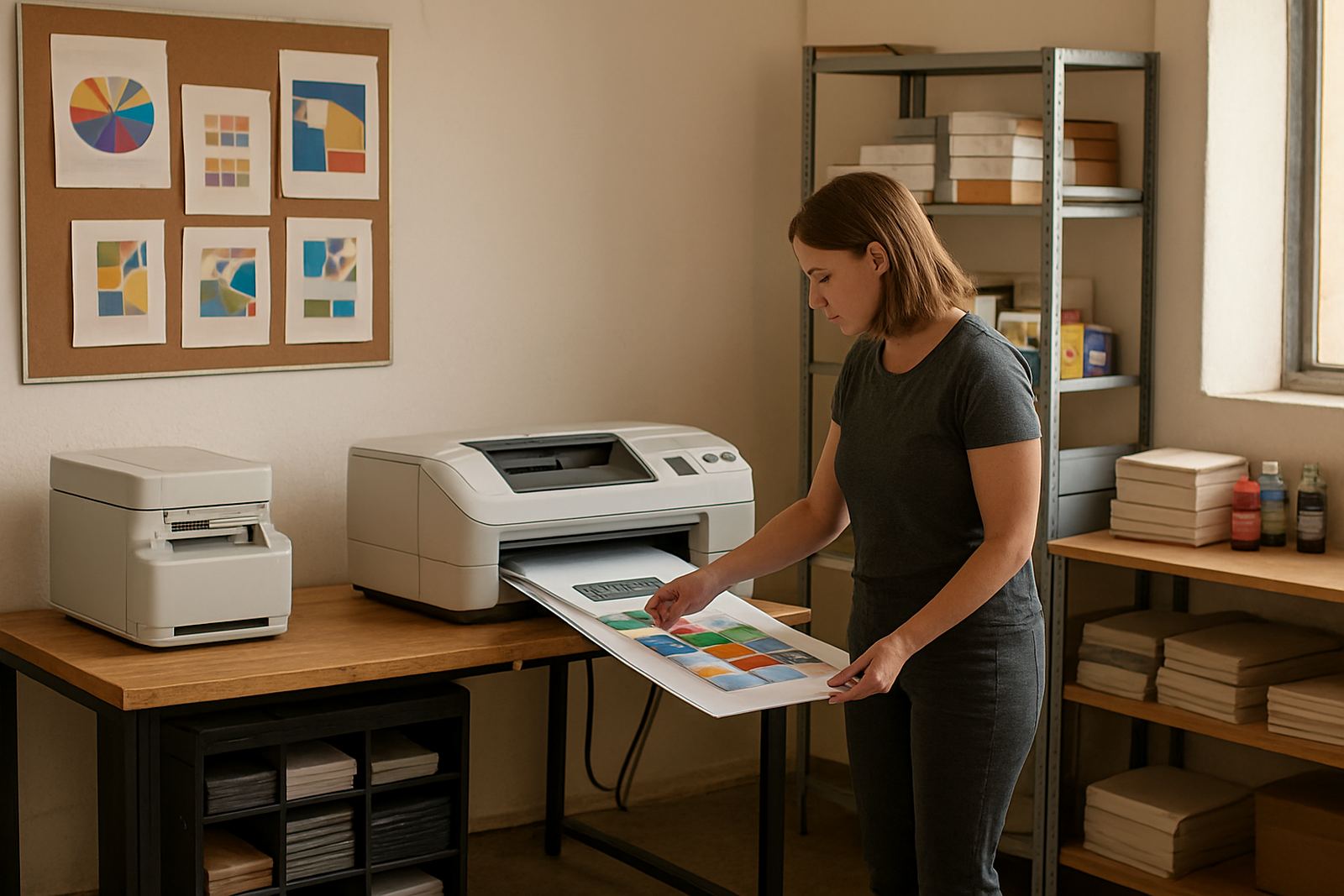
A3 machines are often shared by several people, so setup needs to be practical from day one. Good installation means the printer is placed correctly, connected properly and tested with the paper your team actually uses. It should also include a proper handover so staff know how to change media, check ink levels and handle a simple fault without calling for help every time.
For offices in Claremont, Ndabeni or nearby business areas, remote help can solve many small issues quickly, but only if the original setup was done neatly. If the printer sits with other equipment on a tight floor, leave enough space for access to trays, ink bays and service panels. That makes maintenance easier and helps keep the unit running when deadlines are tight.
- Ask for installation and a basic user handover.
- Test the first print on the exact paper you will use most.
- Record network settings and store them in one place.
- Keep a simple log of ink changes and service dates.
When To Step Up To Wide-Format Instead
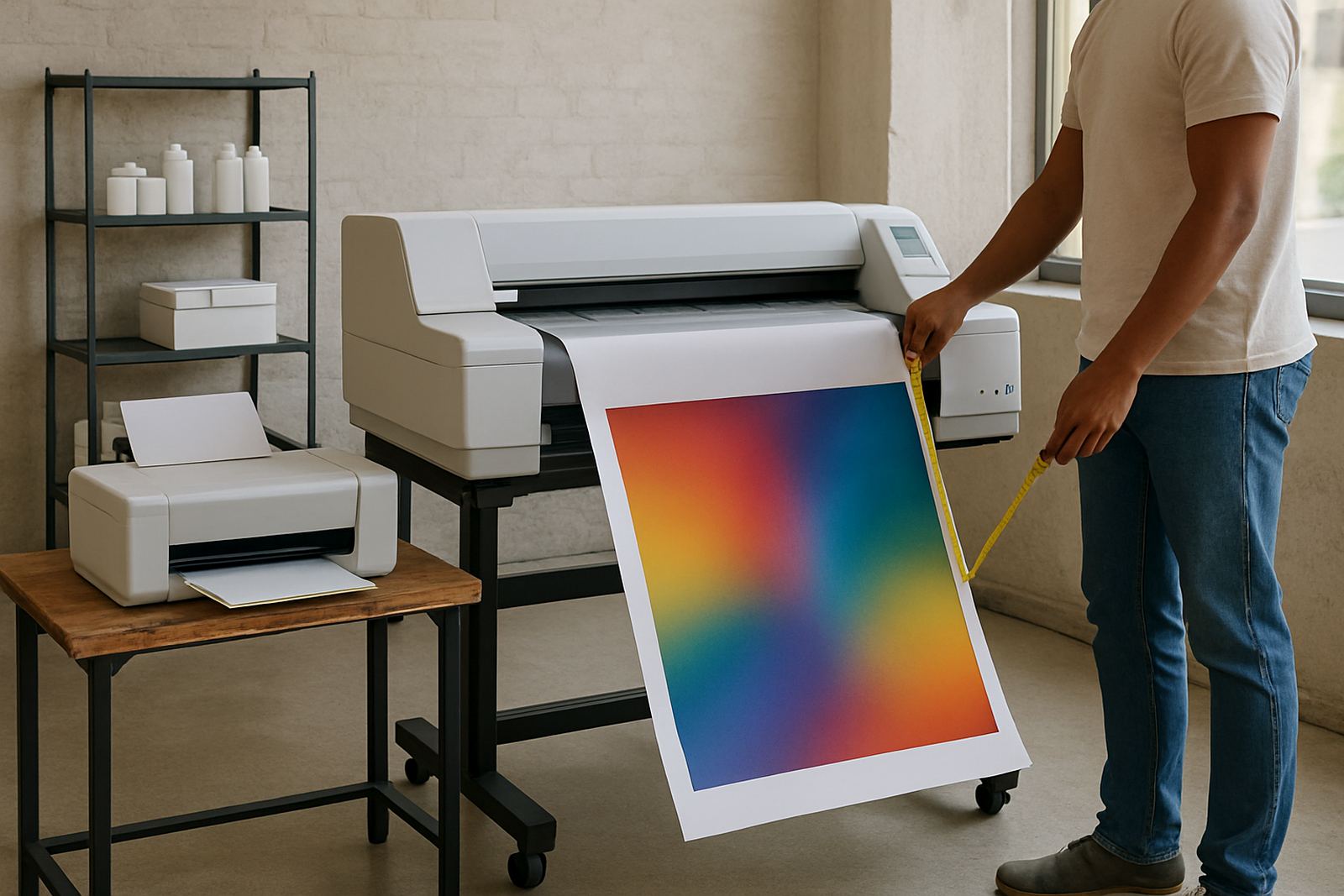
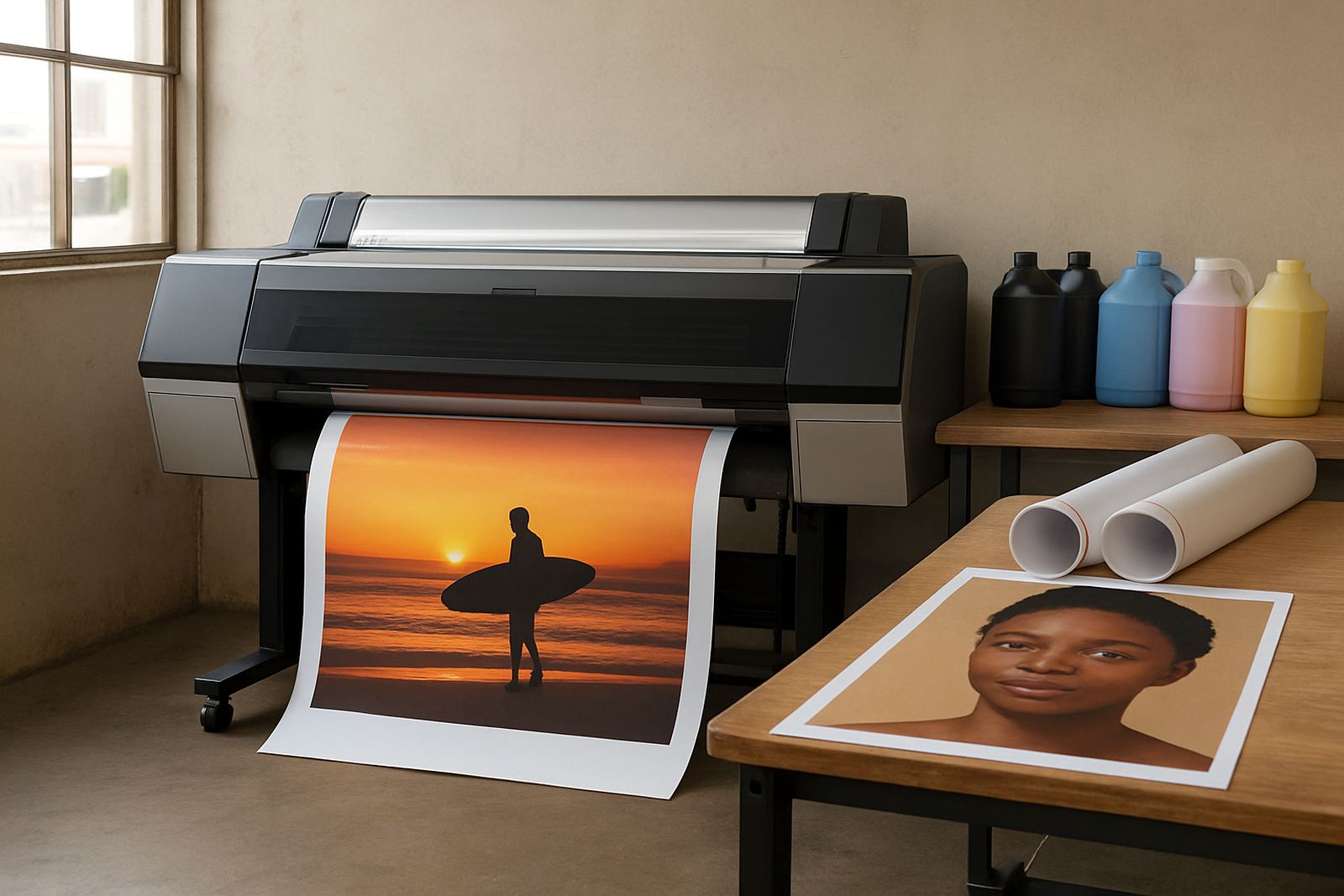
There is a point where A3 stops being enough. If you regularly print posters, exhibition boards, point of sale graphics or long proofs, wide-format may save time and reduce trimming. That move is usually worth it when A3 output is being pushed beyond its natural job, especially in sign shops and design studios with steady demand.
A practical rule is this: if the job keeps needing more space, more media choice or more colour control than A3 can give, it is time to review wide-format. A good supplier will talk you through that step honestly, not simply push the biggest machine. MyColour works that way, with clear advice on when an A3 printer is the right fit and when a larger colour system makes better sense.
- Choose A3 if you mostly need proofs, presentations and internal colour.
- Choose wide-format if you print posters, display graphics or larger technical layouts.
- Review your volume before buying, not after the work starts stacking up.
- Plan for ink, media and service support from the start.