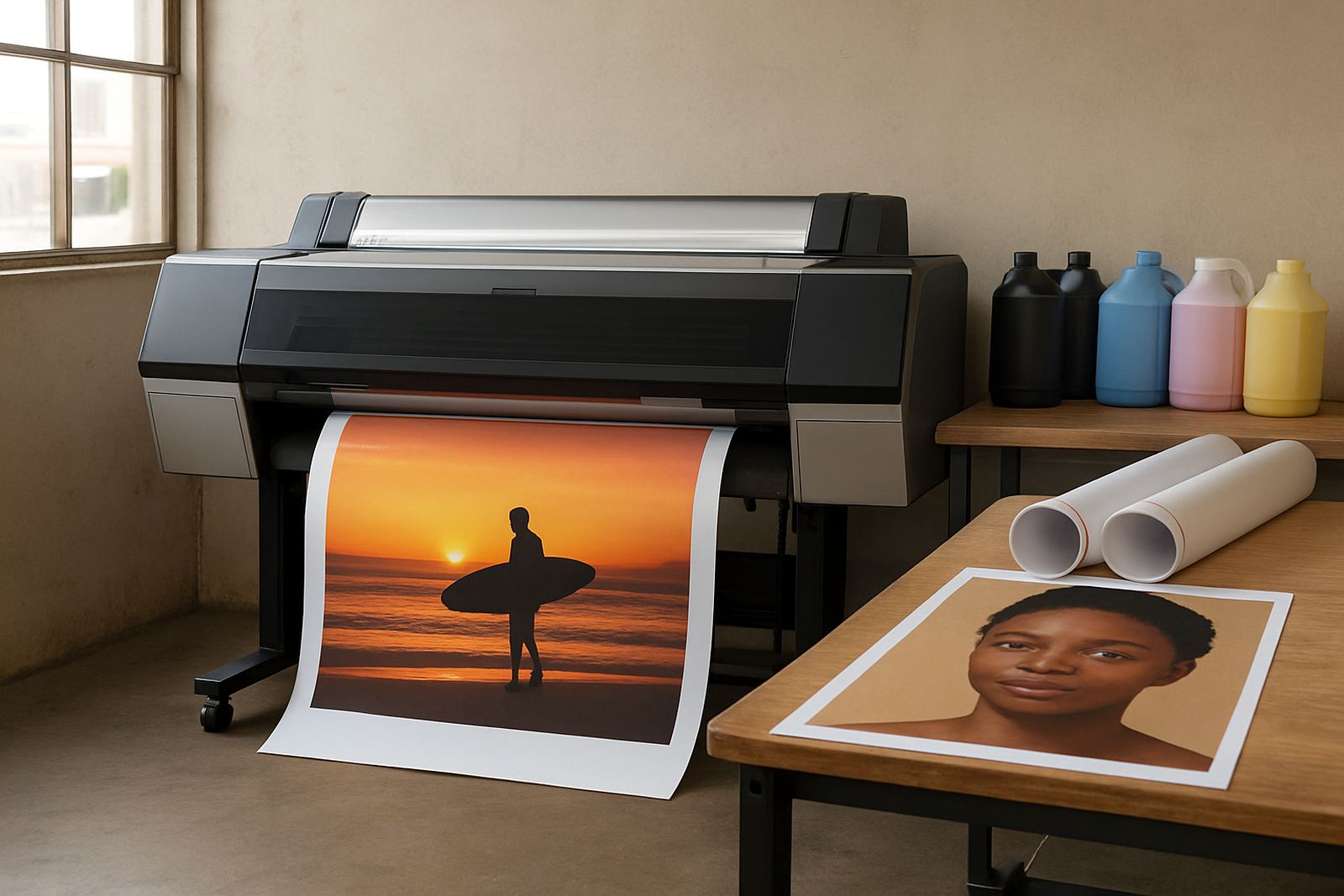
Start With the Poster Work You Print Most Often
Before looking at machine sizes, write down what you print week to week. Indoor posters for retail windows, campaign boards for events, point of sale graphics and presentation prints all place different demands on a printer. A machine that handles A3 proofing well may not be the right answer for 600 mm or 1 200 mm poster runs.
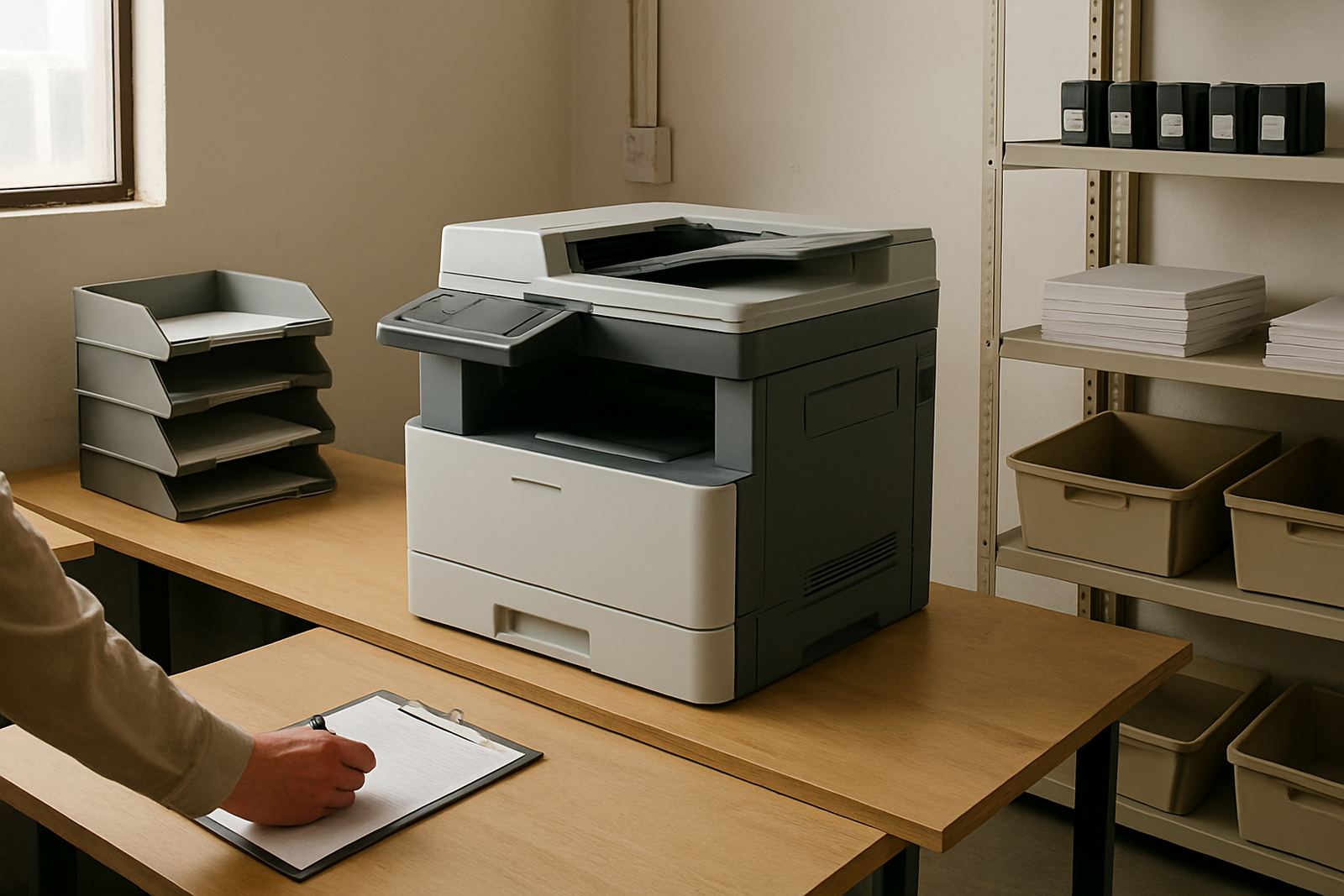
Think about the final size, the viewing distance and how sharp the text must be. If your team mainly prints short run posters for offices in Claremont or Bellville, a desktop colour printer can be enough. If you mount display graphics for malls, schools or expos then a wide-format machine is usually the better fit.
Choose Between Desktop Colour and Wide-Format
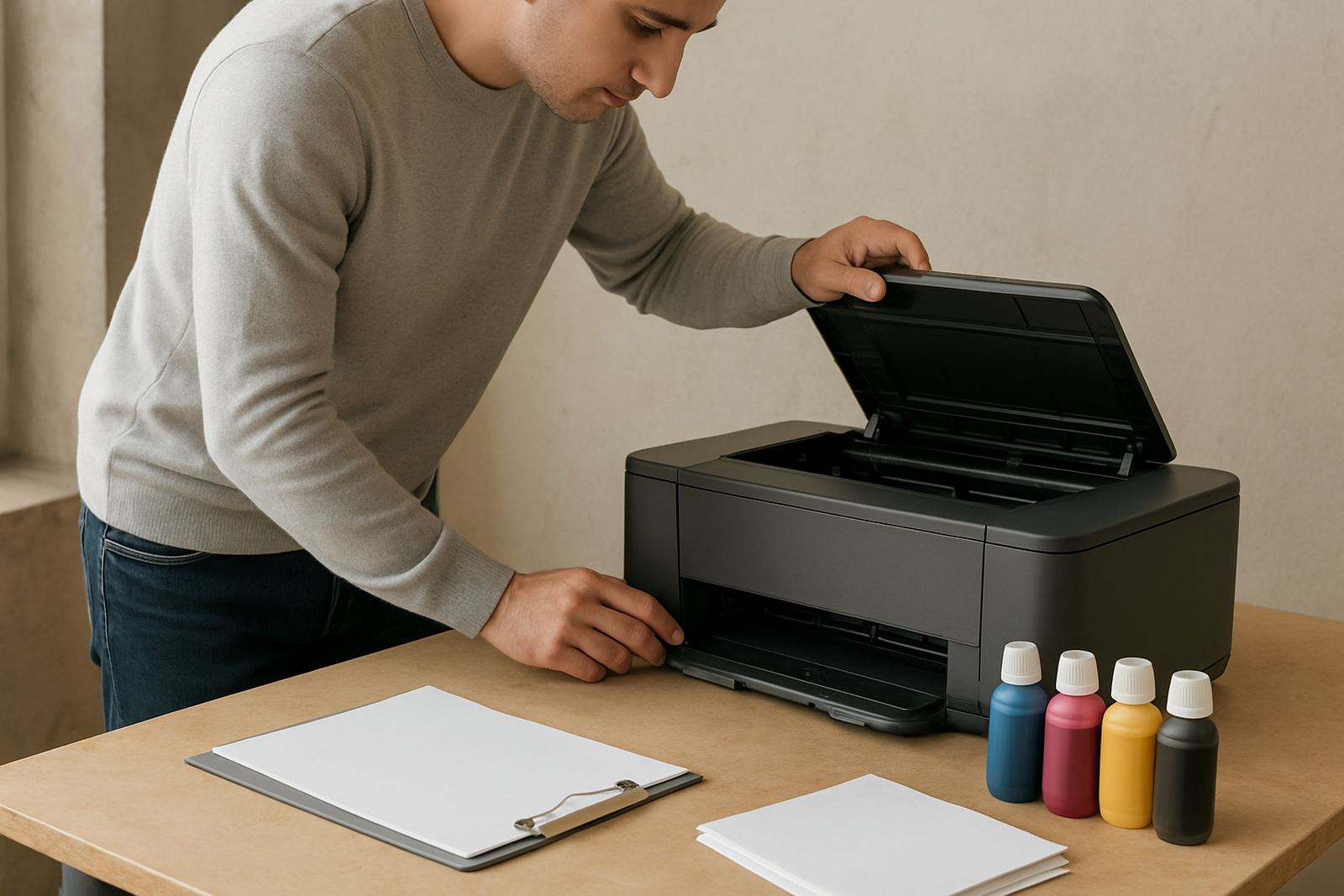
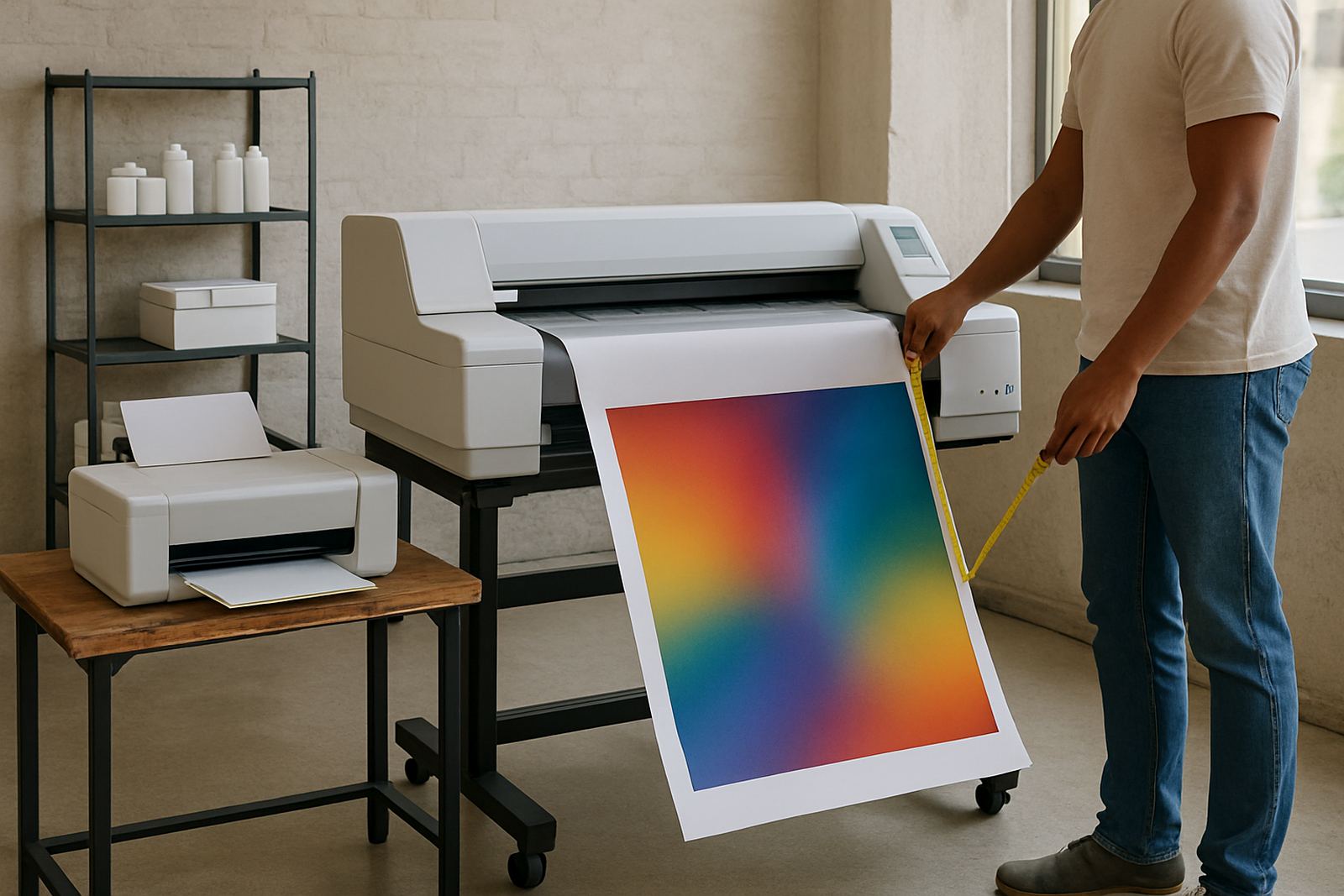
Desktop inkjet colour printers are useful for smaller posters, proofs and everyday colour office work. They are compact, easier to place in a shared space and suit teams that print a few sheets at a time. Wide-format machines are made for larger sheets and longer runs, which helps when you need more than just a quick A4 or A3 output.
As a simple guide, stay with desktop colour if your work is mostly documents, small posters and handouts. Step up to wide-format when you need repeatable indoor posters, campaign boards or display graphics in sizes that must look clean from a distance. That step also makes sense when several people share the same printer and output is constant all week.
- Use desktop colour for short runs, proofs and compact office spaces
- Use wide-format for posters, boards and display work above A3
- Match the machine to your busiest month, not your quietest day
Ink Choices That Keep Colour Stable
Ink choice affects more than colour alone. It affects drying time, handling, image clarity and how the print behaves on coated paper, poster stock or other display media. For work that must be pinned up the same day, drying speed matters. For proofing, the main concern is colour consistency from one print to the next.
In Cape Town's coastal air, humidity can shift the way certain papers feed and dry, especially in rooms near open doors or windows. Good ink planning helps reduce smudging, curling and dull colour. If your office runs through load-shedding, it also helps to keep a sensible stock of inks and media on hand so jobs do not stop halfway through a run.
Match Media to the Job Before You Print
Paper choice has a direct effect on finish, brightness and cost per print. Some posters need a coated sheet for punchy colour while others are fine on lighter stock for indoor notices. The wrong media can make strong colours look flat or can show banding that was not in the file.
For display graphics, check whether the surface will be viewed close up or from across a room. A smoother coated media often works well for indoor posters, while heavier stock can be better for mounted boards. When in doubt, do a small test print before buying a full batch. That one check can save money and avoid reprints.
- Ask what media gives the best colour for the size and use
- Test one sheet before ordering a full roll or ream
- Keep a note of the paper weight that works best for each machine
A Simple Pre-Print Checklist for Busy Teams
Poster work often fails on the small details, not the machine itself. Files may be set to the wrong size, image resolution may be too low or the paper profile may not suit the job. A short pre-print routine keeps the output more reliable and reduces waste.
- Confirm the finished size and check the file is set correctly
- Inspect the image quality for blurring or low resolution
- Check ink levels before starting a long run
- Use the right media setting for the chosen paper
- Run one test sheet for colour, alignment and crop marks
- Keep printed sheets flat while they dry, especially in humid weather
That quick routine is useful for design studios in Woodstock, print counters in Montague Gardens and offices that share one machine across several departments. It also cuts down on emergency reprints late in the day.
Installation, Care and When to Ask for Help
Once the machine is installed, the real value comes from keeping it in steady condition. Good setup includes correct placement, clean power, a clear handover for users and regular checks on print quality. If the machine is moved between branches or needs to support more than one person, a short refresher helps prevent mistakes.
Preventive maintenance is worth more than waiting for a failure. Nozzles, feed rollers and colour alignment should be checked before a busy season, not after the first fault appears. For teams in Somerset West, Bellville or beyond Cape Town, remote help and collection coordination can keep the supply chain moving when a part or service is needed.
MyColour works from Ndabeni with printer installation, wide-format setup, ink supply planning, user handover and consumable reordering, so the same team can keep the advice practical from first machine choice through to daily use.