Start With What You Print Each Month
Before comparing models, count the real output in your office. A small studio in Claremont that prints a few proofs a day needs something different from a busy sales office in Bellville running 300 to 800 pages a week. Write down how many pages are black only, how many are colour, and how many need sharp graphics. That simple list will tell you whether a desktop inkjet colour printer is enough, or whether you should look at a larger workhorse with lower running costs.
Also think about who is printing. If one person handles everything, a simple front panel is fine. If a reception team, designer and manager all share the machine, you will want easy ink access, clear alerts and a paper path that does not punish rushed users. In offices where load-shedding interrupts work, a printer with a clean restart sequence matters more than fancy extras.
- Pages per month: low, medium or heavy use
- Type of output: text, charts, proofs or photos
- Number of users: one workstation or a shared office
- Need for colour accuracy: basic office colour or proof-ready colour
Choose Inkjet or Wide-Format A4
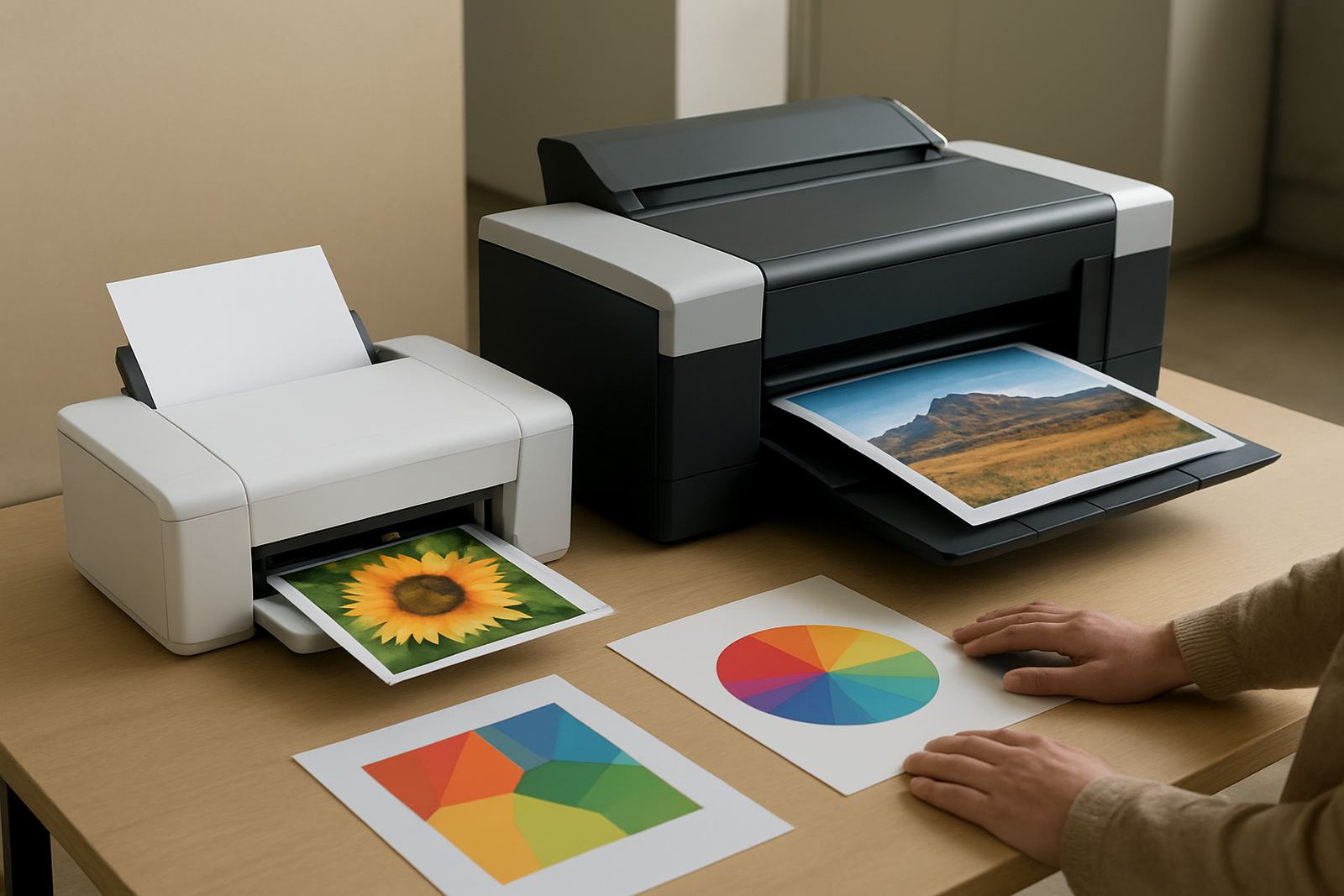
For most everyday office colour printing, an A4 inkjet colour printer is the practical starting point. It handles letters, brochures, handouts and general admin with good colour and manageable size. If you only need a compact machine for a few pages at a time, this keeps costs and footprint under control.
Once your work includes stronger graphics, frequent proofs or media like thicker coated stock, the question changes. You may still print A4, but you need a machine and ink set that give steadier colour and better media control. For teams in Ndabeni or Montague Gardens doing design approval and client samples, that often means stepping up to wider-format equipment even if the page size stays at A4 for some jobs. The wider carriage, better feed and stronger media support help when humidity, dust and long print days start affecting output.
- Pick compact inkjet for general office colour
- Pick higher capacity ink systems for heavier weekly use
- Step up to wide-format when proofing, posters or thicker media become routine
- Ask what papers and films the printer handles without curling or banding
Check Ink Costs, Not Just Printer Price
The cheapest printer on the shelf is often the most expensive to run. The key number is cost per page once ink, maintenance and wasted prints are counted. In busy offices, a machine with lower cartridge cost can still become costly if the ink is small, empty warnings come early, or maintenance cycles waste too much fluid.
It helps to compare three things: ink yield, replacement price and how often the machine may stand unused. If your office closes for weekends or holidays and the printer sits in a warm room, the ink system must cope with that downtime. Coastal humidity around Somerset West and Woodstock can also affect paper storage and print consistency, so ask about keeping stock sealed and in a cool dry place. Good supply planning matters more than a low sticker price.
- Ask for ink yield in pages, not just cartridge size
- Check the price of a full ink set, not one colour only
- Confirm whether inks are individual colours or combined units
- Allow for spare sets if print volume cannot stop when stock runs out
Match the Printer to the Paper and Media
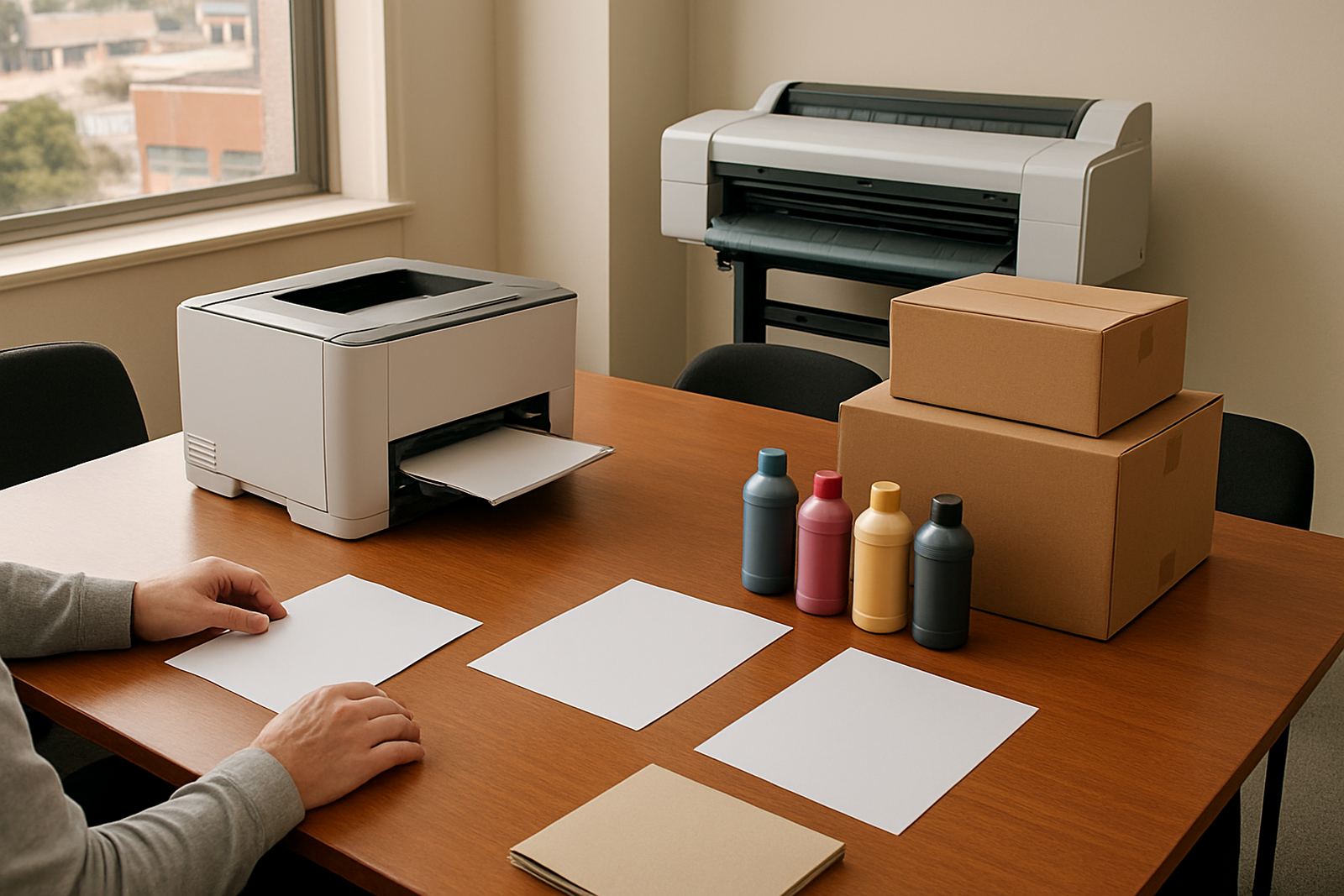
Every office has its own mix of paper. Some print on plain 80 gsm sheets all day. Others need letterheads, gloss handouts, labels or heavier presentation stock. The printer should suit the paper you use most often, not the paper that looks impressive in a brochure. If the machine struggles with thickness, it will slow the team down and may need repeated feeds.
For Cape Town offices, paper choice also needs a bit of local thinking. In summer heat or damp storage spaces, sheets can curl and static can become a nuisance. Keep reams closed until needed and avoid storing them next to windows or delivery doors. A decent printer should still handle this reality without constant jamming, but the better the paper matching, the less time your staff will spend unblocking trays and reprinting pages.
- Plain paper for admin, quotes and internal print
- Coated paper for presentations and proof work
- Heavier stock for covers, menus or short-run handouts
- Confirm tray size and manual feed support before buying
Plan the Setup Before the Printer Arrives
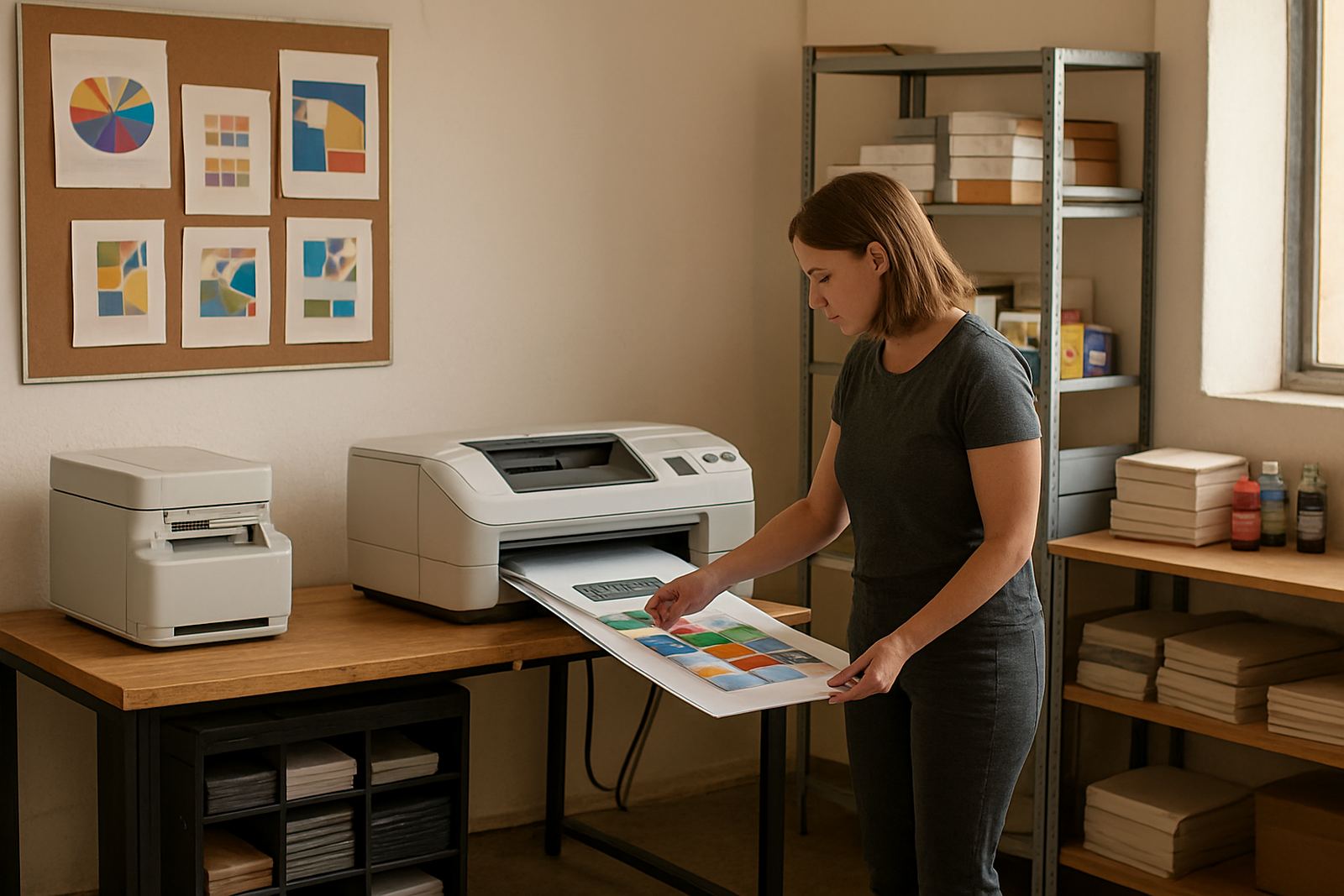
Installation is easier when the space is ready. Measure the shelf, trolley or counter where the printer will live and leave enough room for paper loading, front access and ink changes. A machine squeezed against a wall soon becomes awkward, especially when staff are trying to work around it during a busy morning.
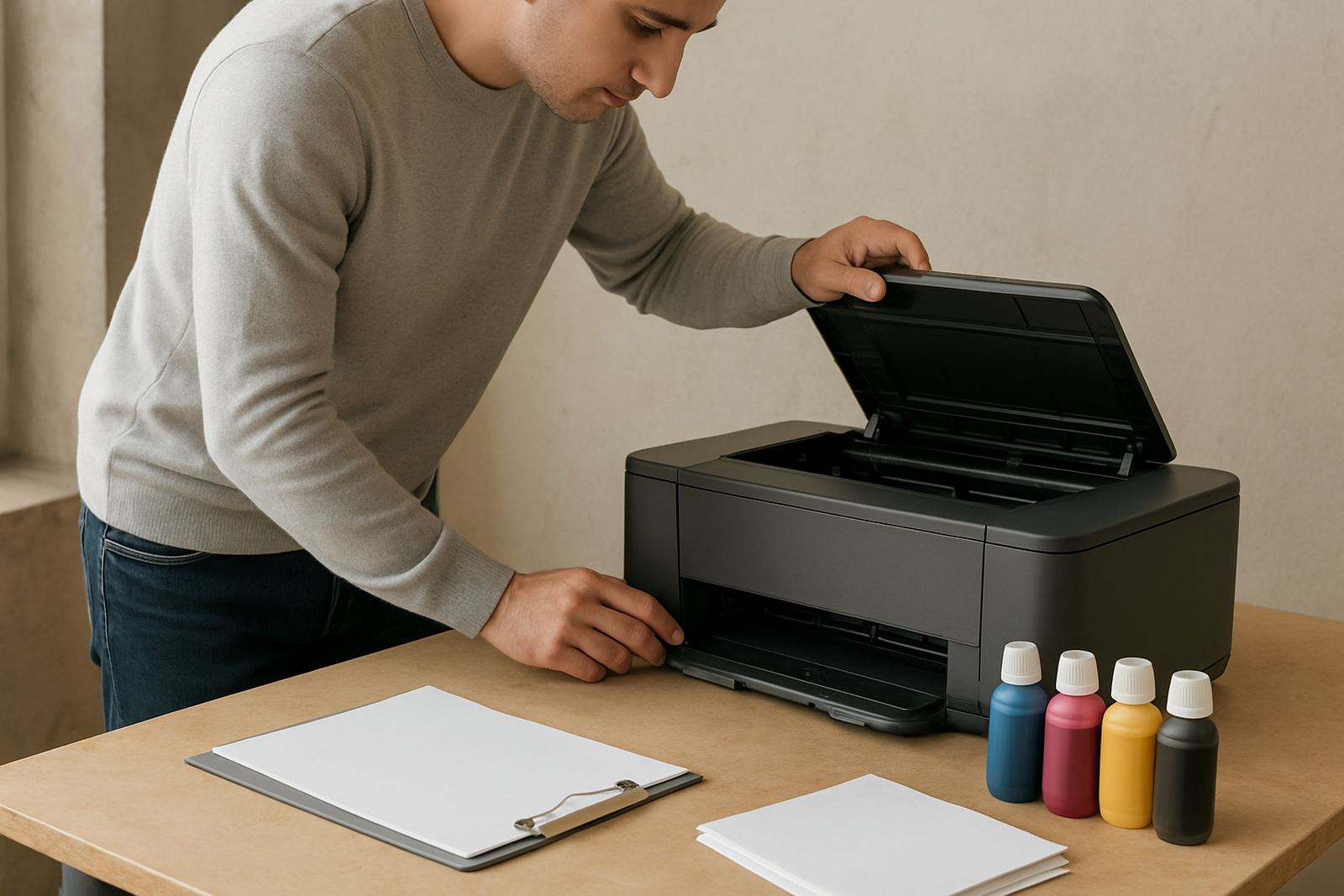
Think about cable routes, network access and who will manage the device. If the printer is for a shared office in Bellville, someone must know how to clear a feed issue, replace ink and check test prints. A proper handover avoids the common problem of a new printer being used like the old one, even when the settings are wrong. Remote help can be useful for quick checks, but the basics should be clear to the team from day one.
- Allow space for loading paper and opening covers
- Confirm power and network points before delivery
- Identify one person for day to day consumables checks
- Keep a short guide next to the printer for first response steps
Use a Practical Printer Checklist Before You Buy
Buying the right A4 printer is mostly about getting the basics right. If the machine fits your monthly volume, your paper types and your budget for ink, it will do the job well without constant calls for help. If you are unsure whether your office should stay with A4 colour or move toward wide-format, it is worth asking for practical advice before the order is placed.
MyColour in Ndabeni supports offices, design studios and sign teams across Cape Town and nationwide by courier. The same bench can help with printer installation, ink supply planning, preventive maintenance, print quality checks, media matching and consumable reordering. That is useful when a team in Claremont needs a quick setup, or when a Somerset West office wants steady colour without overbuying hardware. Get the fit right now and the printer will pay for itself in fewer reprints and less downtime.
- Does it match your monthly page count?
- Will the ink cost work for your budget?
- Can it handle your regular paper and media?
- Is there a clear plan for installation, support and replenishment?