What the media test printer does in day to day work
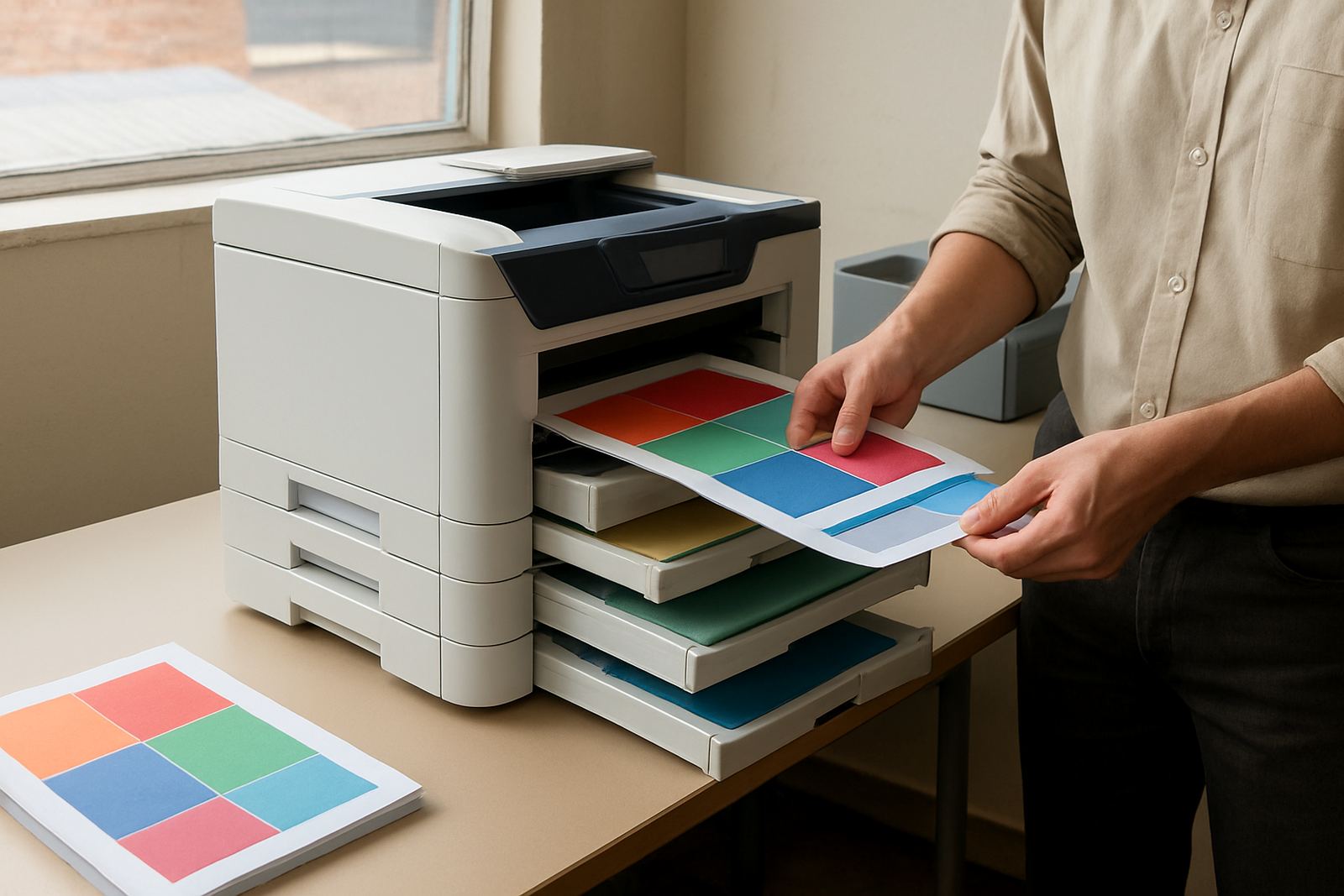
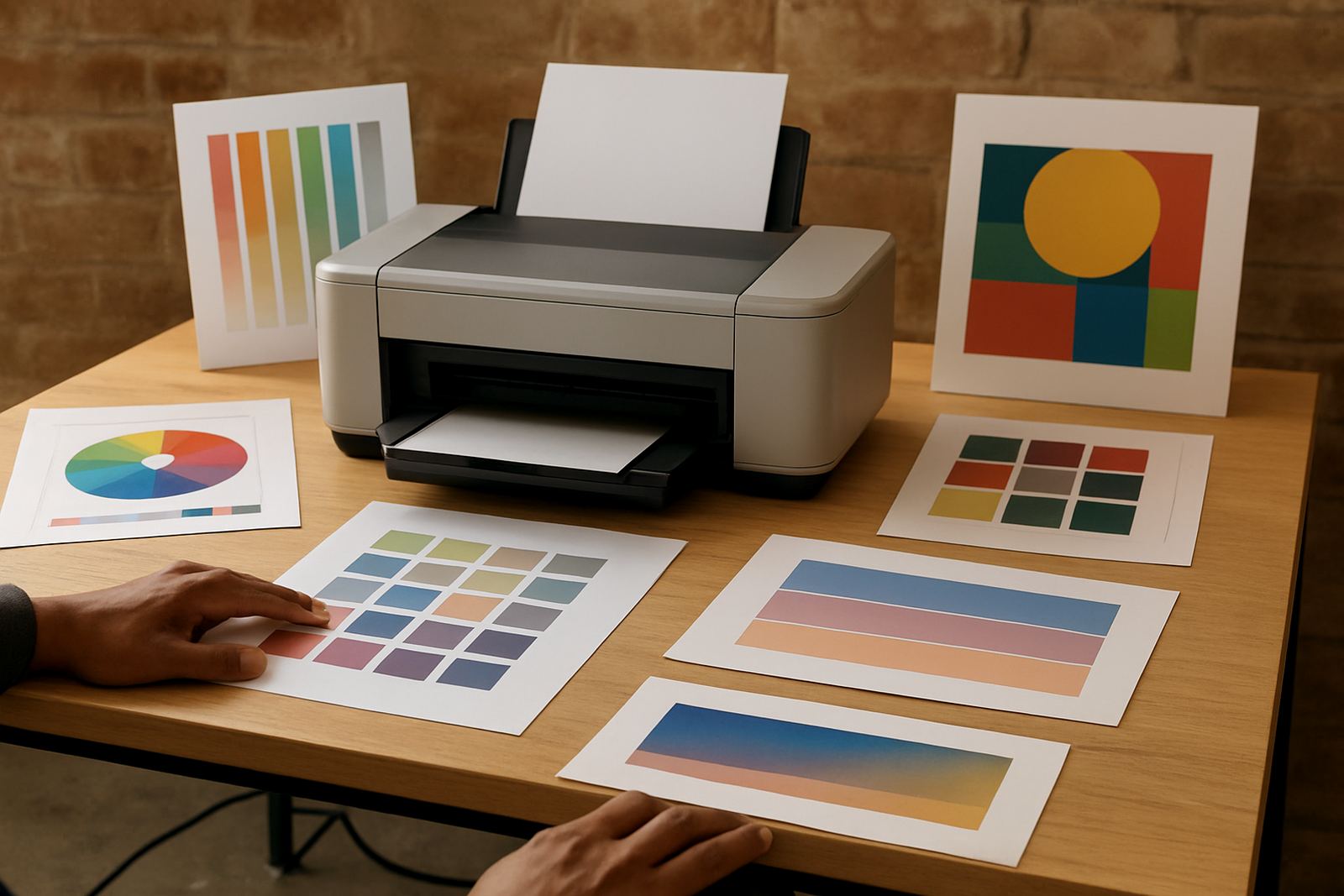
This printer is built for sampling and proofing, so you can compare coated, uncoated, matt and gloss stocks before a bigger job goes to press or wide-format output. It suits design studios, sign shops and in-house offices that handle colour sensitive work and need a repeatable way to check output, not guess it.
In practical terms, it gives you a controlled station for checking density, drying time, black stability and colour shift across different papers. That matters when a client wants a brochure proof on 120 gsm bond one day and a poster mockup on heavier coated media the next. In Cape Town, coastal humidity can slow drying on some stocks, so having a test printer on site saves wasted sheets and a lot of back-and-forth.
- Compare several paper types before a full print run
- Check ink behaviour on coated and uncoated media
- Test colour accuracy after cartridge changes or servicing
- Produce quick mockups for client sign-off
Sizes and options that suit small teams or busy shops
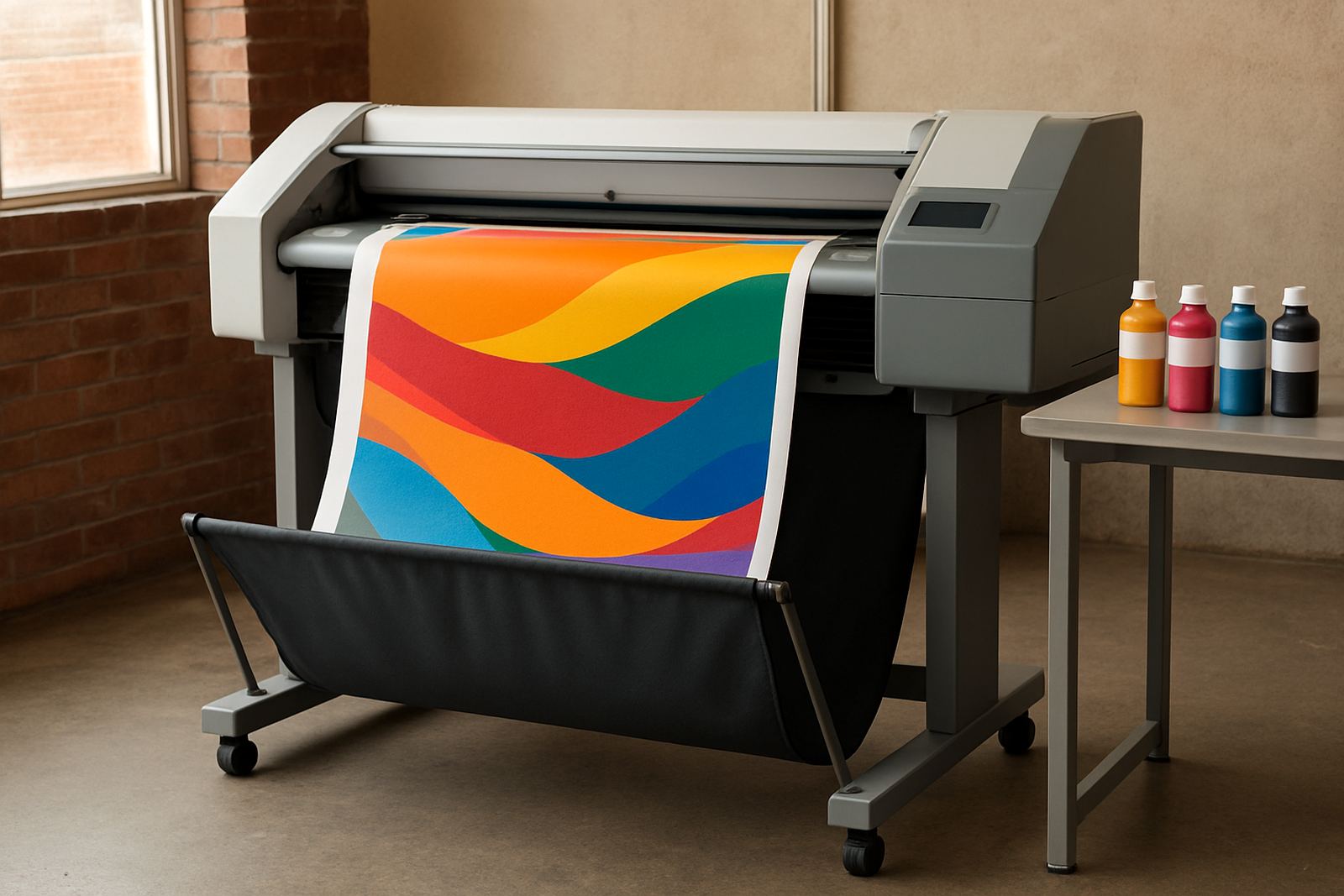
MyColour can supply compact desktop inkjet colour printers for table-top use, plus larger colour machines where a small team needs higher volume and broader media handling. The right choice depends on the size of your samples, the width of your media and how often you print. If your work is mostly A4 or A3 proofs, a desktop unit is usually enough. If you also need banner or wide poster checking, a larger format machine is the better fit.
Options typically include standard dye or pigment ink sets, single or multiple paper trays, manual feed for thicker stock and media paths that are kinder to coated sheets. For shops that need to test colour before a client run, matching the machine to the same family of consumables used in production keeps results more consistent.
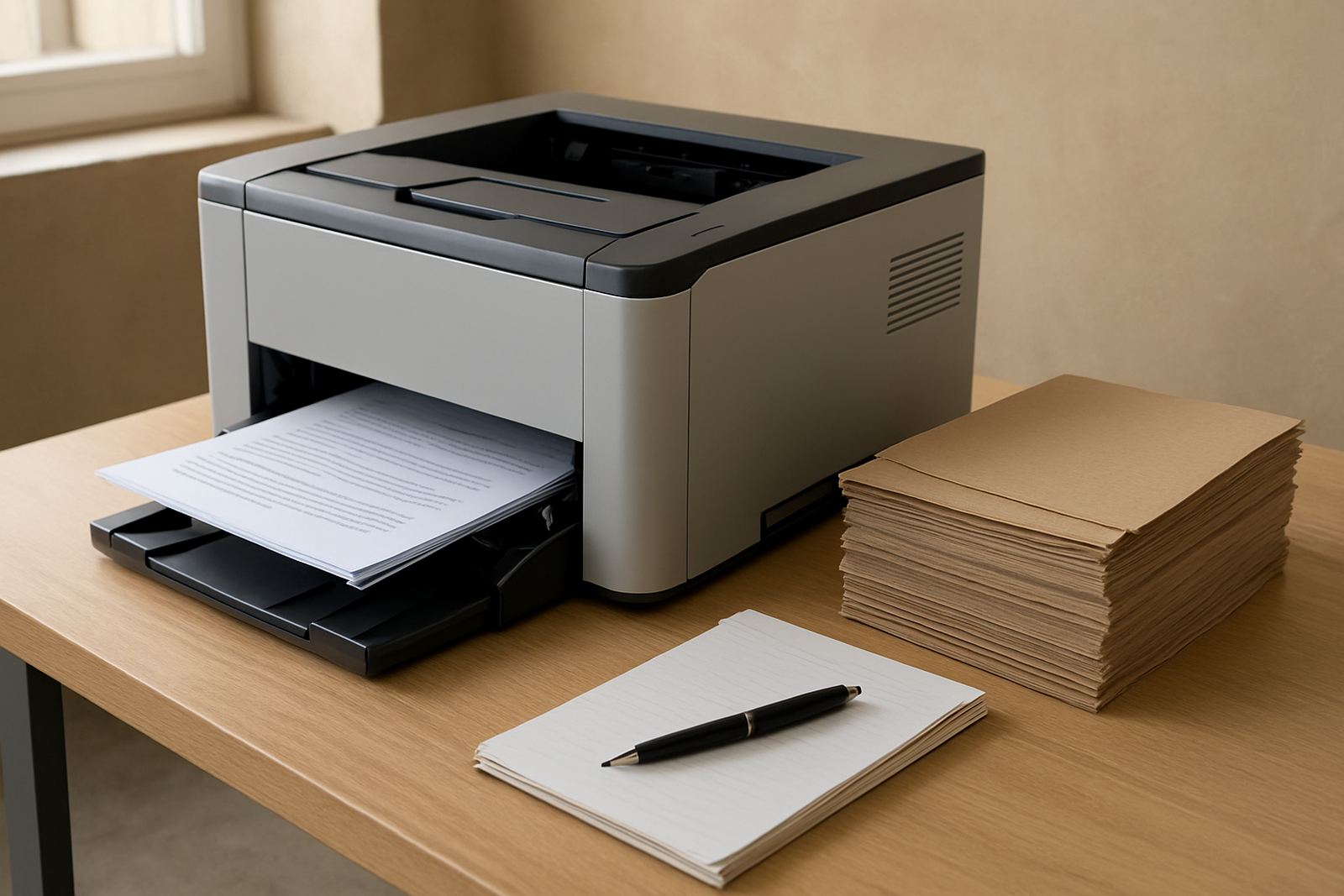
- Desktop inkjet colour models for A4 and A3 samples
- Large-format colour models for posters and wider media
- Paper handling for light bond, presentation board and coated sheets
- Ink options matched to the kind of colour work you do most
Where this printer fits best in South African workflows
This product suits places where colour control matters and turnaround is tight. In Ndabeni, Montague Gardens and Woodstock, it is a practical fit for print rooms and creative teams that need to test paper choice before sending a job onward. In Claremont, Bellville and Somerset West, it works well for offices and studios that do their own presentation material, labels or client proofs.
It also makes sense for teams that need a common test point between design, production and dispatch. Instead of each person using a different office printer, one media test printer gives everyone the same reference. That helps when a customer is fussy about skin tones, greys or brand colour matching, and it reduces costly reprints, especially when electricity interruptions have caused a printer reset or a rushed restart.
- Design studios checking proofs before client approval
- Sign shops testing colour on poster and display media
- Busy offices producing presentation packs and internal colour work
- Teams that need one place for repeatable sample prints
Installation, power and workspace needs
Installation is straightforward, but it pays to set the machine up properly from the start. A stable table or stand, enough space for front and rear access, and a dry area away from direct sun are the basics. For wider machines, allow enough room for media loading and output so sheets dont curl or collect dust. If you work near the coast, keep the unit away from open windows because salty air can affect exposed contacts and paper storage.
Power needs are usually standard office supply, although a protected circuit and a UPS are sensible in areas with load-shedding or unstable supply. No gas or special ventilation is normally needed, but clean airflow and a dust free room help keep nozzles and rollers in better shape. MyColour can handle printer installation, wide-format setup and user handover so the team knows the feed path, cleaning routine and basic fault checks before the first job goes through.
- Stable table or floor stand with easy access
- Standard electrical supply with surge protection or UPS
- Dry, dust controlled room for better print consistency
- Enough clearance for media loading and output handling
Care, servicing and ink planning
A media test printer works best when it is used regularly and kept clean. Small colour machines can sit idle during quiet periods, then need a head clean or nozzle check before the next proof. Wide-format units need a bit more attention, including roller cleaning, head maintenance and regular ink movement so the system does not dry out. If you leave the machine unused for weeks, expect more cleaning cycles and some ink waste, which is normal but not ideal.
MyColour offers preventive maintenance, print quality checks, remote help and consumable reordering so you are not stuck when a cartridge runs low on a Friday afternoon. Ink supply planning matters because different papers use ink at different rates, and a heavy coated sheet may need more time and ink to reach the same result. With the right plan, your test printer stays ready and you avoid panic buying or overstocking boxes you wont use.
- Regular nozzle checks and cleaning cycles
- Scheduled servicing for rollers, heads and feed paths
- Consumable planning based on expected monthly usage
- Remote help and collection coordination if a unit needs workshop attention
What to verify before ordering a clinic printer
Before ordering, check the paper sizes you need, the widest sheet or roll you plan to test, and whether you want A4, A3 or large-format capability. Confirm the type of inks you use most, because pigment and dye behave differently on the same stock. It is also worth checking how many users will share the printer, whether the machine must sit in a small room, and if the team needs training at handover or a simple setup for single-user use.
Ask about media matching as well. A printer that looks fine on office bond may react very differently on premium matte, synthetic stock or high gloss paper. If your team does both proofing and production support, ask where the test printer sits in the workflow so you dont buy a unit that is too small for the job or too large for the room.
- Paper size and maximum media width
- Ink type and availability of matching consumables
- Number of users and expected print volume
- Need for setup, training and ongoing support
Key facts
| Print type | Colour inkjet for proofing and media testing |
|---|---|
| Typical sizes | Desktop A4 and A3 options, plus large-format models |
| Media handling | Bond, matt, gloss and heavier coated stocks |
| Ink system | Matching colour consumables for stable test output |
| Power | Standard office power with surge protection recommended |
| Service support | Installation, maintenance, quality checks and reordering |