Built for the pace of a school office
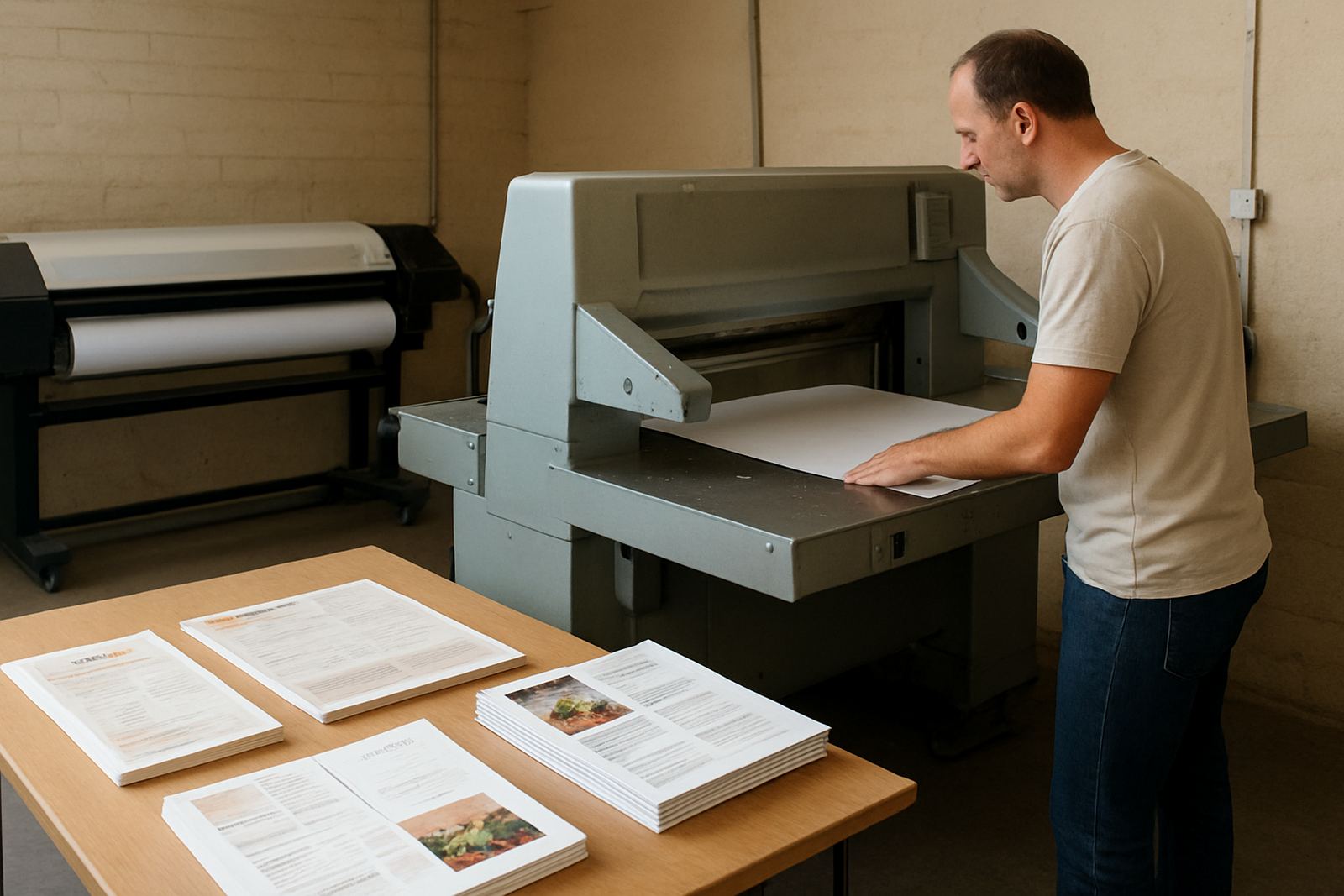
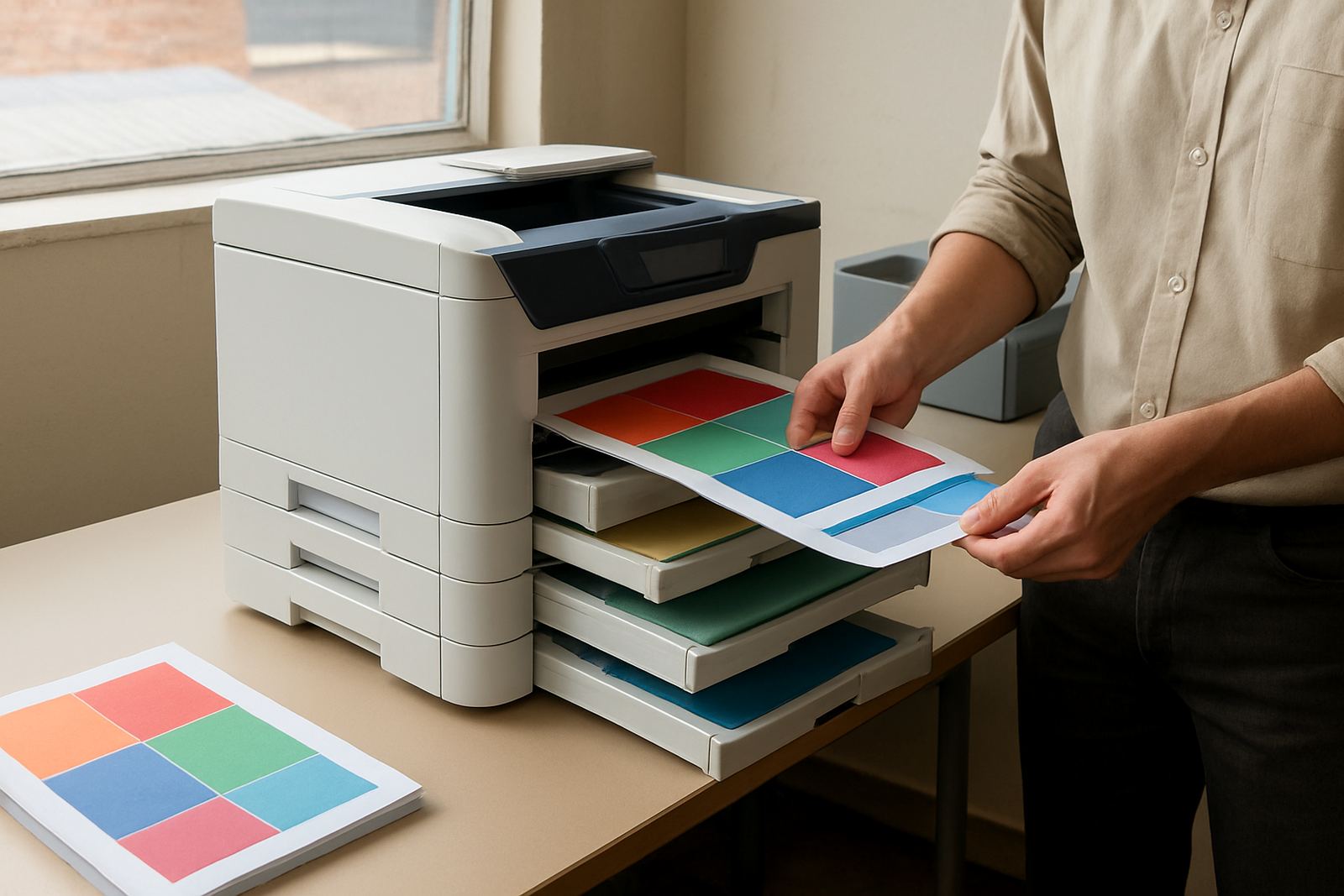
This category suits admin teams that print in bursts through the morning, then again before parents evenings, sports days and end of term reports. A school office printer has to cope with mixed work, from black text letters to coloured timetables and learner notices, while staying easy for multiple staff members to use. In smaller schools one unit may cover the front office and staff room, while larger campuses often need a colour printer near admin and a wider-format machine for posters and corridor displays.
MyColour helps schools choose a printer that matches actual monthly use, not just a brochure figure. That means checking how many pages are printed each week, whether the work is mostly A4 or includes A3, and whether staff need sharp text or richer colour for graphics. It also means choosing inks that are suitable for steady classroom and office output, especially where machines sit in warm rooms or near the coast where humidity can affect paper handling.
- Best for newsletters, notices, rosters and parent communication
- Suitable for staff rooms, finance offices and reception areas
- Can be paired with matching inks and paper advice from the start
Sizes, formats and useful options
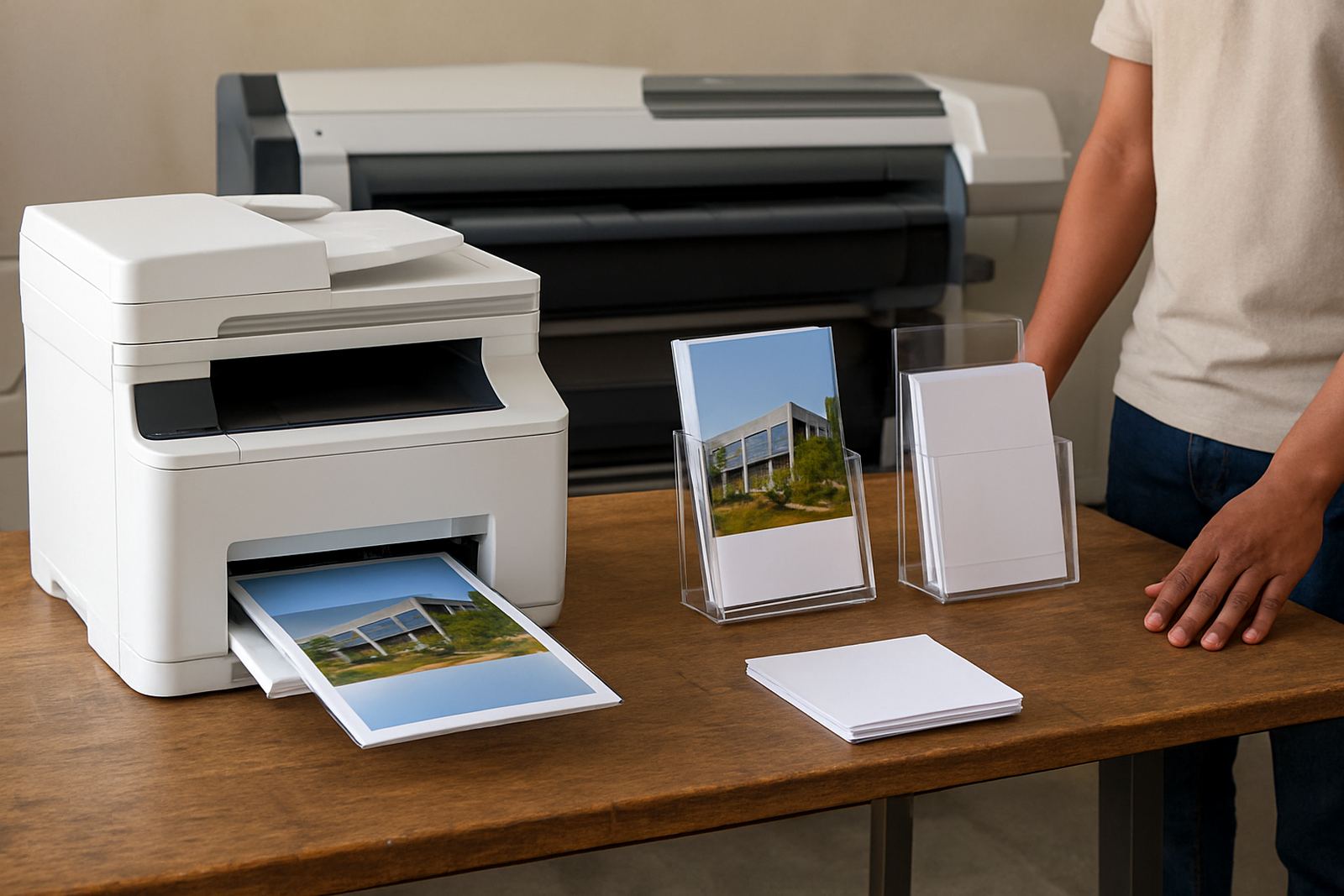
Schools usually need one of three setups. Compact desktop colour printers are a good fit where space is tight and printing volumes are moderate. A4 colour machines suit the daily load of letters, forms and handouts. Large-format colour machines are better for posters, classroom charts, sports fixtures and display material that must be seen from a distance. If your school prints both office pages and bigger notices, it can make sense to keep a smaller printer for admin and add a wide-format unit later.
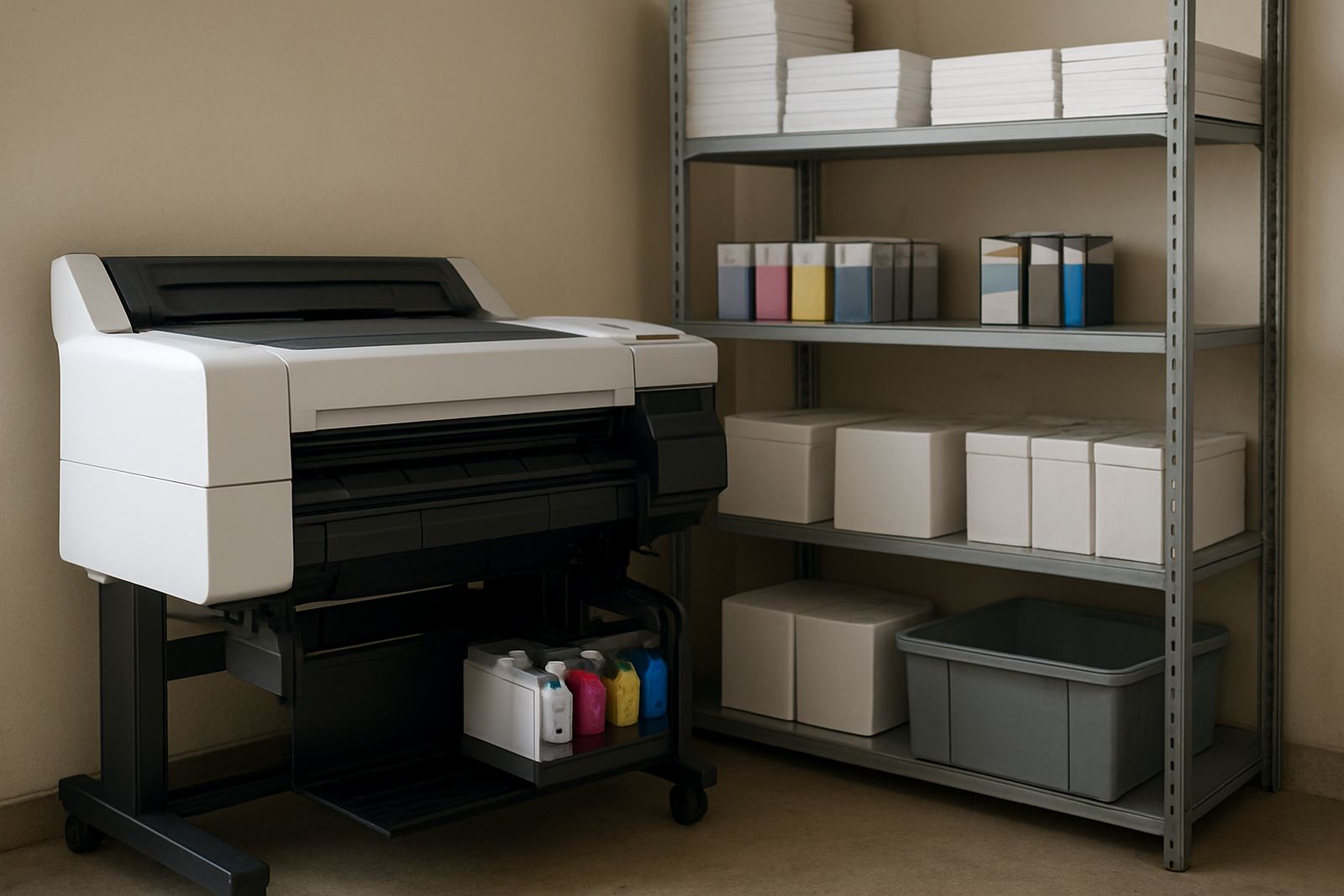
Useful options include automatic two-sided printing to save paper, network connectivity for shared use, and higher-capacity ink tanks or cartridges so staff are not stopping every few days to replace consumables. Schools that print exam material should also look at consistent text quality, clear barcodes or numbering where needed, and predictable colour output across repeat jobs. If the printer will be used by several people, simple menus and direct paper loading help keep things moving.
- Desktop inkjet colour printers for smaller offices
- A4 shared printers for admin and reception teams
- Large-format colour machines for posters and wall charts
- Two-sided printing, network use and higher-capacity ink options
Where it suits best in education
This type of printer suits primary schools, high schools, independent schools, training centres and aftercare offices. It is a practical choice where the team needs quick turnaround on notices for parents, subject schedules, permission slips and learner communication. It also works well in department offices that print a steady mix of forms and colour handouts, especially when each subject wants its own style of page or poster.
For schools in Cape Town, Stellenbosch, Somerset West and the northern suburbs, we often recommend thinking about dust, heat and power interruptions before the machine is chosen. In areas with load-shedding, a printer that starts cleanly after a power cut and does not lose its place in the queue saves time. In coastal areas, paper storage matters too because damp paper can cause feeding problems and poor print finish.
Where a school has limited space, the printer can sit on a secure trolley or in a ventilated office corner. It should not be squeezed against a wall or left where children can reach moving parts, consumables or cables.
Installation, power and day to day setup
Site preparation makes the installation much easier. The printer needs a stable table or stand, access to a standard electrical outlet and enough room for paper loading and access to the ink bay. No gas supply is needed. For schools with unreliable power, a surge-protected socket and a small backup power system are worth considering, especially if the printer shares a circuit with computers, routers or a laminating machine.
Before setup, check where the machine will be used, who will load paper and who will keep the spare inks. If several staff members print to the same device, it helps to give the printer a clear name on the network and to set simple defaults for colour, paper size and two-sided printing. That avoids mistakes and keeps consumable use under control.
- Requires standard mains power only, no gas or special utility
- Allow space for front access, paper trays and service access
- Surge protection is recommended in areas with load-shedding
- Network setup can be arranged for shared school use
Care, servicing and print quality checks
A school printer works better when it is used regularly and kept clean. Weekly printing helps prevent ink from drying in the nozzles, while a simple monthly check can catch faded colours, streaking or paper dust before it becomes a bigger problem. If a school prints in bursts and then leaves the machine idle for long periods, the inks and print heads may need extra attention after holidays or exam breaks.
MyColour supports preventive maintenance, print quality checks and remote help for common issues. That includes checking paper settings, cleaning routines, alignment and whether the ink choice still suits the media in use. For schools that print glossy flyers, heavier charts or matte classroom handouts, media matching can make a real difference to how colours hold and how quickly the page dries.
- Regular use helps prevent blocked nozzles and faded output
- Keep paper sealed and dry, especially near the coast
- Schedule checks before major events or exam periods
- Ask for help early if colour shifts or banding appears
What to check before you order
When you order a school office printer, start with the monthly page volume, the paper sizes you need and whether colour is essential for every job or only for notices and presentation pages. Then confirm if the school wants A4 only or if A3, posters and wall charts are part of the workload. It is also important to know who will manage consumables, because a school office should not run out of ink in the middle of report season or parent meetings.
Ask about support after delivery as well. MyColour handles printer installation, user handover, consumable reordering and collection coordination where needed. Schools in Ndabeni, Montague Gardens, Woodstock, Claremont, Bellville and Somerset West can work with the Cape Town team directly, while courier supply reaches the rest of South Africa. If you need a straightforward recommendation, the team can help match the printer to the room, the paper and the actual print load.
- Monthly volume and peak periods
- A4 or A3, plus any need for wide-format posters
- Who will handle inks, paper and reordering
- Whether delivery, setup and handover are needed on site
Colour Printers And Ink Support For Schools
MyColour focuses on colour printers and the inks that keep them running, so the advice stays practical. For schools that need clear, reliable colour output, that means one supplier for the machine, consumables and support, instead of piecing things together from different places. The team includes Danie Vosloo, Zanele Mkhize, Oarabile Xaba, Pieter Smit, Boitumelo Shabalala and Jason Daniels, all working from Ndabeni, Cape Town with nationwide courier supply.
Education offices need printers that are easy to live with. They must be simple enough for the front office, dependable enough for weekday admin and flexible enough for special events, all without wasting paper or ink. That is where sensible sizing, proper setup and regular servicing make the biggest difference.
Key facts
| Print type | Colour inkjet printer for school office and education use |
|---|---|
| Common formats | A4, with selected models available for A3 and wide-format work |
| Typical use | Newsletters, charts, notices, forms, posters and admin pages |
| Connectivity | USB, network and shared office printing options |
| Power | Standard mains power, with surge protection recommended |
| Support | Installation, handover, maintenance, remote help and consumable reordering |