What a draft colour printer is used for day to day
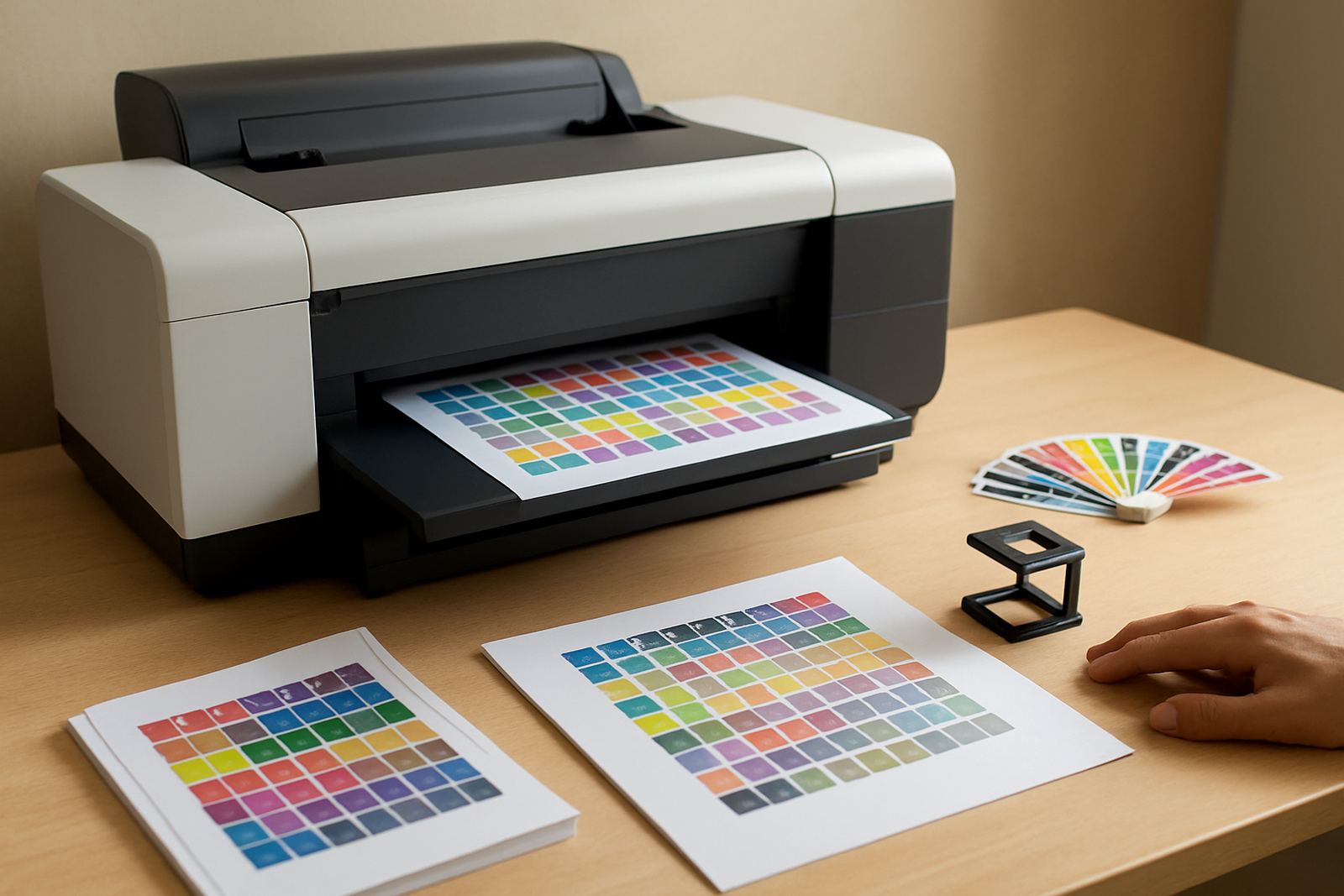
A draft colour printer is built for speed and controlled colour when you need to check a job before committing to the final print. It suits teams that produce artwork proofs, client mark-ups, tender packs, labels, internal notices and repeat layouts through the week. The aim is not showroom finish, it is dependable colour on paper or roll media so staff can catch spacing, image placement and text errors early.
For a studio in Claremont or a sign shop in Montague Gardens, this kind of printer often becomes the first stop for every new file. You get colour that is good enough for approval, with lower ink use than full production settings and far less waste when changes are needed. That matters when load-shedding interrupts a job and you need to resume without redoing the whole run.
Size ranges and format choices that fit the work
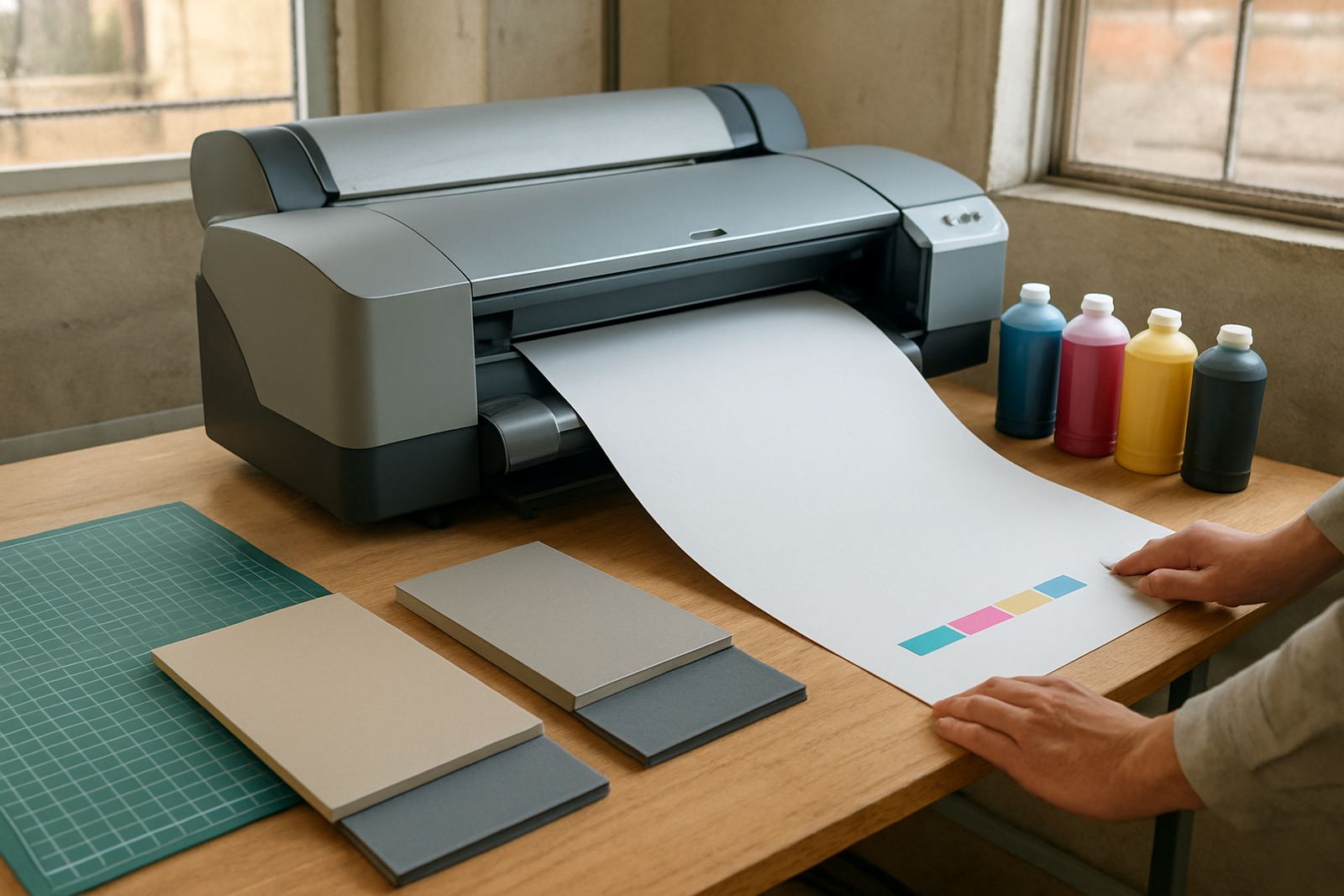
MyColour supplies colour printers in a few practical sizes so the machine matches the job, not the other way round. Small units suit A4 and A3 mark-ups, while wide-format models handle posters, presentation boards and longer signs. If your team already prints invoices and admin colour pages, a compact unit may be enough. If you produce artwork for retail, property or events, step up to wide-format early and avoid squeezing bigger work through a machine that was never meant for it.
- A4 and A3 colour printers for internal checks, handovers and office colour pages
- Wide-format colour printers for posters, plan sets, graphics and display work
- Matching ink sets and maintenance supplies for each model range
- Options for single-user rooms, shared office areas and production corners
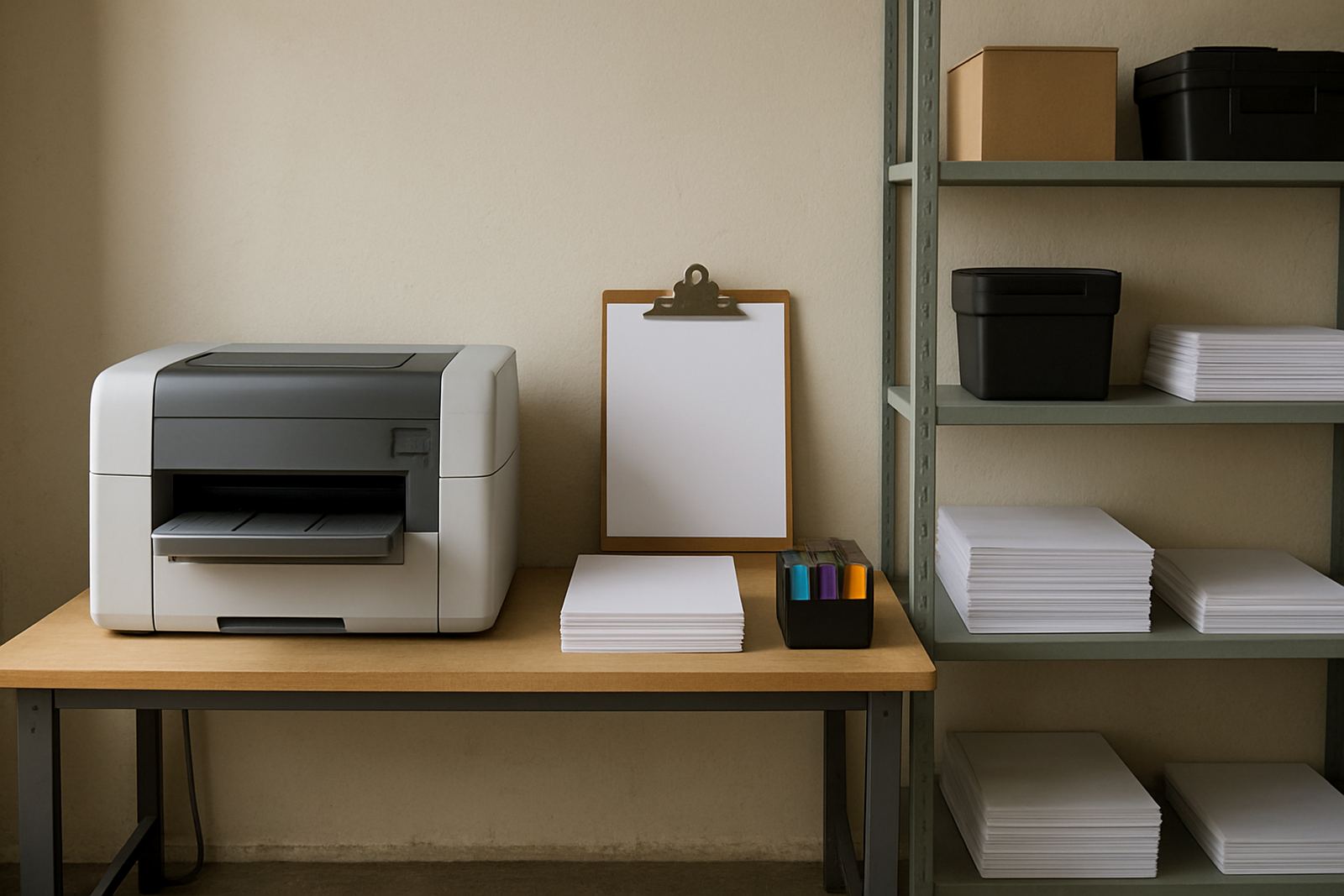
When space is tight in a Woodstock studio or a Bellville back office, measure the footprint carefully. Leave room for paper feed, front access and a clean path for maintenance. A printer crammed against a wall often creates feeding trouble and makes servicing slower than it should be.
Where this printer suits best in South African workspaces
This type of printer suits places that need colour every day but do not always need full production output. That includes design studios, repro rooms, sign workshops, estate agencies, municipal contractors, marketing teams and office environments with regular proofing. It is also useful where several staff members need to check the same layout before sign-off.
In coastal areas like Somerset West and parts of Cape Town, humidity can affect paper handling and ink drying, so proper storage matters. Keep media in its wrap until needed, and avoid leaving open packs near windows or air vents. If you print in a hot room the paper can curl, and that causes more feed faults than people expect.
- Internal proofs and revision checks
- Client presentations and colour mock-ups
- Short-run posters and notices
- Everyday office colour printing
- Artwork and sign-off copies before final production
Installation, power and workspace requirements
Installation is straightforward, but the basics must be right. Most colour printers run on standard 220 to 240V mains power and should be plugged into a stable socket with surge protection where possible. In areas with frequent outages or voltage dips, a suitable UPS can prevent damaged print jobs and reduce strain on electronics. There is no gas requirement, only proper electrical supply and enough clean space around the unit.
MyColour handles printer installation, user handover and remote help where needed. We check cable routing, ink loading, paper path setup and the first test prints before the team starts using the unit. For wide-format machines, we also look at floor level, clearance for roll loading and access for maintenance. A small mistake during setup can cost hours later, so it pays to get the basics right first.
- Stable power point with surge protection
- Clear access for paper, ink and service panels
- Ventilated, dust controlled room
- Space for media storage close to the printer
Care, servicing and print quality control
Good care keeps the printer accurate and reduces waste. Daily nozzle checks, regular test prints and the right paper choice all help the machine stay ready. If a printer sits idle for long periods, inks can dry in the line or on the head, and then the first job of the day turns into a cleaning cycle. That uses time and consumables, so regular use is better than long gaps.
MyColour offers preventive maintenance, print quality checks and consumable reordering so teams do not run short in the middle of a rush. We also help with media matching, because the wrong paper can make even a good printer look weak. A gloss sheet, matte sheet and coated proof paper all behave differently, and the colour profile must suit the surface. Keep a simple maintenance log if several people use the machine, it saves confusion later.
- Run regular cleaning cycles before quality drops
- Store inks upright in a cool dry place
- Match media type to the job and the ink set
- Check rollers and feed paths for dust and cut paper offcuts
- Schedule servicing before peak periods, not after failure
Checks to make before ordering the printer
Before ordering, think about monthly print volume, the biggest sheet size you need, and how often the printer will sit idle. A team that prints drafts all day needs different consumable planning than a shop that uses the machine only for approvals. Also check whether you need a unit that handles plain office paper, coated stock or heavier media for presentation work. The wrong match here causes frustration very quickly.
It helps to know who will refill ink, who will clear feed errors, and who will call for help if the machine needs attention. If the printer is for a shared office in Ndabeni, make sure the staff can reach it easily and that the space stays tidy. A colour printer is only useful when people can use it without waiting for one person to unlock a cupboard or find a spare cartridge.
- Expected weekly print volume
- Maximum media size needed
- Paper types you use most often
- Available floor or counter space
- Power stability and backup plan
- Who will manage inks and maintenance
Key facts
| Print type | Colour inkjet for draft work, proofs and office colour |
|---|---|
| Format options | A4, A3 and wide-format models available |
| Typical use | Mark-ups, internal drafts, repeated layout checks and short-run colour |
| Power | 220 to 240V mains power, surge protection recommended |
| Supply | Matching ink sets, media support and consumables planning |
| Support | Installation, remote help, maintenance and consumable reordering |