Made for glass-facing colour work
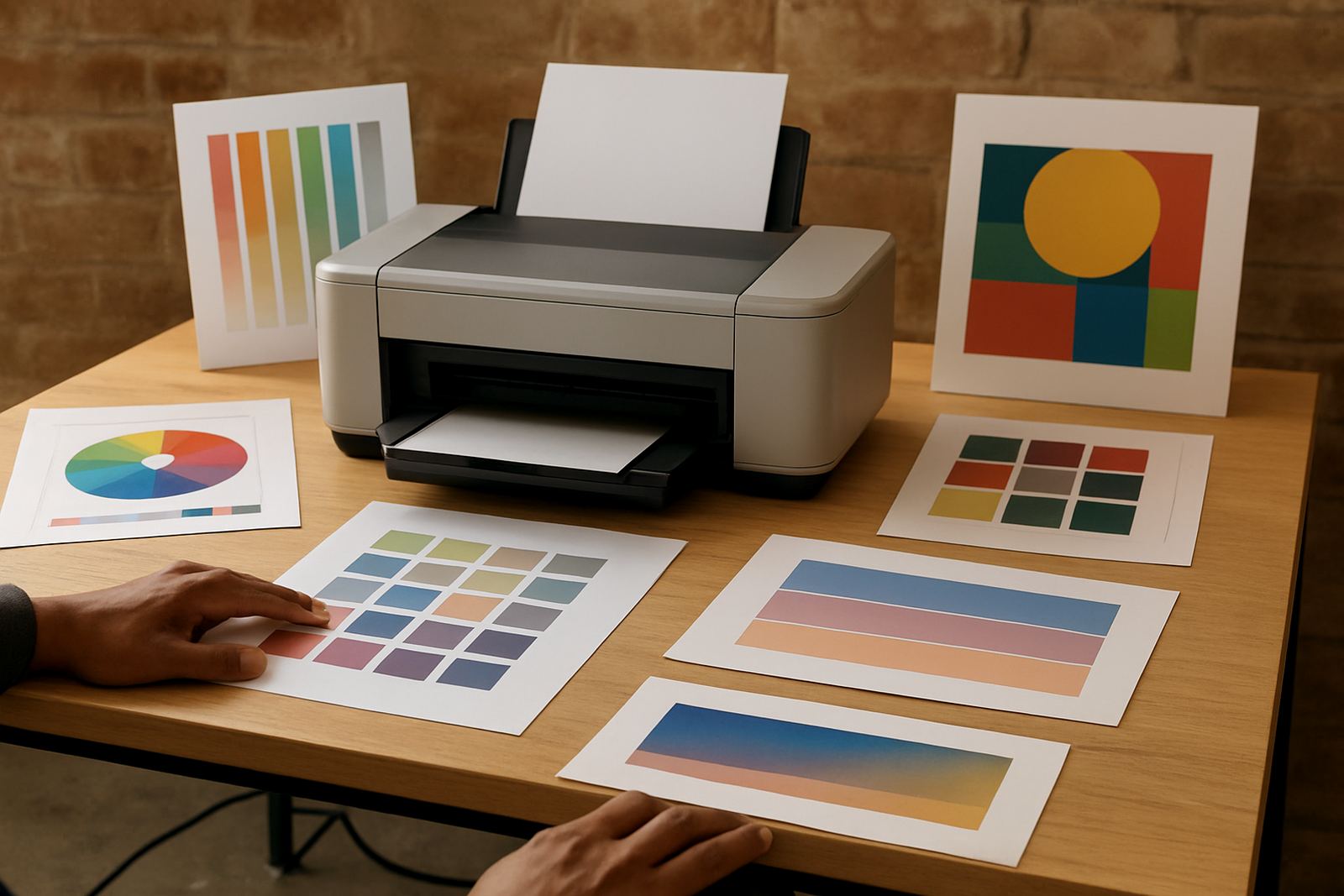
This range is aimed at teams that need bold colour on transparent or display media, with enough consistency to repeat jobs through the month. For window graphics, the useful part is not only colour output but how well the printer handles the media, ink laydown and drying time so the finished piece looks clean on the shopfront or inside a retail window.
MyColour supplies colour printers and matching inks from a single bench in Ndabeni, Cape Town, with courier supply across South Africa. That helps when a studio in Claremont needs a quick re-order, or a sign shop in Bellville wants to keep a busy job moving without juggling suppliers. The focus is practical: get the right machine, the right ink, and the right media for the application.
Sizes and model options to match the job
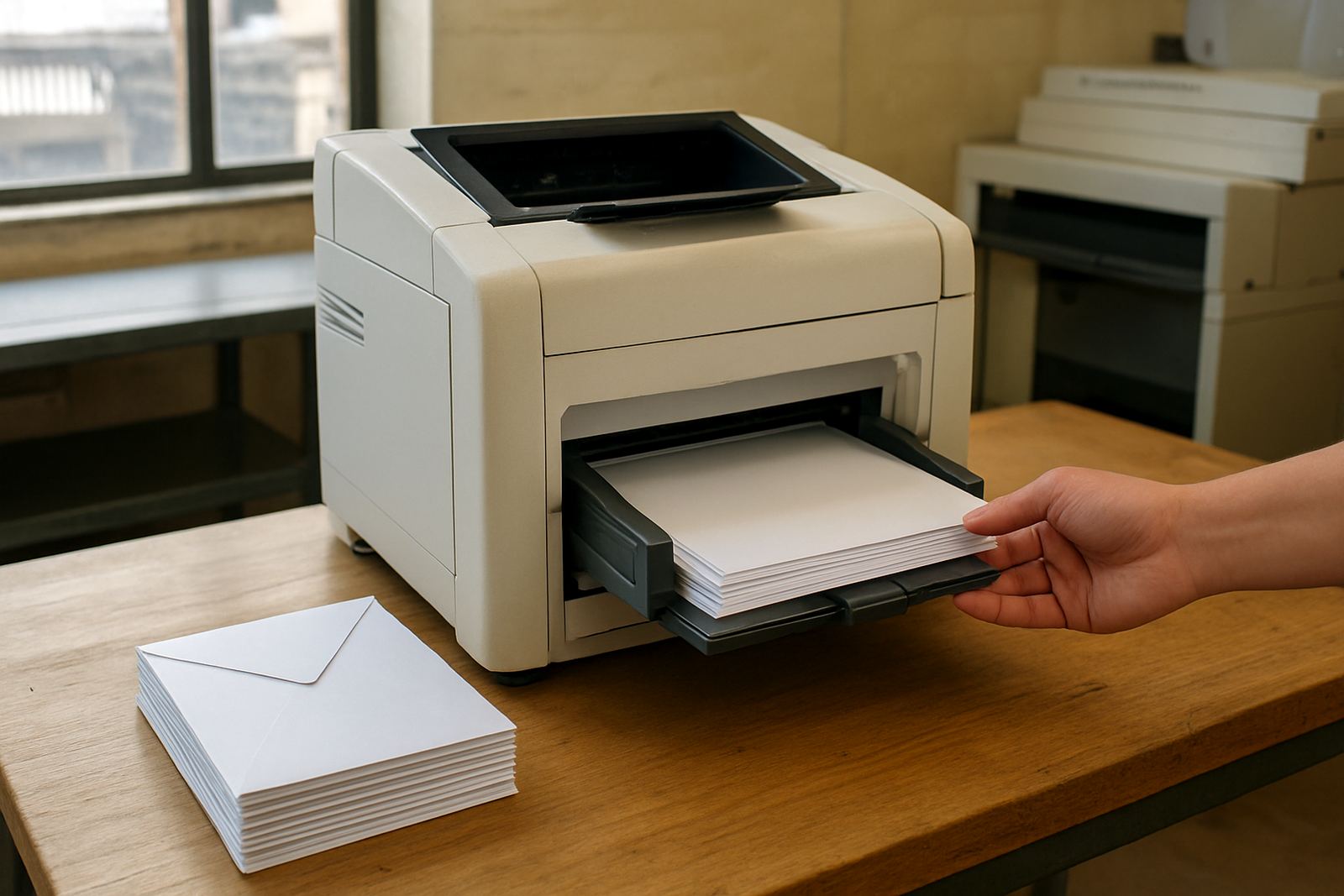
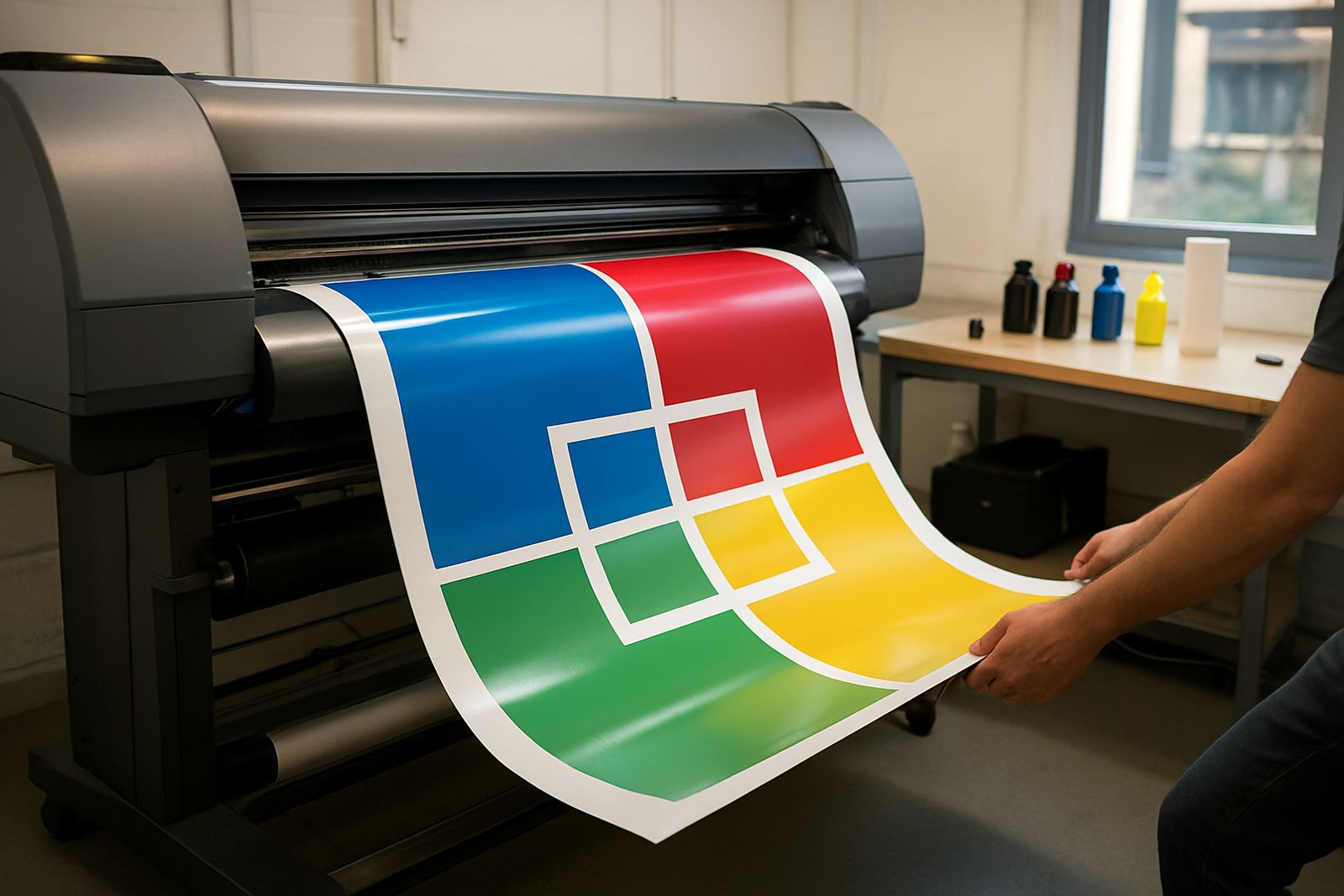
Window graphic printing can start small or move into wide-format depending on how much of the glass you want to cover. Desktop inkjet colour printers suit smaller decals, A4 proofing and short office runs. Large-format colour machines are better when you need repeated panels, poster-sized graphics or longer lengths for shopfronts and internal promotions.
- Desktop colour printers for compact proofing, labels and small promotional pieces
- Wide-format units for posters, window panels and larger retail graphics
- Matching ink sets for consistent colour and fewer interruptions during busy periods
- Media options such as coated sheets, clear film and display stock for different finishes
If your team is in Somerset West or Woodstock and often prints the same campaign in different sizes, it usually makes sense to step up to a machine that can hold colour steadier across larger runs. That avoids rework and keeps proof approval faster.
Where it fits best in Cape Town and across South Africa
This type of printer suits design studios, sign shops, print rooms and office teams that need bright visuals for windows, internal displays and short-run promotions. It works well where deadlines are tight and print jobs change often, especially in areas like Montague Gardens, Ndabeni and Bellville where daily production is common.
It also helps businesses that need local support for consumables and service checks. Coastal humidity can affect media handling in Cape Town, while dust and temperature swings in inland towns can change drying behaviour and print finish. A printer that is matched to the application gives you fewer surprises when the weather shifts or the job queue gets long.
- Retail window promotions
- Seasonal campaign graphics
- Short-run event signage
- Proofs for client approval
- Internal office displays and notices
Installation, power and site needs
For setup, the main checks are space, power and the route the machine will live in once it is commissioned. Most colour printers only need stable electrical supply and a clean, level surface or print area, but wide-format equipment may also need room for media feed, output handling and operator access. No gas supply is needed for this product type.
In a Cape Town shopfront or studio, it is worth planning for plugs that are easy to reach, a dry area away from direct sun, and enough ventilation for the media and ink to settle properly. If the machine is going into a back room in Ndabeni or near a humid coastal site, keep it out of damp corners and away from open doors that bring in dust.
- Stable mains power, with surge protection where possible
- Clear access around the machine for loading and maintenance
- Dry, dust-controlled room with moderate temperature
- No gas line, extractor or special fuel connection required
Care, servicing and colour checks
Good print output depends on steady upkeep more than on fixes after a fault has already shown itself. Preventive maintenance, print quality checks and consumable planning help keep the machine ready for client work instead of sitting idle when a colour shift or blocked nozzle appears. That matters when a retail campaign has to go out same week and a reprint will cost time.
MyColour can assist with printer installation, wide-format setup, user handover and remote help when a team needs quick guidance. Pieter Smit handles service support, while Boitumelo Shabalala keeps consumable reordering organised so inks and media do not run out just as a run starts. Small habits like routine cleaning and correct storage make a real difference, especially in busy rooms where the printer is used every day.
- Run regular nozzle and print quality checks
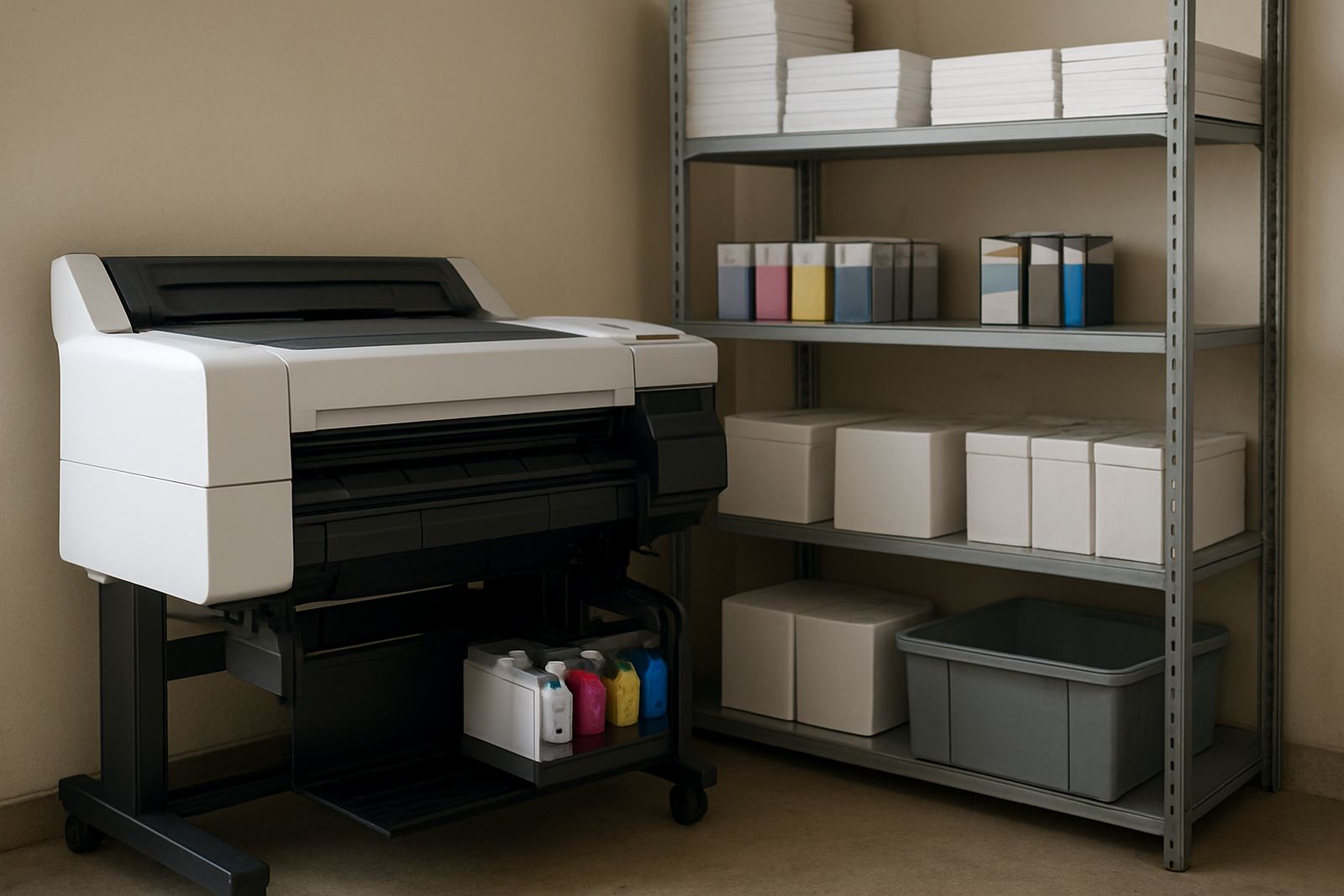
- Keep inks sealed and stored according to the room conditions
- Match media to the intended finish and viewing distance
- Book maintenance before colour drift affects client approval
What to check before you order
Before ordering, check the width of the graphics you need, the media you want to use, and how often the machine will run in a normal week. A printer that suits occasional proofs may not be the right fit for daily sign work. If your team wants bright window visuals one day and poster production the next, ask for the ink and media combination that keeps both jobs looking consistent.
It is also worth confirming service access, delivery timelines and how consumables will be reordered once the machine is installed. For businesses in Claremont, Bellville or Somerset West, courier delivery can keep stock moving without the delay of cross-town collection. If you need help deciding between office colour and wide-format, MyColour gives practical advice based on the job, not just the machine.
- Finished print size and media width needed
- Daily print volume and expected peak periods
- Ink type and colour consistency requirements
- Room layout, power access and storage for consumables
- Need for installation, handover and ongoing support
Local supply with nationwide courier cover
MyColour operates from Ndabeni, Cape Town and supports customers across the country with courier supply and practical print advice. The team includes Danie Vosloo, Zanele Mkhize, Oarabile Xaba, Pieter Smit, Boitumelo Shabalala and Jason Daniels, each focused on a different part of the print supply chain so orders, setup and support stay orderly.
Whether the need is one machine for a studio or several units with matching consumables for a larger office, the approach stays the same: clear product naming, honest guidance and supply that keeps colour work moving. It is a calm print bench, and for busy jobs that matters more than fancy talk.
Key facts
| Print type | Colour inkjet printer for window graphics and display work |
|---|---|
| Output use | Short-run promotional graphics, proofs, posters and shopfront visuals |
| Media support | Coated sheets, clear film, display stock and selected wide-format media |
| Typical sizes | Desktop A4 and A3 options, plus large-format widths for wider panels |
| Power needs | Standard mains power with surge protection recommended |
| Support | Installation, setup, maintenance, quality checks and consumable reordering |