Start with the exact printer model and print family
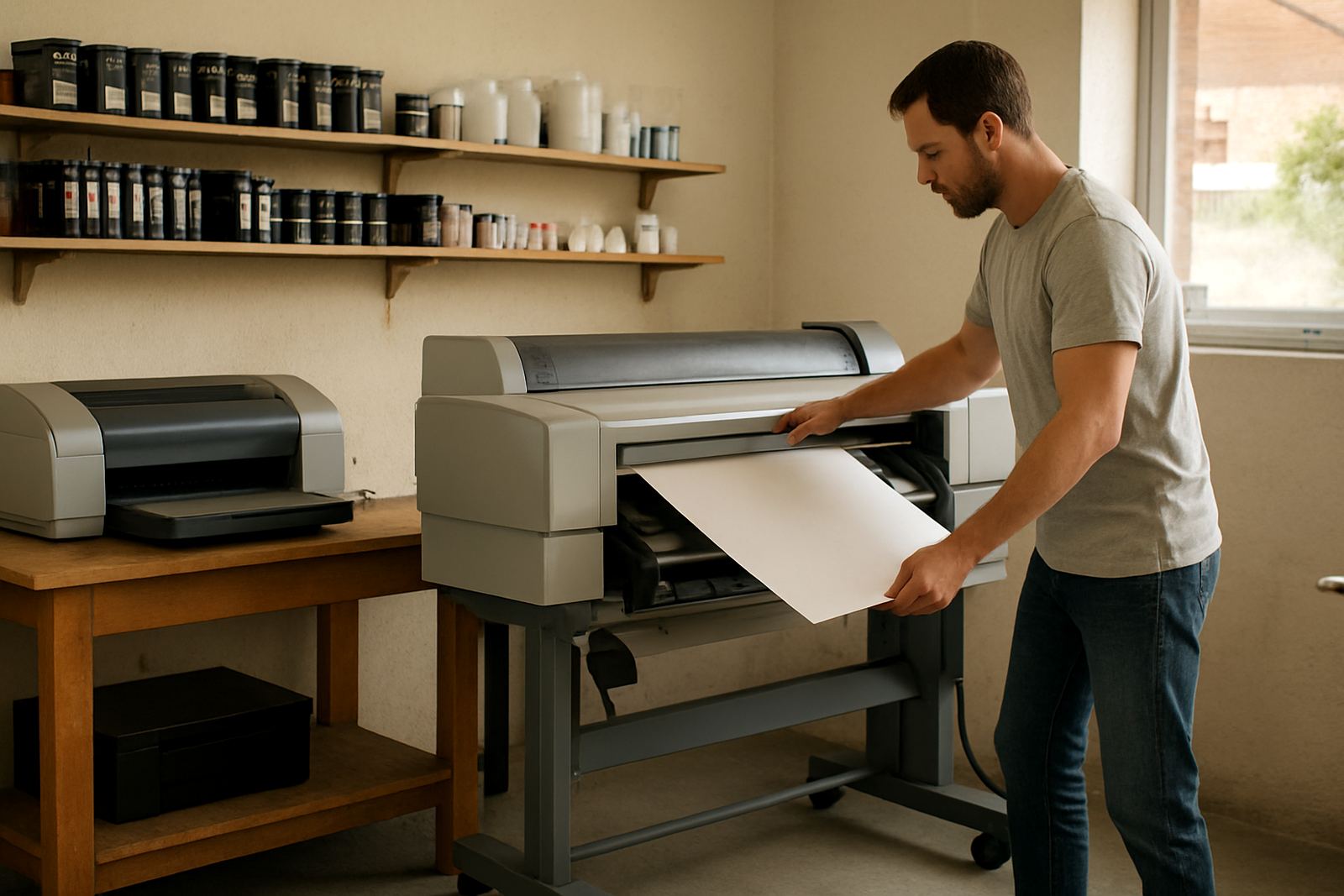
Ink compatibility begins with the machine on the floor. A desktop colour printer, a large-format unit and a photo or proofing machine may all use different cartridges, tanks or bulk systems, even when the print results look similar. Before ordering, note the full model number, the serial if available, and whether the unit is inkjet, pigment based or built for sign and poster work.
That first check saves a lot of back-and-forth, especially when a studio in Woodstock or a busy office in Bellville needs consumables same week. If the printer was supplied by another party, send a photo of the front panel, the cartridge bay and the current consumables labels. It helps confirm the correct match before anything is dispatched.
- Model name and exact code
- Ink system type, cartridge or tank
- Current cartridge or bottle code
- Output use, proofs, posters or office colour
Match ink to the job, not only to the printer
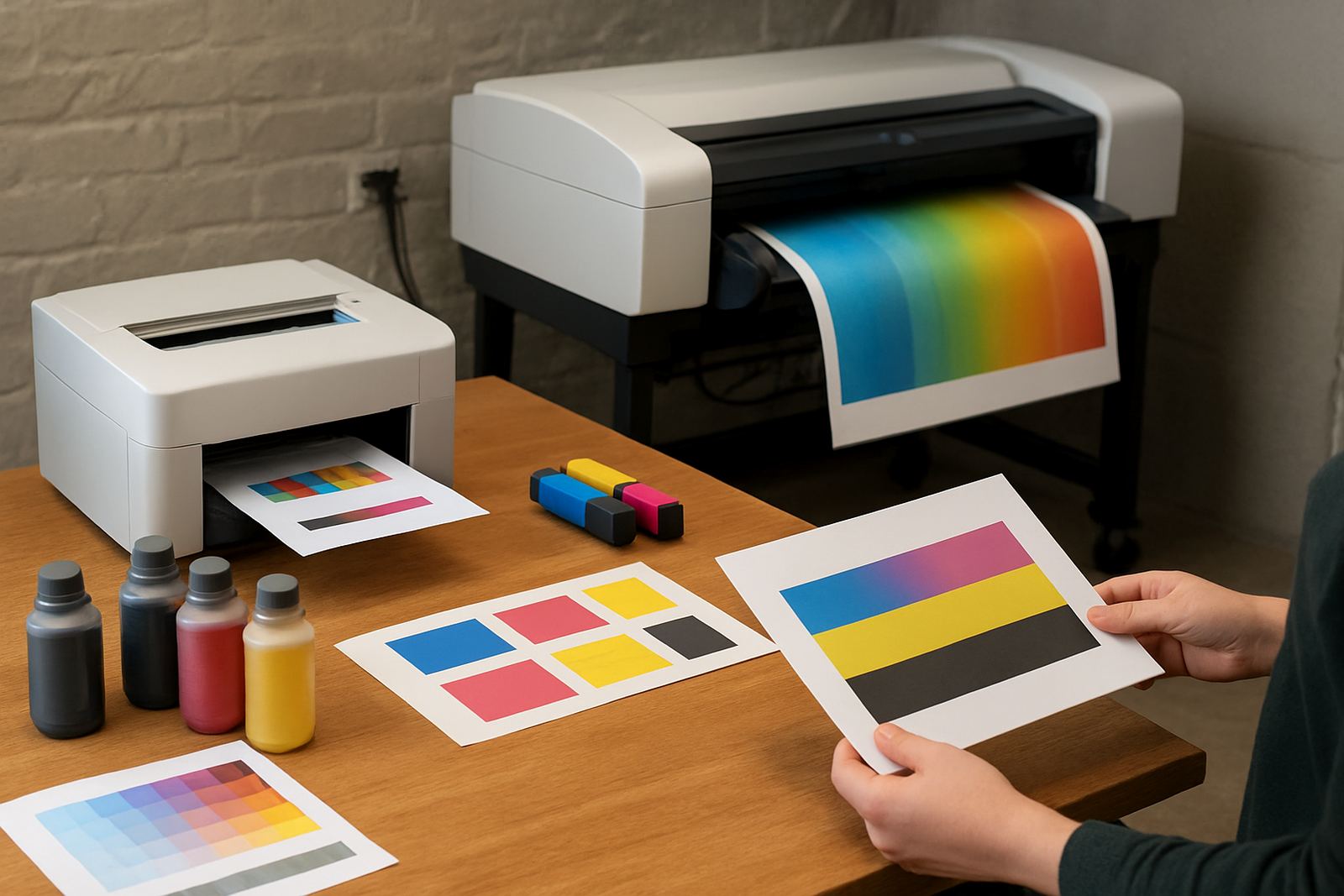
The right consumable depends on what the printer is expected to do. A design studio printing short-run proofs may need a different ink profile to a sign shop producing display graphics, while a business office might only need reliable everyday colour for reports and handouts. Using the wrong ink type can mean dull colour, slow drying or poor hold on coated media.
In Cape Town, humidity near the coast and cold winter mornings can also affect drying and storage. Pigment inks usually suit work that needs better light resistance and cleaner lines on coated stocks. Dye-based inks may suit certain photo and presentation jobs where brightness matters. If the printer sits in an air-conditioned room in Claremont or a warehouse office in Montague Gardens, the environment still counts.
- Use pigment for longer life and sharper business graphics
- Use the approved ink type for photo or presentation output
- Check whether the media is coated, matte or plain
- Store spare ink upright, cool and out of direct sun
Check media before choosing the consumable
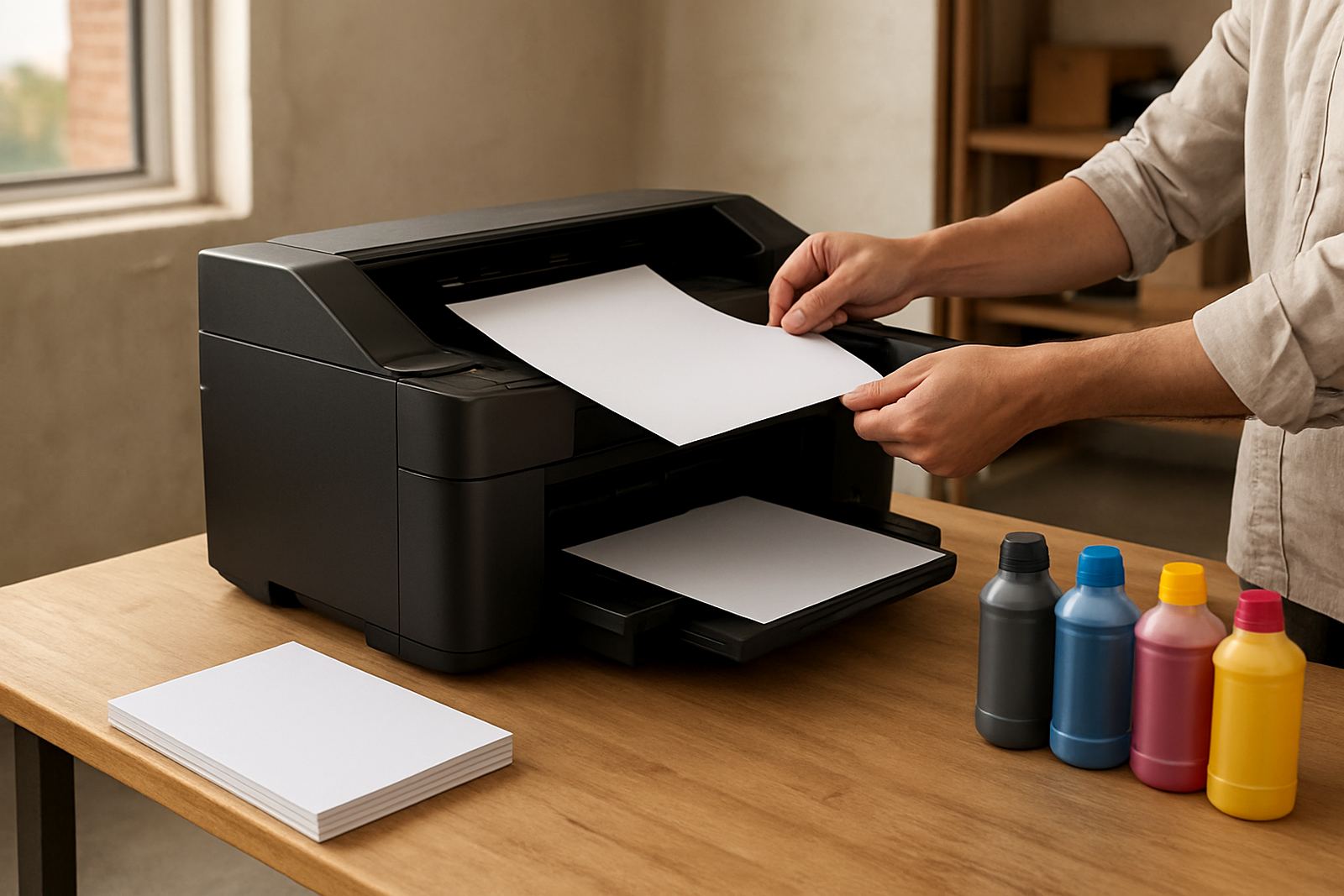
Ink and media must work together. A printer can be fully compatible with a cartridge, but still give poor results if the paper or vinyl is not suited to the ink set. This is common when teams switch between office paper, proofing stock and poster material without adjusting settings. The surface absorbency changes the way colour sits on the sheet.
For best results, tell us the media weight, finish and size before reordering ink. A 90 gsm office sheet, a 200 gsm coated proofing stock and a wide-format poster roll do not behave the same way. If the print room does mixed work, the safest approach is to keep a clear media list with each printer. It also helps with load-shedding recoveries because teams can return to the right settings quickly after a shutdown.
- Plain office paper for memos and internal colour
- Coated stock for proofs and presentation work
- Poster and display media for large-format output
- Specialty stock where drying time needs checking
Watch for warning signs before you run out
Ink problems usually give early signs. Faded colour, banding, missing nozzles and uneven solids often point to a consumable issue, not only a machine fault. If the team is printing daily, it is better to replace at the right moment than to push a cartridge until the output starts wasting paper. That matters in busy offices where print jobs pile up by midday.
Keep an eye on real usage rather than only the software warning. A printer in a sign shop in Ndabeni may empty faster than the same model in a small office in Somerset West. High coverage artwork, repeated cleaning cycles and long posters all use more ink than standard documents.
- Colour fading or weak photo blacks
- Streaks, missing lines or patchy fills
- Frequent low-ink alerts before the expected page count
- More cleaning cycles than usual
Order with a simple supply plan
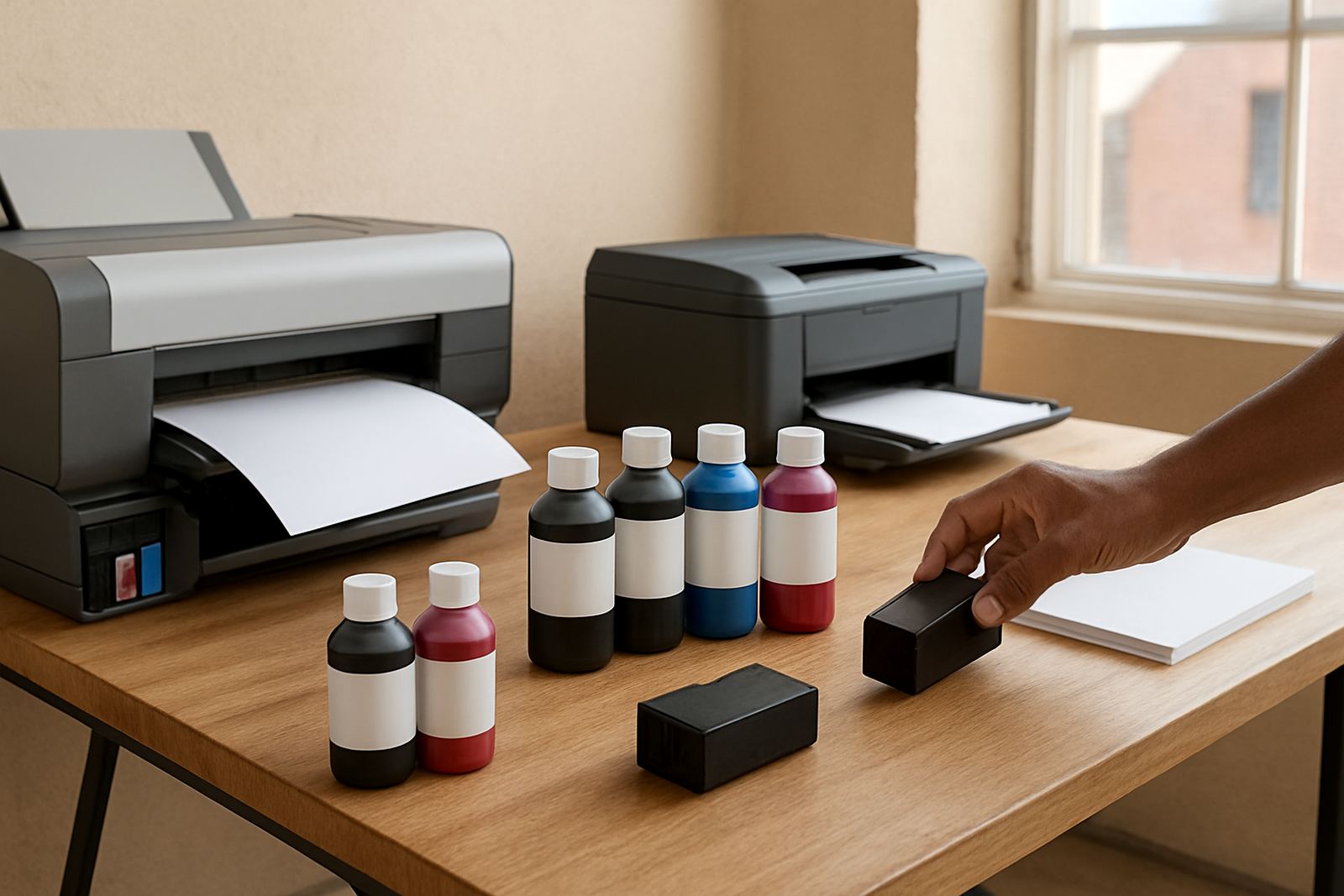
Consumable reordering works best when it is planned against actual monthly print volumes. We help teams map out what they use, whether that is a set of cartridges for a desktop printer or a steady flow of inks for a wide-format machine. This avoids emergency courier runs and keeps colour work moving, even when traffic into the city is slow or a supplier is busy.
A practical plan usually includes a spare set for critical printers, a note of which machine uses which ink code, and a contact person who signs off orders. For multi-site businesses, it helps to keep one list for Cape Town operations and another for nationwide deliveries so the right stock reaches the right branch first time.
- Record consumption by printer and department
- Hold fast-moving items as backup stock
- Keep ink codes with the printer asset list
- Assign one person to approve reorders
Get help when a printer and consumable do not agree
If a printer is rejecting a cartridge, giving poor colour or asking for a consumable that you did not expect, we can help check the setup step by step. Sometimes the issue is a mismatch between region codes, firmware settings or the wrong media profile. Other times the printer needs a quick clean, a nozzle check or a reset after transport.
Our support covers printer installation, wide-format setup, ink supply planning, preventive maintenance, print quality checks and user handover. For teams in Ndabeni, Woodstock, Montague Gardens, Claremont, Bellville and Somerset West, we can also assist with collection coordination and remote help where needed. If you need to confirm a match, send the model details and the consumable code through our contact form.