First installation made simple
If your colour printer has just arrived, the first step is to place it on a level surface, close to the power point and away from direct sun or damp air. In Cape Town, that matters more than people think, especially in coastal areas where humidity can affect media and storage. We help you get the machine powered up, checked and ready for basic use without wasting ink or media.
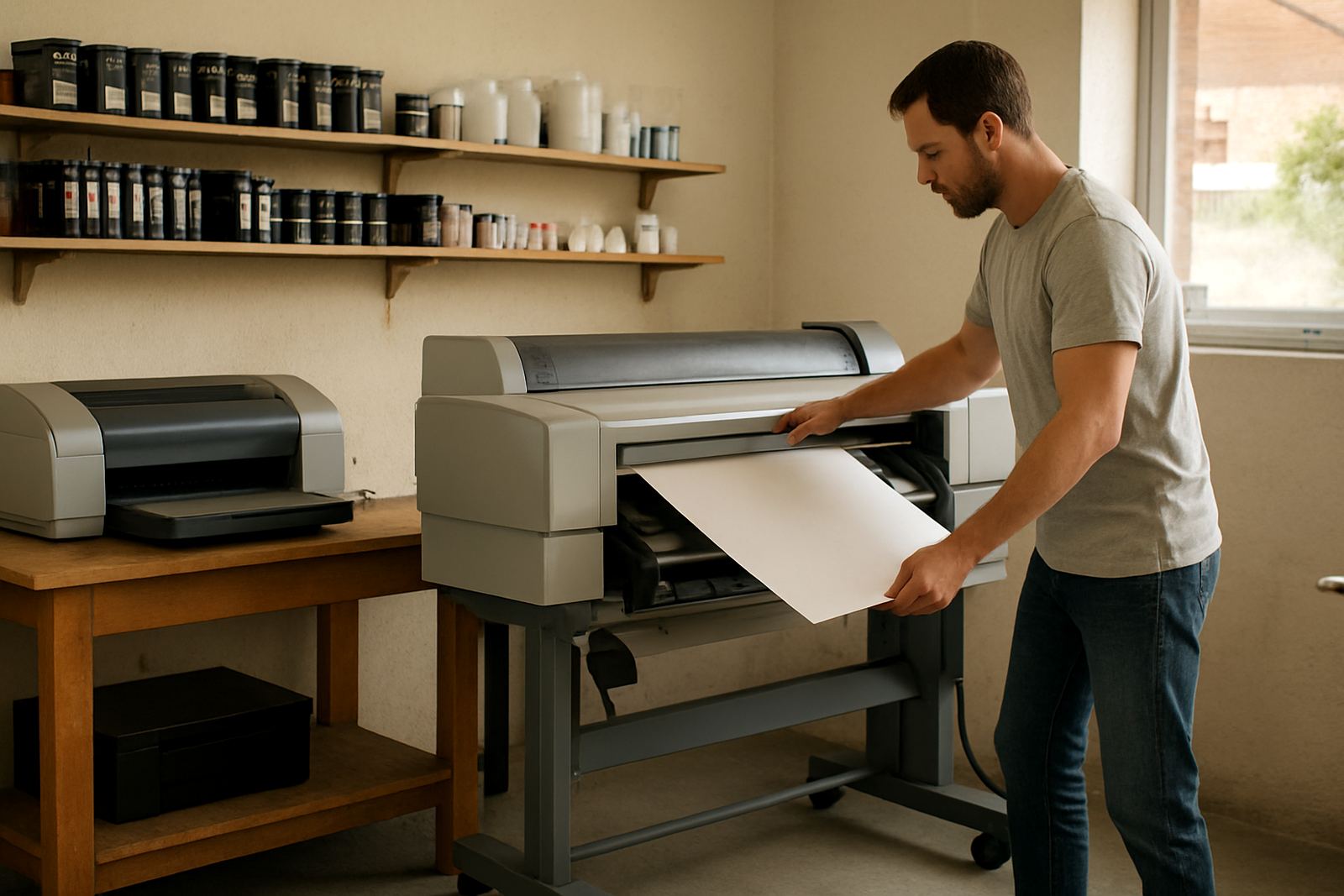
For desktop inkjet printers, setup usually starts with removing transport packing, fitting ink, and running a short alignment. For wide-format colour machines, there is more to check, including stand assembly, media path clearance and safe positioning for loading rolls or sheets. If the printer is going into a studio in Woodstock, a workshop in Montague Gardens or an office in Bellville, we’ll match the setup to the space you actually have.
- Unpack and position the printer correctly
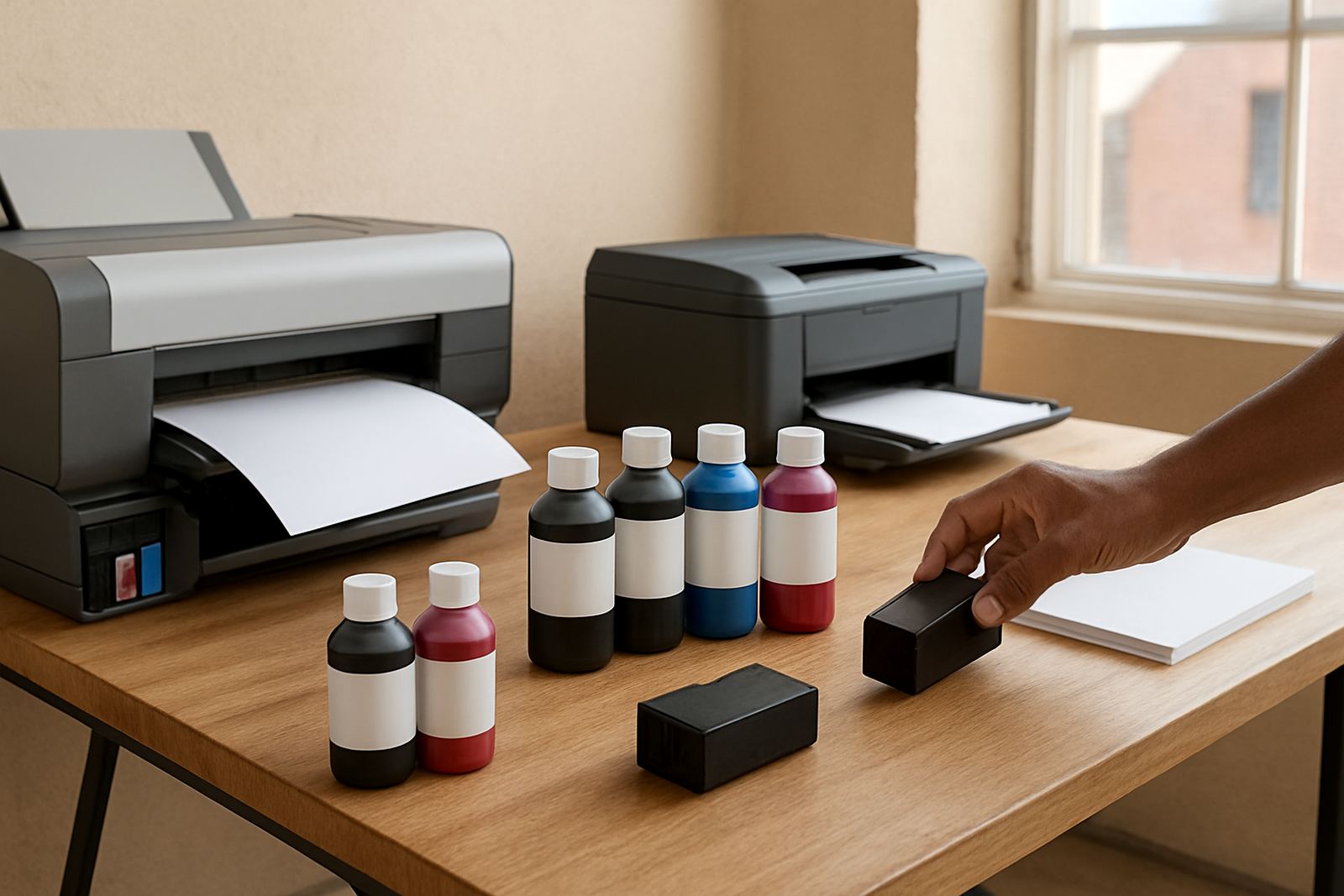
- Install ink or cartridges in the right order
- Check power, cables and network connection
- Run basic alignment and nozzle checks
Loading media without wasting stock
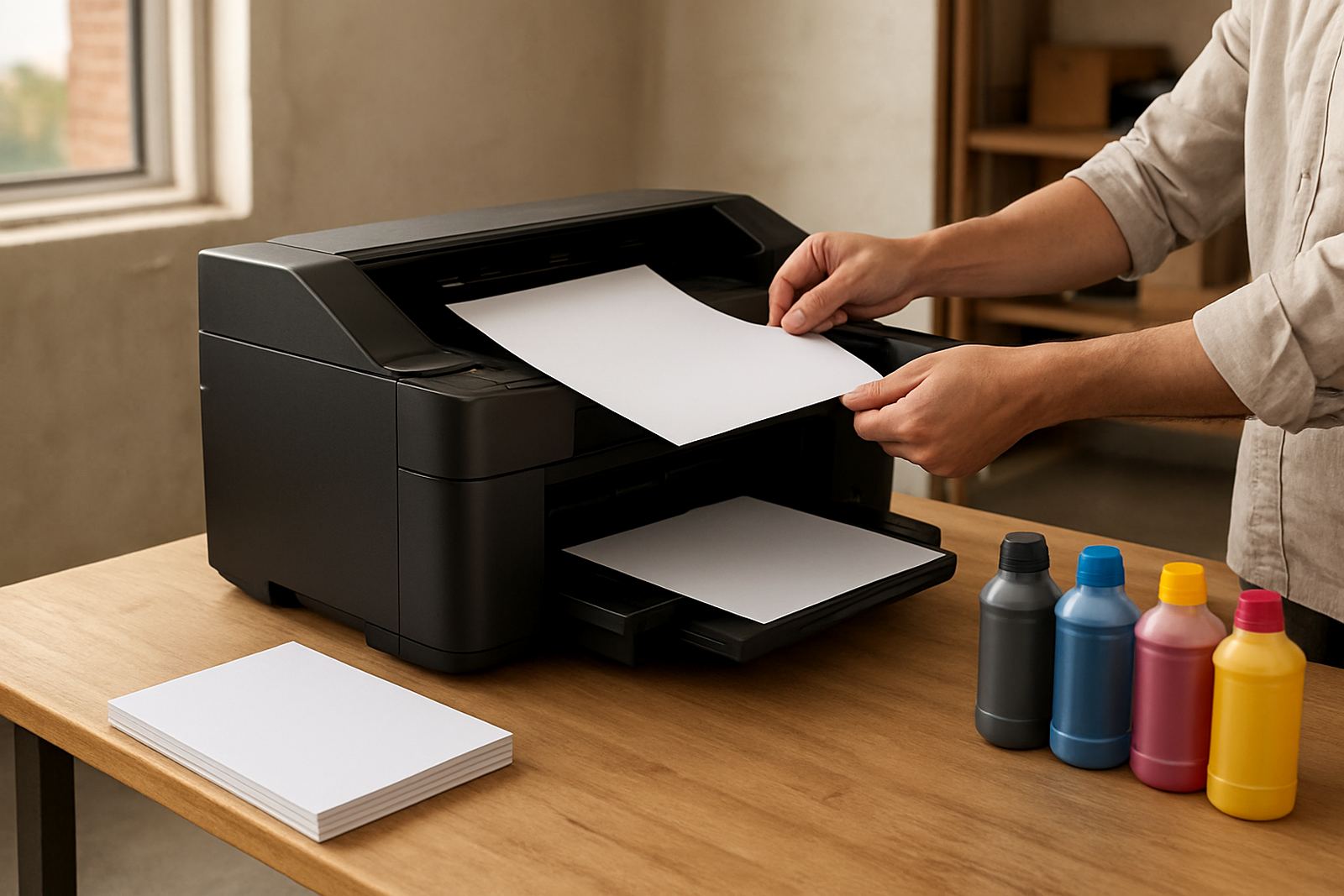
Media loading is often where first-time users lose time and money. A banner roll, coated paper or photo media needs to feed straight, stay clean and suit the printer type. We show your team how to load sheets or rolls, set the guides and avoid rubbing marks, skew or edge curl. If the room is cold, damp or dusty, storage and handling also need a quick look.
We also check the simple stuff that causes trouble later, like using the wrong side of the media, loading too much at once, or forgetting to let newly delivered stock settle before printing. One wrong setting can burn through a fair bit of ink, so a careful start saves a lot.
- Load sheets, rolls or photo stock the correct way
- Set feed guides and margins properly
- Match media type to the print job
- Keep stock dry, clean and covered
Your first test prints, checked properly
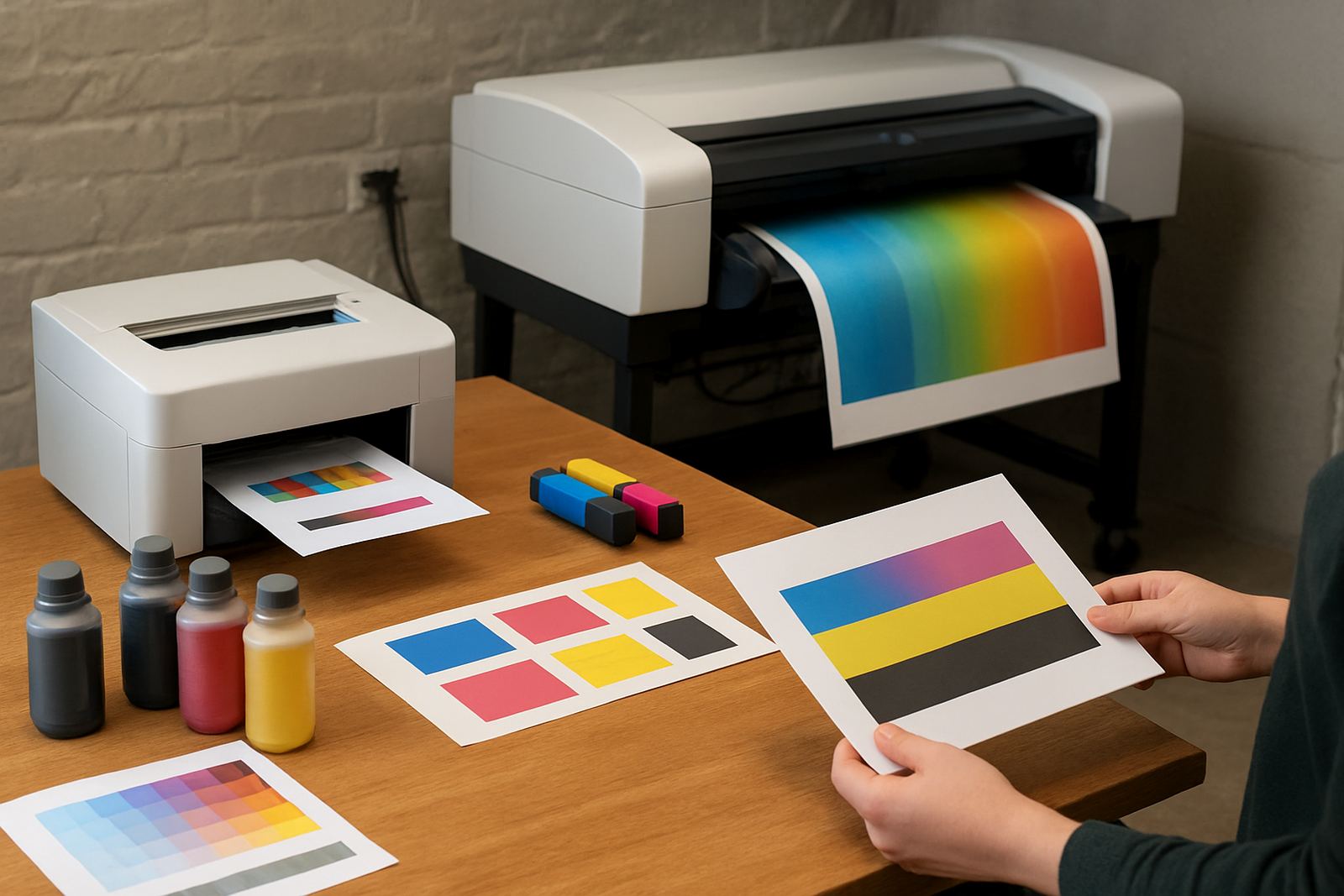
Once the printer is installed and media is loaded, the first test prints tell you a lot. We check colour balance, line sharpness, banding, streaks and whether the printer is feeding cleanly. A test print should not just look acceptable, it should show that the machine is ready for everyday work and that the settings suit the paper or film being used.
If the output is too dark, too light or shows faint lines, we help your team work through the cause step by step. That might be an ink issue, a media mismatch, a clogged head or a simple driver setting. We keep the process practical, so you know what to change next time without guesswork.
When to call for a wide-format handover
Small desktop printers are one thing, but wide-format setup needs a more careful handover. These machines are used for posters, signage, proofing and point-of-sale work, so the setup must suit the media, room layout and output size. If your team is moving from office colour printing into larger format work, we help with the jump so the first runs dont waste expensive material.
We can assist with printer installation, wide-format setup and a proper user handover for staff who will run the machine daily. That includes showing where to load media, how to check ink status, when to pause a job, and what to do if the printer stops mid-run during load-shedding or a power dip.
- Set print size and media profiles correctly
- Train staff on loading and unloading rolls
- Explain basic fault checks before logging a call
- Show safe shutdown and restart steps
Support for offices, studios and sign shops
Different sites need different setup help. A Claremont office might only need a straightforward first install and a few test pages. A design studio in Ndabeni may need media matching, colour checks and ink supply planning. A sign shop in Somerset West may need more time on roll handling, drying space and keeping output clean in a busy production area.
We work with teams that need practical support rather than theory. That means clear steps, plain advice and a setup that fits the way your people already print. If you have more than one user, we can also show the most common settings so everyone is working from the same basics, not a different guess every time.
Nationwide courier supply and follow-up
MyColour is based in Ndabeni, Cape Town and supplies clients nationwide by courier. If your printer is in another province, setup help can still start with advice on the phone or through our contact form, then we coordinate consumables and any follow-up items that are needed. For local clients in Montague Gardens, Bellville, Woodstock, Claremont and Somerset West, we can also assist with collection coordination where required.
After the first setup, it helps to keep the supply side organised. We can advise on ink choices, reordering and the right consumables to keep the printer running steadily. That avoids the common problem of running out of the correct ink just when a deadline is close, which is never ideal.
- Courier supply nationwide
- Local coordination in Cape Town metro areas
- Consumable reordering support
- Practical advice through our contact form