How to book a service visit
Use service bookings when a printer needs attention beyond a quick phone call, or when a team wants a planned check before work piles up. We handle supplied units for offices, studios, sign shops and production rooms across Cape Town and beyond, with collection and courier coordination where needed.
To keep the booking moving, send the model details, the fault description and the location where the unit is used. If the printer is still printing but the output looks off, mention what you see, such as banding, fading, colour shifts or paper feed issues. That helps us decide whether the visit should be an installation follow-up, a quality check or a service call.
- Unit model and serial number if available
- Site address and contact person
- Clear fault description and when it started
- Any recent ink, media or network changes
What to prepare before the technician arrives
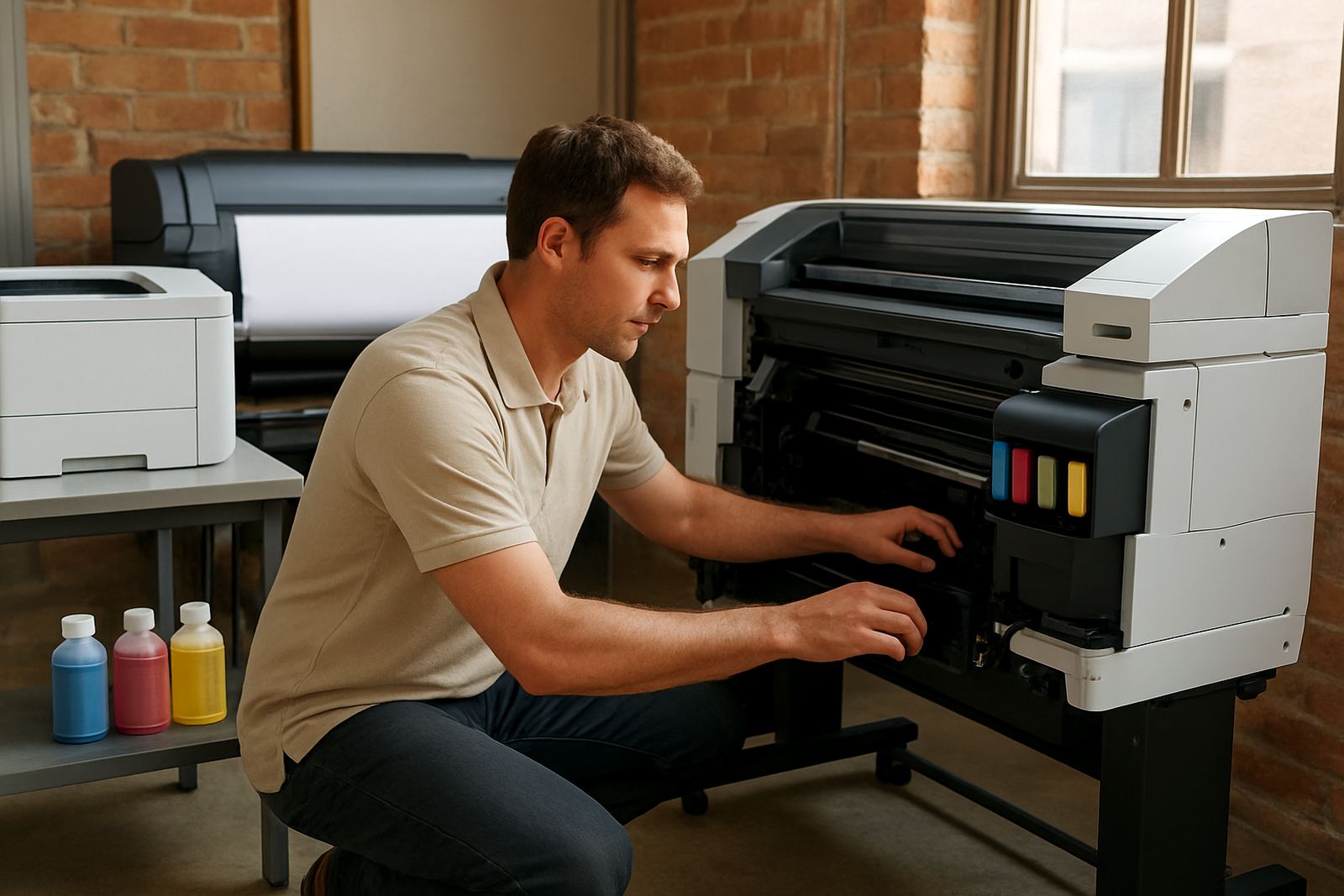
A little preparation saves time and reduces repeat trips. Keep the machine powered on if possible, clear the area around the printer and make sure someone on site can show the issue. For wide-format units, leave enough room for the roll feed area, media path and output space so checks can happen properly.
In Cape Town, many teams also ask for support after a move between Ndabeni, Montague Gardens, Woodstock or Claremont. That is common when a printer has been shifted, packed for storage or exposed to coastal humidity. Please note any power trips, surges or load-shedding events, as these can affect the machine in ways that are not obvious at first.
- Have sample prints ready if the issue is print quality
- Keep spare ink cartridges or bottles nearby if relevant
- Share the last time consumables were replaced
- Let staff know who will receive the technician or courier
Support for desktop colour printers
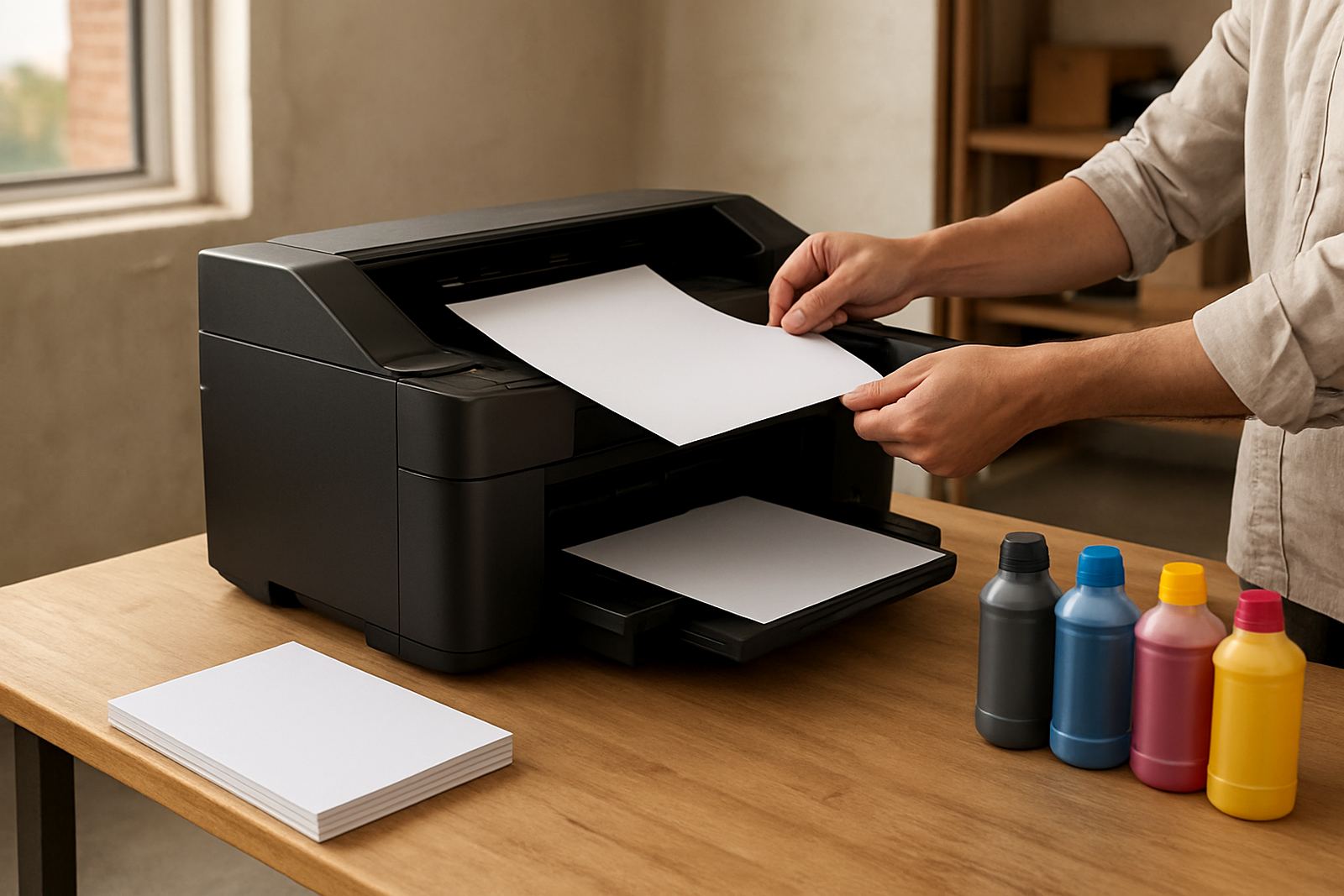
Desktop inkjet colour printers often need careful checks on ink delivery, paper handling and driver settings. Our support bookings cover setup corrections, print quality checks, media matching and user handover for staff who need to keep everyday colour work tidy and predictable. If the office is printing proofs, letters or internal colour documents, we can advise on the most practical consumable choices.
For busy offices in Bellville, Somerset West and Claremont, the most useful visit is often a preventative one. That means checking rollers, print heads, ink levels and the current print settings before a small fault turns into a full stop. It also gives the team a chance to ask questions, so the same issue does not keep coming back.
Wide-format setup and follow-up visits
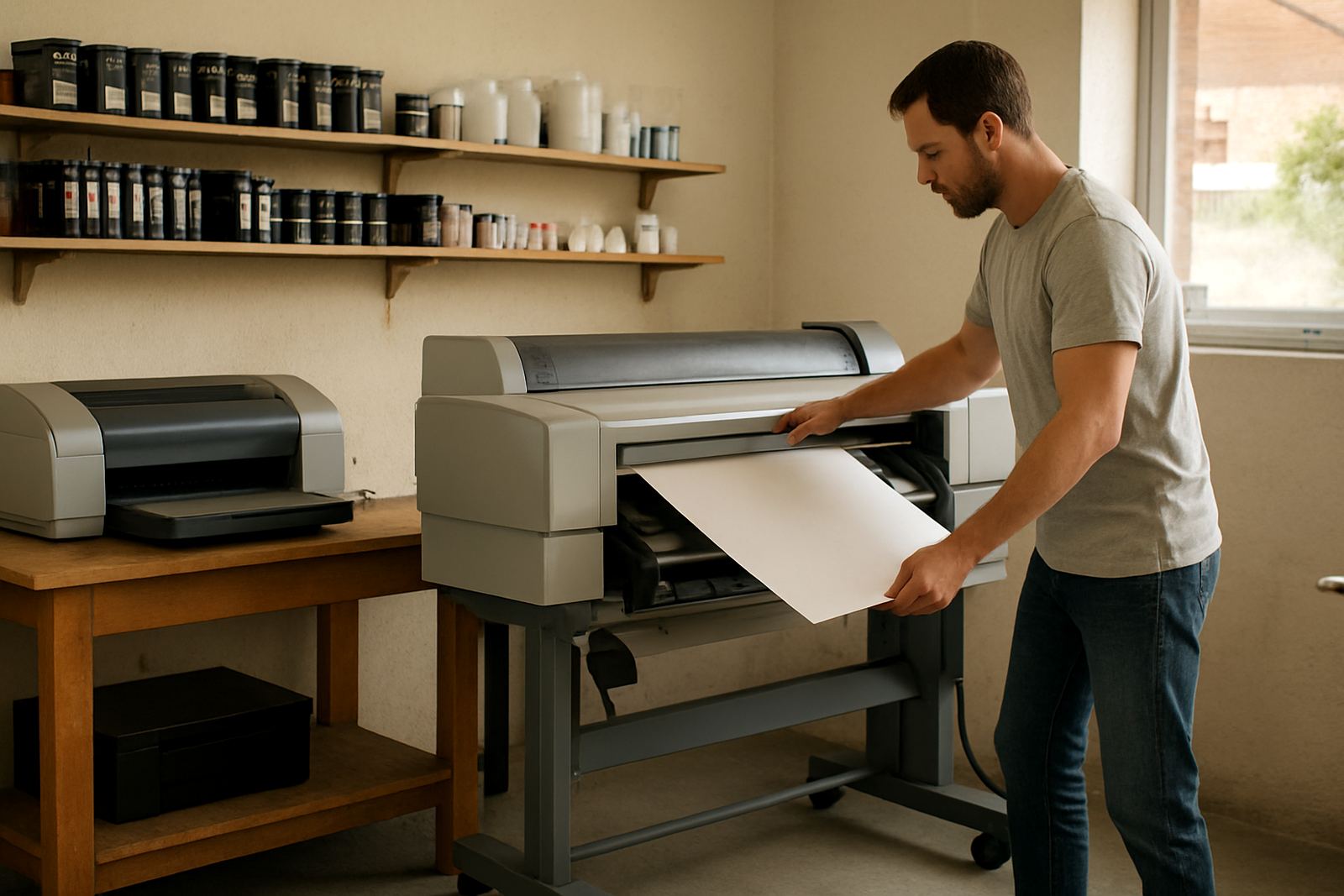
Large-format colour machines need a different kind of support. Media loading, profile choice, ink flow and room conditions all affect the result, especially when printing posters, proofs and signage. Our wide-format bookings are set up to handle installation follow-ups, quality corrections and practical guidance on which media suits the job.
We also help teams decide when to step up from office colour to wide-format. If the volume is growing, the format is bigger than A3, or the print finish must match the client brief more closely, a planned assessment can save time and material. For sign shops and design studios, that second look often makes the difference between steady output and constant reprints.
- Media matching for coated, matt and display materials
- Output checks for colour shift, banding and alignment
- Advice on drying time in humid coastal conditions
- Follow-up after machine moves or long idle periods
Maintenance planning and consumable checks
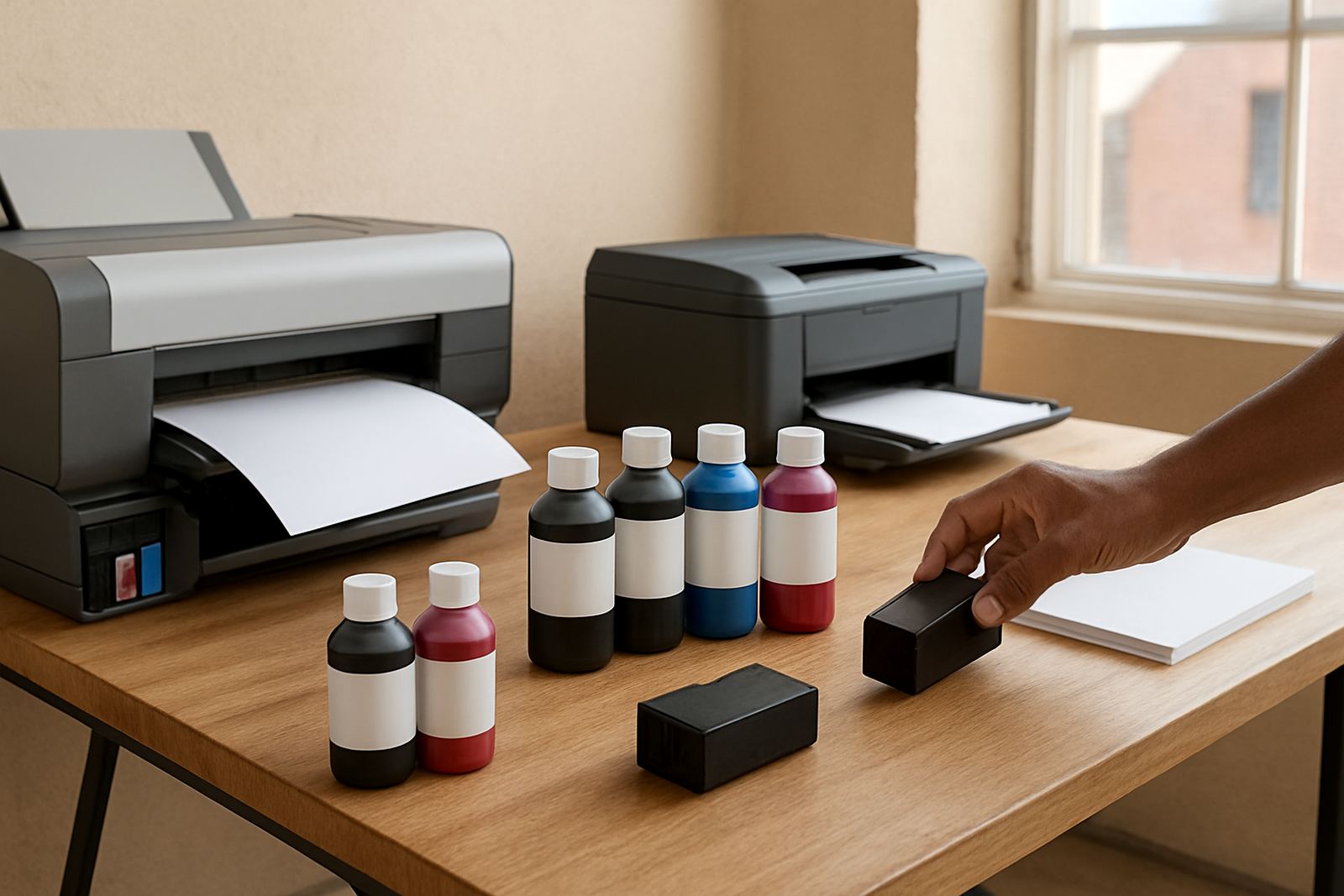
Service bookings are also a good time to look at the full print supply picture. A printer may be running, but the real issue could be a wrong ink choice, low stock or a maintenance interval that has been missed. Our team can map out practical ink supply planning so the right consumables are on hand before a deadline arrives.
For clients with regular monthly output, planned maintenance is often cheaper than emergency call-outs. We can set reminders, check reorder patterns and make sure the stock mix suits the actual work being done. That includes everyday office colour, proofing, poster runs and intermittent wide-format jobs. It keeps the bench calm and the team from scrambling at 4pm when a job is due next morning.
Where we work and how support is coordinated
MyColour is based in Ndabeni, Cape Town and supports bookings across nearby business areas including Montague Gardens, Woodstock, Claremont, Bellville and Somerset West. For outlying sites, we can arrange courier support, collection coordination and remote help where that is the quickest path to getting the unit back into service.
When you book, we will confirm the next step, whether that is an on-site visit, a collection, a remote check or a consumable order. The aim is simple: less downtime, fewer repeat faults and a clear record of what was done. If you need help at short notice, send the details through our contact form and include the site name, contact number and the best time to call.
- On-site visits for supplied units
- Remote help for quick checks and settings
- Collection coordination for further assessment
- Consumable reordering when stock is low