Colour printing for a Stellenbosch property office
The client was a busy property office in Stellenbosch handling residential sales and rental listings across the winelands corridor and surrounding suburbs. Their team was printing listing packs, flyer runs and simple window display sheets on a mix of office equipment, but the output was inconsistent and the reprints were slowing everything down. Some pieces looked fine on screen yet came out too dull on paper, while other jobs needed a better match to coated stock for the better homes and premium listings.
The brief was practical: get a reliable colour print path in place, keep running costs clear, and make sure staff could produce everyday colour work without waiting for outside suppliers on every small change. They also wanted to understand when office colour was enough and when it was smarter to move a job to wide-format for sharper posters and display material.
We worked with their office manager, who was juggling agents, property photographers and a steady flow of amendments. The main concern was downtime during peak listing periods, especially when one machine was out for service and the whole office had to queue behind it. In Stellenbosch, where deadlines often move because of viewings, weather and client sign-off, that kind of delay costs time quickly.
The print mix and the constraints we planned for
The office needed colour printing that could handle A4 listing packs, handouts and window sheets, plus occasional larger visuals for open-day boards and street-facing displays. They did not need an oversized production room, but they did need a dependable setup that could run daily in a compact office with limited space, mixed user skill levels and normal load-shedding interruptions.
We looked at the paper path, print volumes and finish requirements before suggesting the right split between desktop inkjet colour printers and a larger-format machine for the bigger pieces. The team also had to work around humidity changes in the Cape, which can affect paper curl and drying time, and they needed ink choices that would not cause blockage if a unit sat idle for a day or two.
- A4 listing packs for agents and owners
- Window display prints for street-facing property boards
- Proofs for photo and text changes before final runs
- Daily colour output for internal use without waiting on outside print shops
- Consumables planning to reduce emergency calls after hours
Another constraint was simple but important: the office wanted one supplier they could speak to directly when a cartridge ran low or a printer started banding. That meant practical stock control, clear naming on consumables and a support line that understood colour work, not just generic office printing.
What we supplied for the listing workflow
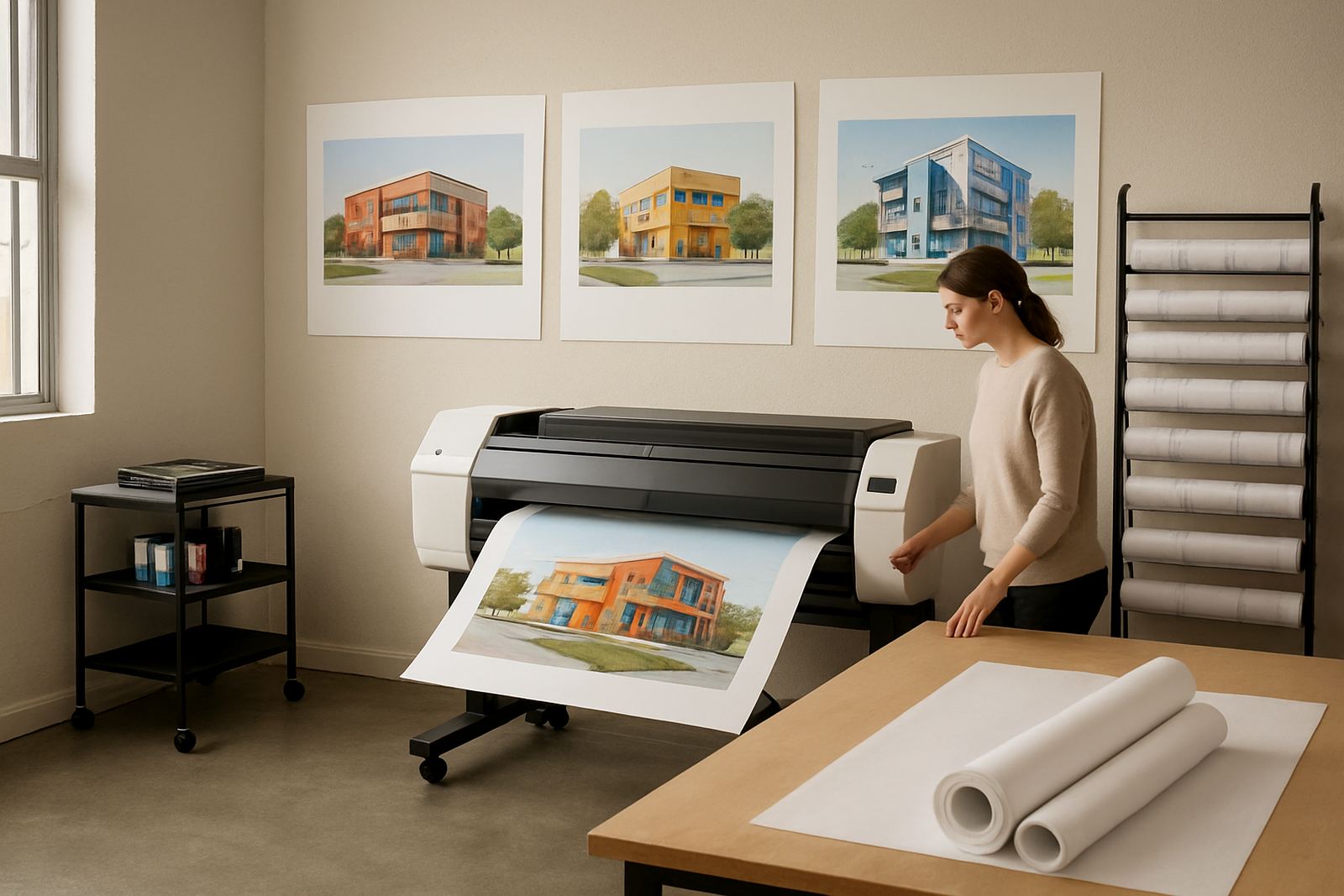
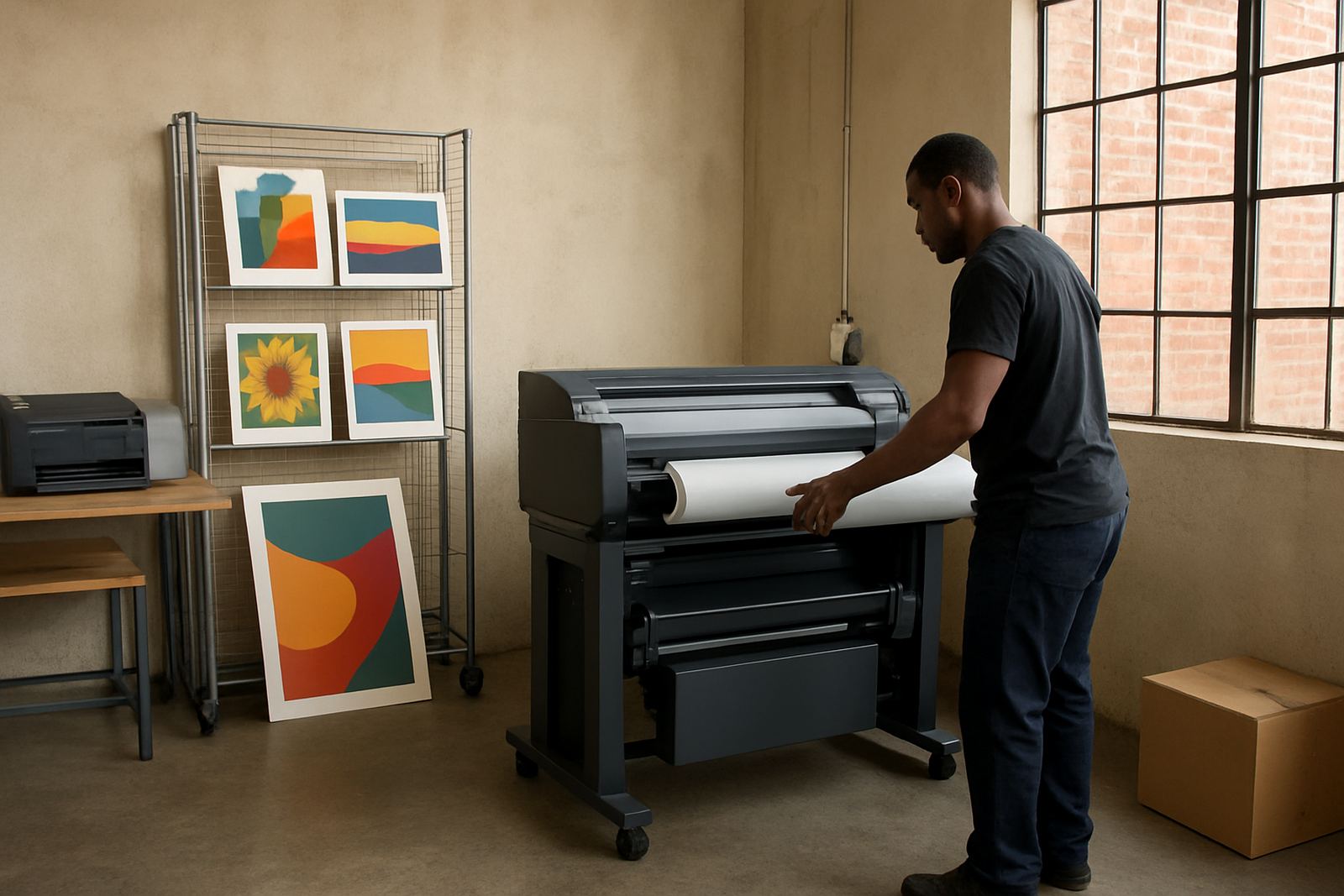
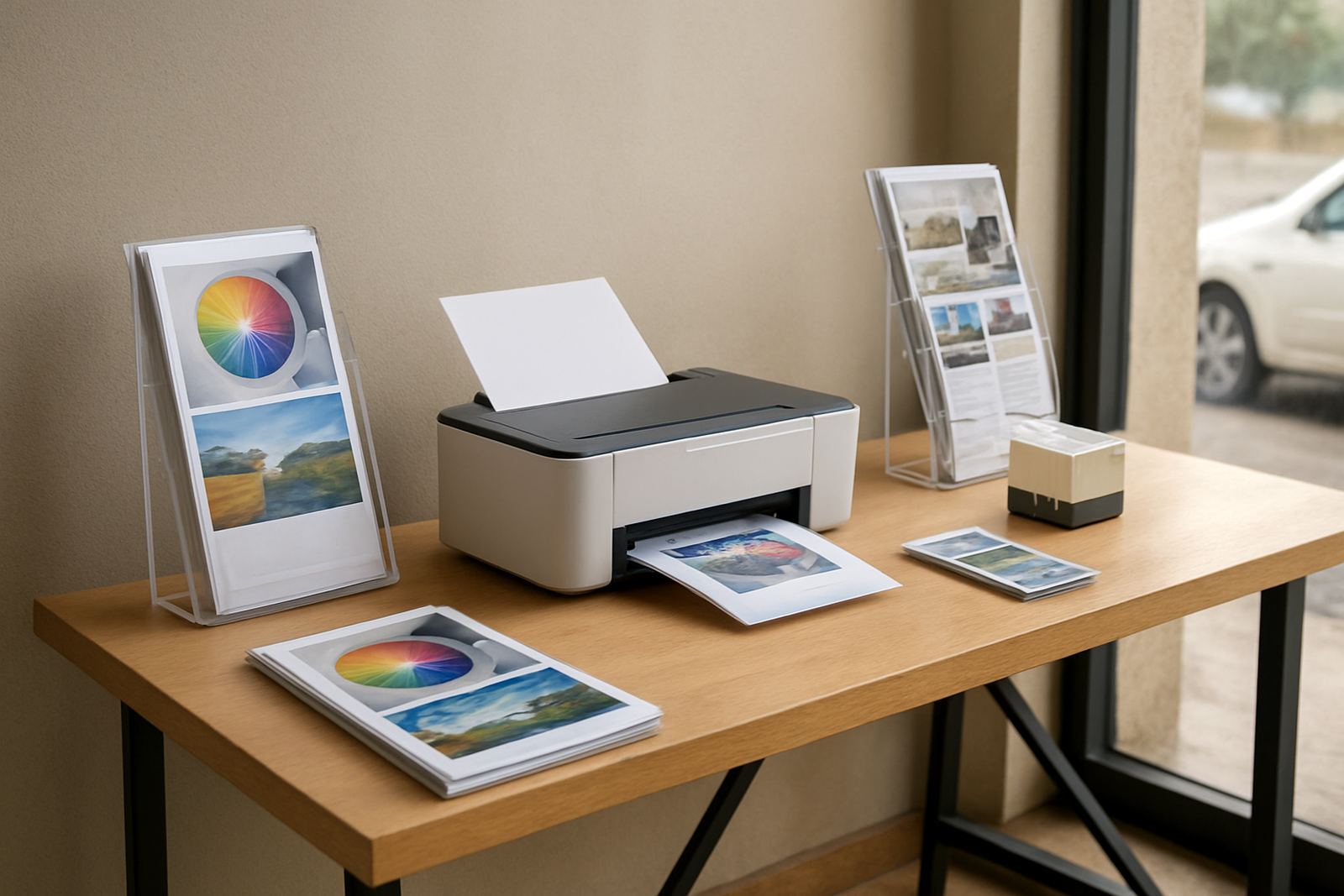
We supplied a colour print setup built around reliable desktop inkjet colour printers for day-to-day office output and a wide-format colour machine for larger display pieces. The aim was not to overcomplicate the room, but to give the team the right machine for each job and keep the consumables matched to the print volume and media they actually used.
Our team covered printer installation, wide-format setup, media matching and a short user handover so staff knew how to load stock, check ink levels and avoid the common mistakes that slow colour printing down. We also set out an ink supply plan with spare cartridges on hand for the quicker-moving items, which meant the office could carry on during busy weeks without waiting for a delivery from another city.
- Printer installation and network-ready setup
- Wide-format setup for larger property display work
- Ink supply planning based on monthly print volume
- Media matching for matt, coated and presentation stock
- Print quality checks on text, photos and logo blocks
- User handover with simple reprint and clean-up steps
The office wanted the prints to look neat at close viewing distance, especially on window sheets and listing packs handed to buyers. We tested the colour balance against a few common property images, adjusted for text clarity and made sure the output stayed consistent after the first few runs, not only on the first perfect page.
Timeline from first call to live printing
The project ran over three weeks from initial assessment to full use. In week one we reviewed the existing print pattern, asked for sample files and checked what the team printed most often. In week two we completed installation, configured the machines and matched the paper and ink choices to their typical jobs. By week three the office was producing listing packs and window display prints with fewer delays and less second-guessing.
The handover was kept short and practical because the office could not spare people for long training sessions. We showed the agents and admin team how to recognise when a file needed a proof, how to keep the printer in daily use during quieter periods and what to do if a page showed faint colour or a blocked nozzle after load-shedding. That part matters more than people expect, especially in offices where equipment sits overnight and then gets hit with a morning rush.
There were a few small adjustments after the first live week, mainly around media settings and print density. Once those were locked in, the office had a repeatable process for common flyer sizes and A4 packs. It saved them from the old habit of redoing a job three times because the colour looked fine on screen but not on paper.
What changed after the first month
After the first month the office reported quicker turnaround on new mandates and fewer holdups when a property needed a same-day flyer update. The team could print internal proofs in-house, mark changes, and then run the final pieces without sending a driver across town or waiting on a print shop queue.
The biggest gain was control. Agents could keep moving while admin handled print output in the background, and the office had a better grip on consumable usage. That helped with budgeting too, because they could see what was being used on routine listing packs versus larger display pieces. They were no longer buying ink in panic mode, which always costs more in the end.
- Faster turnaround on listing packs and window display sheets
- Better colour consistency across repeated flyer runs
- Less waste from reprints and trial pages
- Clearer consumable ordering with fewer urgent calls
- More confidence printing during load-shedding recovery periods
For a property office, small improvements add up fast. When a new listing comes in on Monday and the first viewing is on Wednesday, the office needs the print side to keep pace. That is exactly where this setup helped.
What we would carry into another engineering office
If we were doing the same type of project again for another Stellenbosch or Cape Winelands property team, we would keep the approach simple: identify the everyday print sizes first, choose the right colour printer for those volumes, then add wide-format only where the office truly needs it. That avoids paying for capacity nobody uses, while still giving the business room to grow.
We would use that same structure again for a property office with similar print demands. A clear consumable plan, basic media guidance and a short user handover make a bigger difference than flashy specs. For offices dealing with listings, open days and constant edits, the useful question is not whether the machine looks impressive. The question is whether it will print the right page at 8am on a Monday without fuss.
This project reflected the way we work from Ndabeni: practical setup, honest advice and careful follow-through. From Ndabeni in Cape Town we supply nationwide, but the same steady print support matters whether the client is in Stellenbosch, Bellville or further inland. If the colour work needs to stay moving, the system has to be easy to live with.
Key facts
| Client type | Property office in Stellenbosch |
|---|---|
| Project focus | Listing packs, flyer prints and window display sheets |
| Timeline | 3 weeks from assessment to live printing |
| Print setup | Desktop inkjet colour printers plus wide-format colour machine |
| Consumables | Matched inks, spare cartridges and media planning |
| Support | Installation, handover, print checks and remote help |