Start with the shortest possible print path
Good layout begins with movement. Paper should travel as few steps as possible from storage to the printer, then from the printer to a flat output area where sheets can cool and be sorted. If staff are carrying reams across the room or stacking work on top of the machine, that is usually where bent corners, dust marks and missed jobs start.
In a busy office or design room, the printer should sit near the main operator and near the paper supply, but not in a cramped corner. Leave enough room to open trays, clear jams and pull out finished sheets without knocking over ink bottles or media rolls. A clear path also helps when load-shedding interrupts a run, because the job can restart without searching for paper or media.
- Keep paper storage within a few metres of the printer
- Leave clear access to front, rear and side panels
- Provide a flat table or rack for finished output
- Keep walkways clear so staff are not squeezing past open trays
Separate paper, inks and finished work
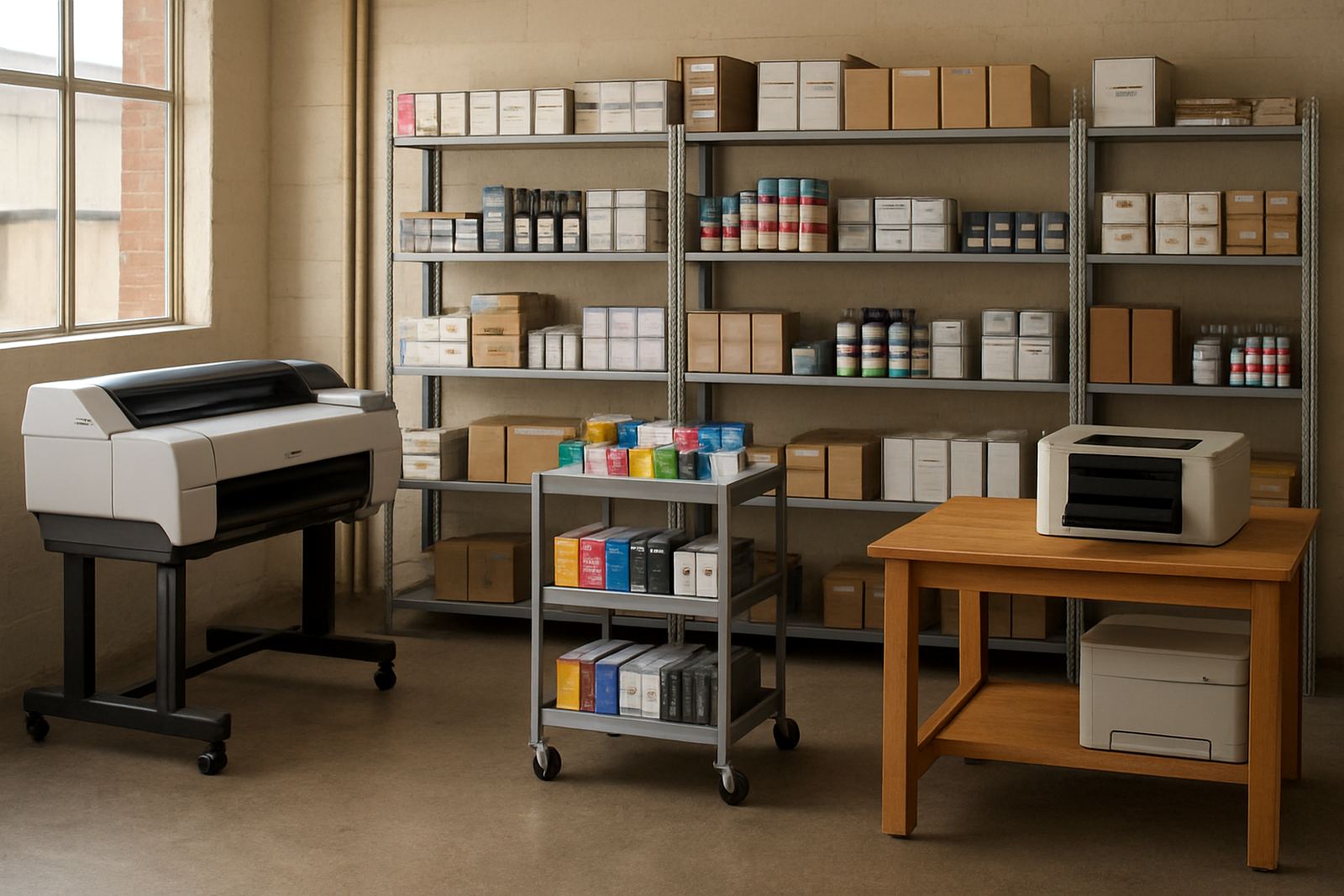
Paper and consumables need their own space. If boxes of media, ink packs and spare parts sit beside the output area, the room quickly becomes cluttered and the risk of mix-ups goes up. Keep inks in a cool dry cupboard or shelf, away from direct sun and away from windows that face afternoon heat. In Cape Town, that matters more than many people think, especially in summer when rooms warm up by lunchtime.
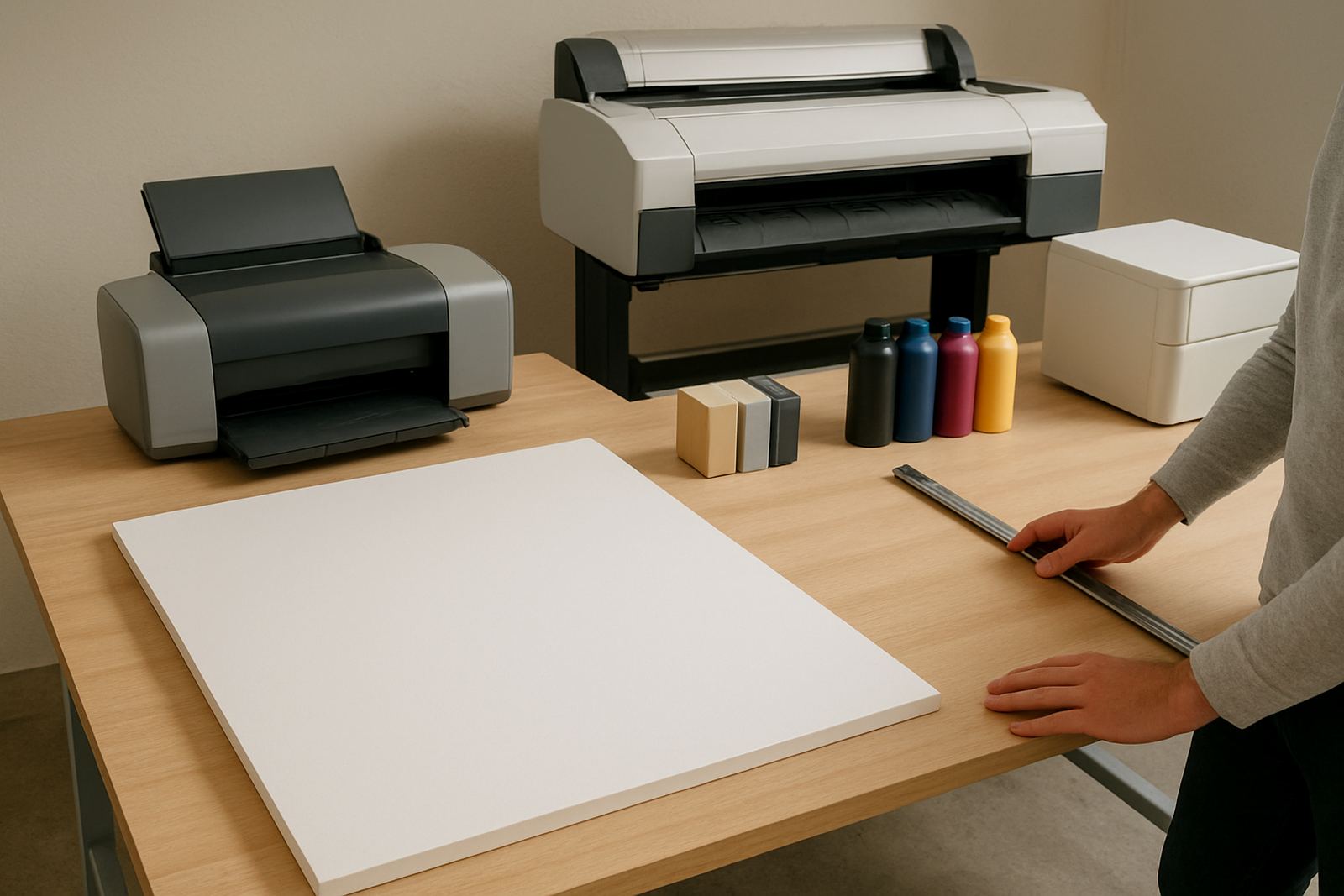
Finished work should also have a separate landing zone. Posters, proofs and colour sets need time to dry before they are stacked or trimmed, and that space should not be the same surface where paper is loaded. One clear rule helps: dry work in one place, fresh media in another, and consumables in a third. It sounds simple, but it keeps print rooms calmer and less wasteful.
- Store inks and spare cartridges away from heat and dust
- Use a dedicated shelf for media boxes and rolls
- Set aside a drying or sorting area for output
- Label shelves so staff can restock quickly
Match the machine to the room size
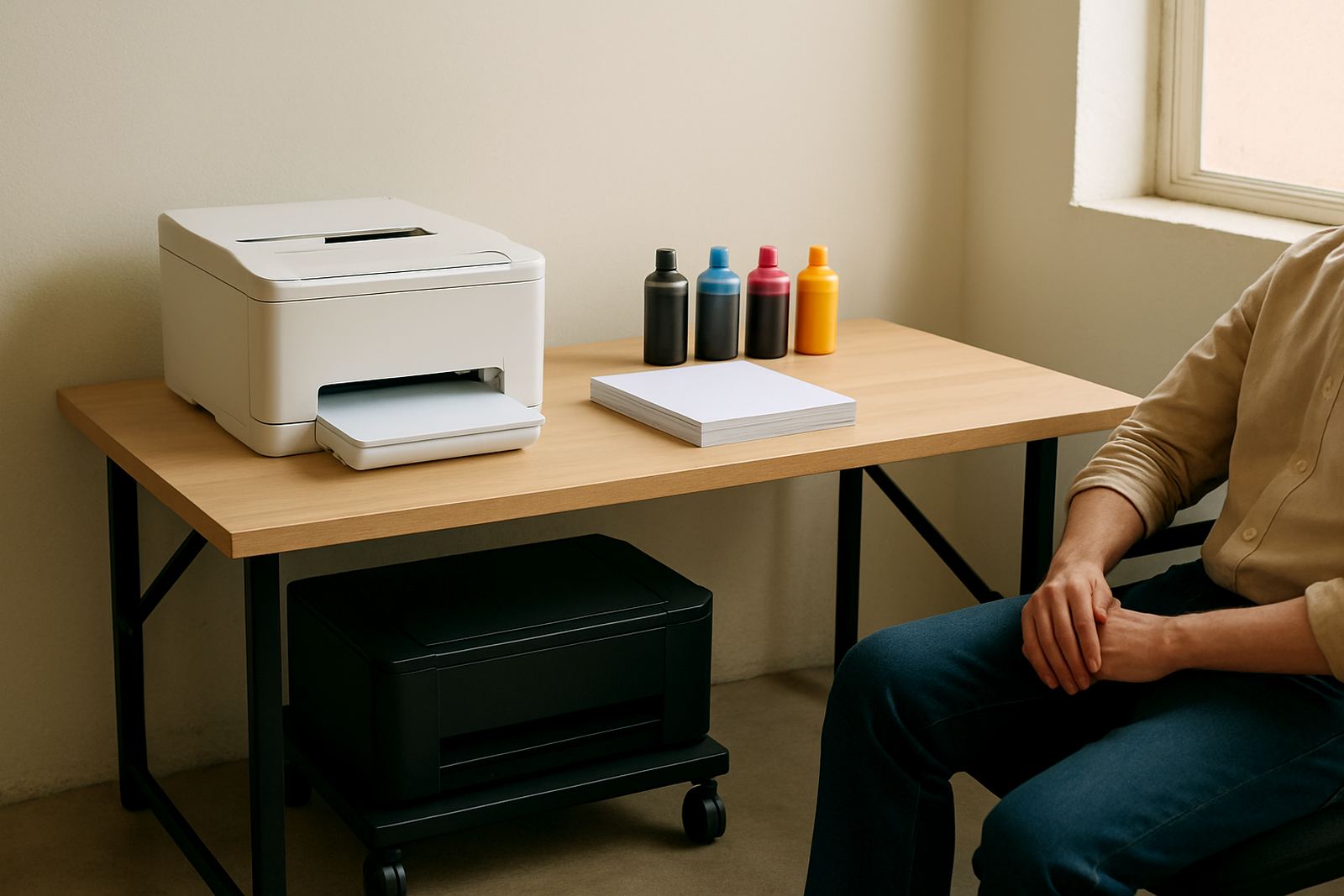
Not every office needs the same printer footprint. A compact colour printer can work well in a smaller finance office or admin space, while a sign shop or studio often needs a wider machine with room for roll loading, waste handling and daily checks. The mistake is to buy a machine first and then force the room to fit around it. That usually leads to blocked vents, awkward access and a printer that is harder to service.
For larger machines, think about operator movement as much as floor space. You need room to feed media, check the output edge and change ink without leaning over a hot machine. If the room is too tight, even simple tasks take longer and staff start avoiding proper checks. In practice, a better layout often improves print quality because people are more likely to clean heads, inspect sheets and fix issues before a job is ruined.
- Check the printer footprint before ordering cabinets or tables
- Leave service access around the machine
- Allow space for roll loading and trimming on wide-format units
- Make sure ventilation is not blocked by walls or stacked boxes
Keep humidity, dust and power in mind
Local conditions affect print rooms more than many teams expect. In coastal parts of Cape Town, humidity can change how paper feeds and how long output needs to dry. In industrial areas like Ndabeni or Montague Gardens, dust from loading bays and open doors can settle on media and inside trays. A room near a roller shutter or an open yard needs stricter housekeeping than a closed office printer corner.
Power interruptions are another layout issue. If a printer sits where staff cannot reach it safely during load-shedding, or where cables are stretched across walkways, the room becomes risky. Put the machine near a stable power point and keep backup power equipment, if used, in a dry accessible spot. Avoid running cables under loose paper or across places where people carry boxes. Small mistakes like that cause bigger problems later, and sometimes a simple restart is all that is needed if the setup is sensible.
- Keep printers away from open doors and dusty traffic routes
- Use stable power points and avoid overloaded extensions
- Let freshly printed sheets dry in cooler, cleaner air
- Store paper in sealed packaging until needed
Build the room around daily tasks
The best layout follows routine. Ask who loads paper, who checks colour, who clears jams and who packs finished work. Then place storage, the printer and the output area in that order. If multiple staff use the same machine, simple labelling and a set path prevent confusion. This is especially useful in shared offices where people from design, admin and sales all dip in and out of the same print room.
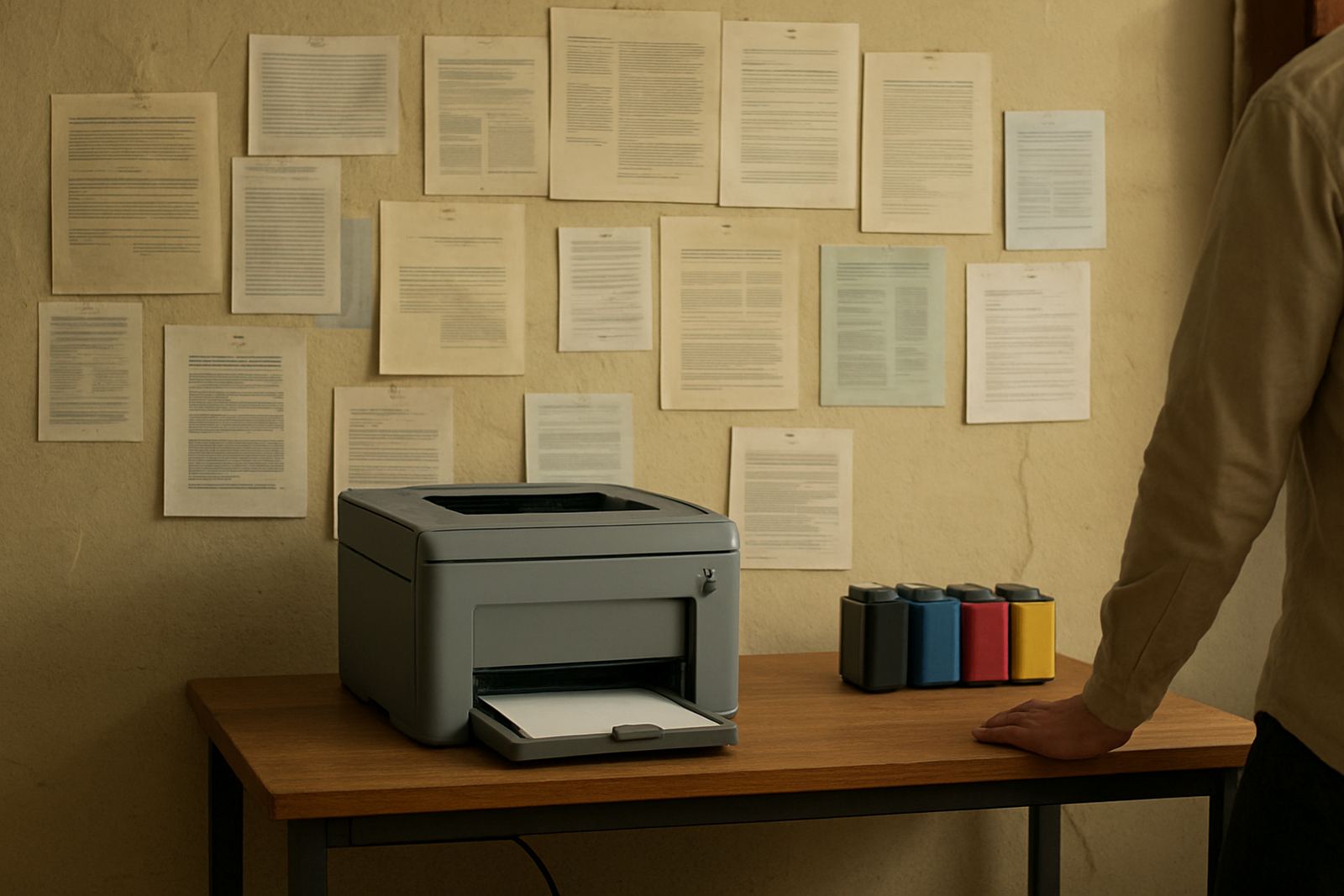
A practical room often includes a small prep surface for proofs, a clearly marked shelf for inks, and a place to keep re-order details close at hand. If staff can find what they need in seconds, they spend more time printing and less time asking around. That is where good layout pays back every week.
- Map the daily workflow before moving equipment
- Give each item a fixed home
- Keep reorder details visible for the person on duty
- Review the room after a busy week and adjust what is slowing people down
A Ndabeni example that saves time
In Ndabeni, a small design studio moved its colour printer away from a shared intake table and placed it beside the paper cupboard and a narrow drying rack. The change was not dramatic, but it cut the back-and-forth walk that staff were making on every job. Finished proofs stopped ending up on random surfaces and the team could track ink levels before they ran low.
After the move, the studio also separated its everyday office printing from wider poster work, which reduced mix-ups and kept the room tidier. The same room had better light and easier access to the service side of the printer, so maintenance checks took less time. That kind of layout does not need a full renovation. It needs a clear plan and a few honest decisions about how the room is actually used.
For teams in Cape Town, from Woodstock to Bellville and Somerset West, the same principle applies: place the paper close, the output clear and the consumables where they can be reached fast. The result is a print room that feels calmer and keeps pace with real work.