What a duplex office printer does day to day
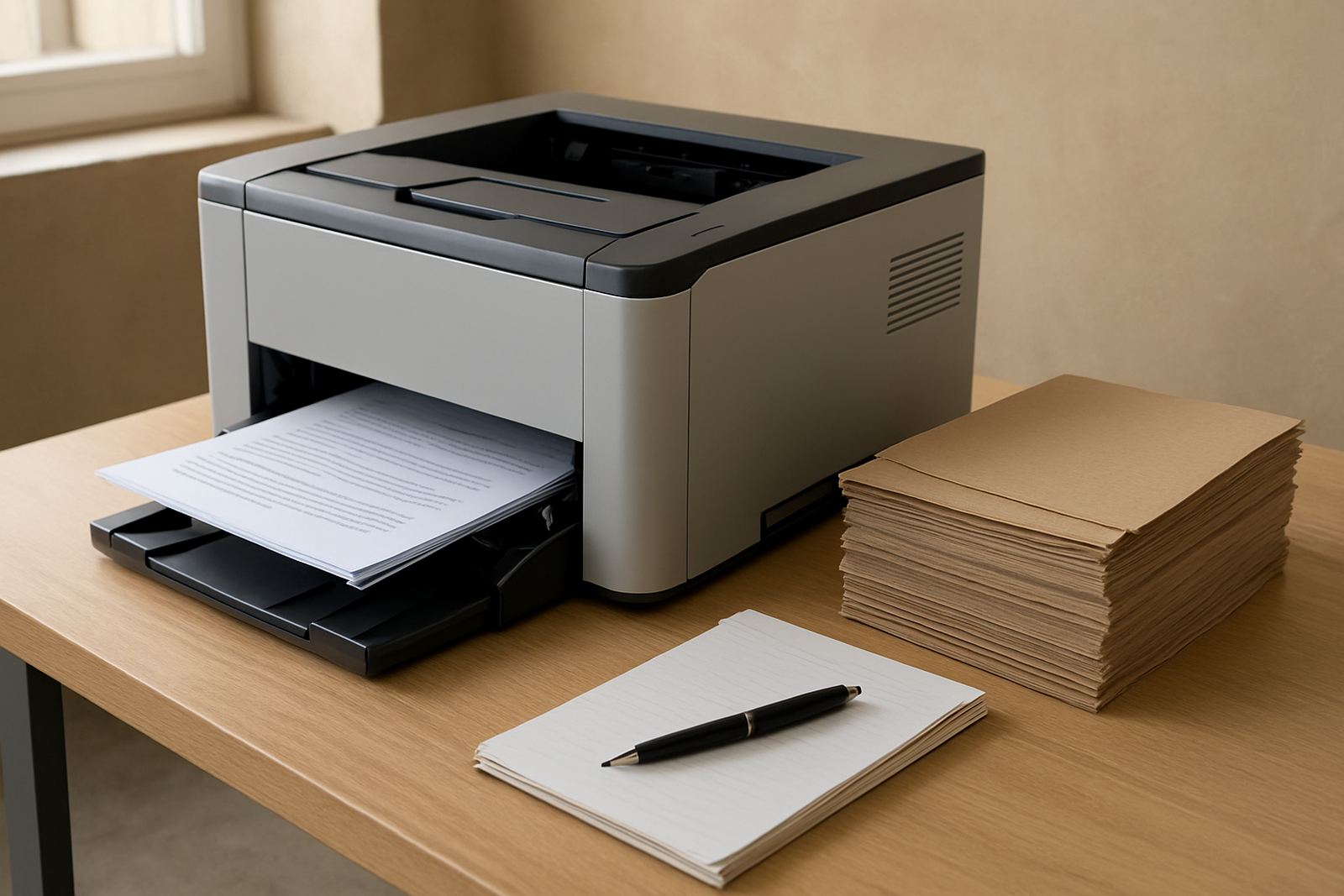
A duplex office printer is built for offices that print in colour often and do not want to stand at the machine feeding pages by hand. The duplex unit flips the sheet inside the printer so both sides print automatically, which cuts paper use and keeps the tray moving on busy mornings. For a Cape Town office, that matters when staff are pushing out client packs before loadshedding starts or before couriers collect.
These printers suit everyday business documents, internal packs, invoices, HR forms, training notes and short colour reports. They are not only for one department. A shared printer near reception, accounts or operations can take pressure off smaller machines around the office and give a more consistent result on ordinary office paper.
- Automatic two-sided printing for lower paper use
- Colour output for charts, forms and branded pages
- Suitable for shared office use and regular daily runs
- Works well with standard office paper and light card within printer limits
Sizes, print speeds and colour options
Duplex office printers come in compact desktop inkjet colour models and larger floorstanding or wide-format units for teams that need more volume. Smaller machines are often right for 1 to 5 users in Claremont, Woodstock or Somerset West. Larger models suit sign rooms, design studios and branches in Montague Gardens or Bellville where the print load is steadier and trays need less topping up.
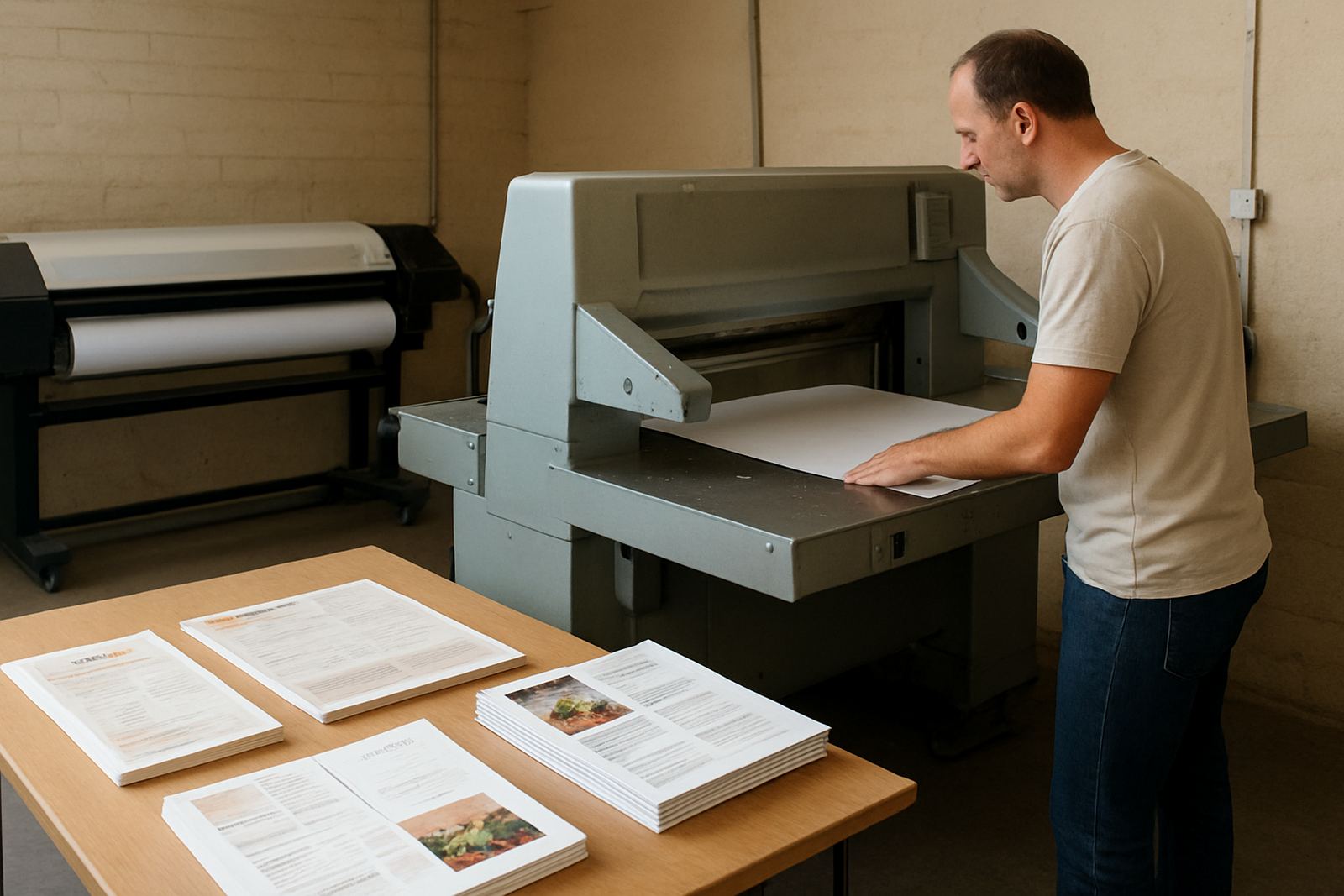
When choosing size, think about the biggest sheet you need, your average daily pages and whether you print mixed documents or mostly colour pages. For some teams A4 is enough. Others need A3 for spreads, layouts or posters. If your work includes proofs, mock-ups or posters, it may make sense to move up from a basic office colour printer to a machine that handles wider media and heavier duty cycles.
- Paper sizes: A4 on compact units, A3 on larger office and production models
- Print speeds: from about 20 pages per minute to 40 plus pages per minute, depending on model
- Connectivity: USB, network cable and Wi-Fi options on many models
- Paper handling: single trays, extra trays and bypass feed for special stock
Where this printer fits best
This type of printer suits businesses that need reliable colour output without buying a full production machine. It works well in design studios that proof artwork, print client sign-offs and keep office admin separate from creative output. It also fits service businesses, schools, small legal offices and branch teams that want one shared colour device instead of several smaller printers spread around the premises.
In Cape Town coastal areas, humidity can affect paper storage and print consistency, so keeping reams sealed and off the floor helps. In hotter inland stores and busy operations rooms, a printer with a decent monthly duty cycle and sensible paper loading makes more difference than chasing the highest speed on paper. The right model is the one that keeps feeding smoothly during a normal week, not only on a test page.
- Design studios needing proofs and presentation copies
- Sign shops wanting everyday colour admin and layout printing
- Offices with shared colour printing across several staff
- Branches that need couriered supply and local support from Cape Town
Installation, power and workspace checks
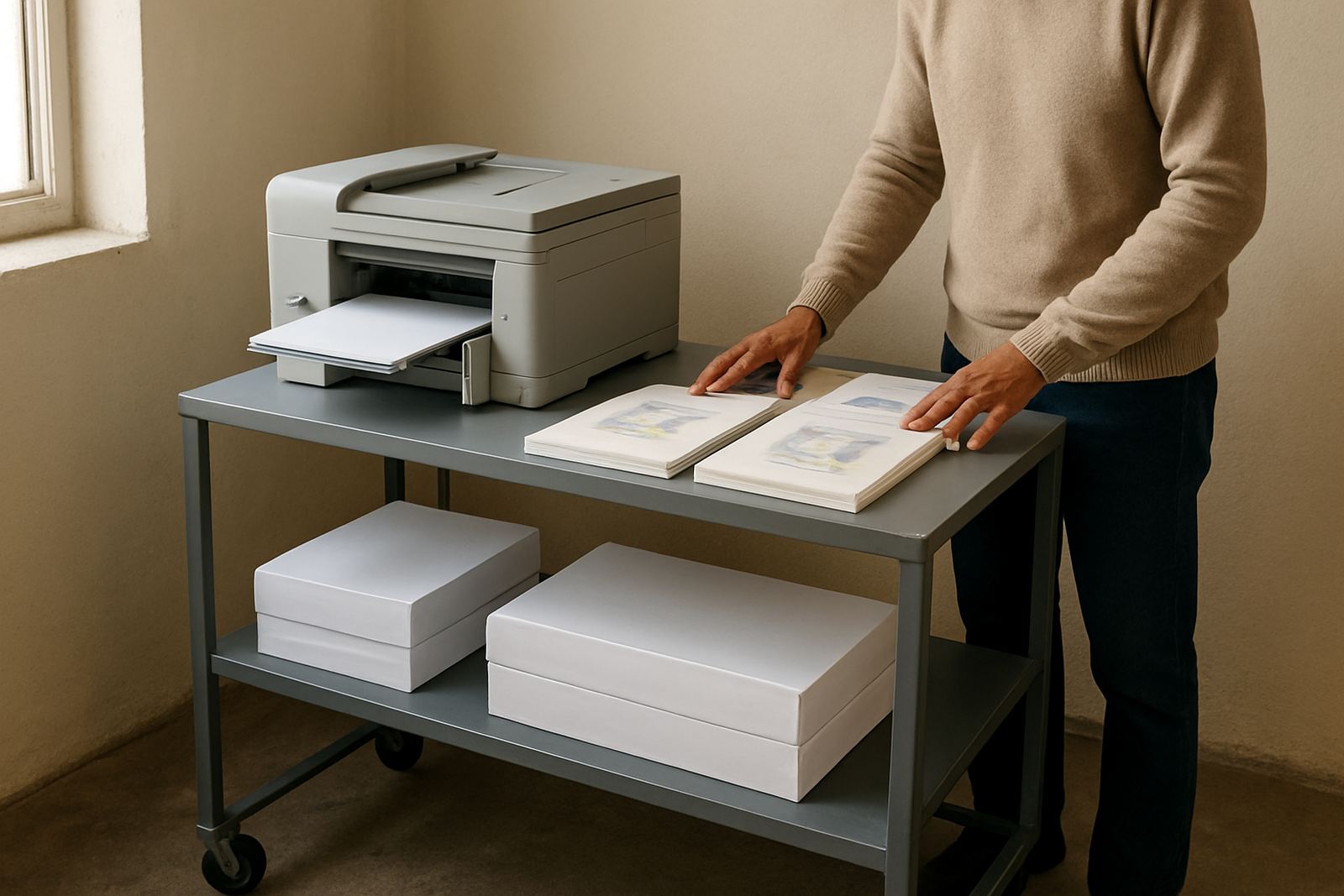
Installation should be planned around the space where the printer will sit, the network point, nearby power sockets and how staff will reach the trays. Most office colour printers need stable mains power and a proper surface that can handle the weight when paper is loaded. They do not need special plumbing or gas supply, only a tidy setup and enough room for the front tray, rear access and ventilation.
If the office runs on a generator or inverter during load-shedding, check the printer's power draw before ordering. Some machines restart well after a power cut, others need a little time to warm up and recover. It is also worth checking whether your office uses secure print, user codes or network print queues, because that can affect how the machine is installed and who manages day to day use.
- Stable 220 V mains power or approved backup power
- Level surface with room for paper trays and service access
- Network point or Wi-Fi coverage for shared office use
- Clear placement away from direct sun, steam and dust
Care, servicing and keeping colour steady
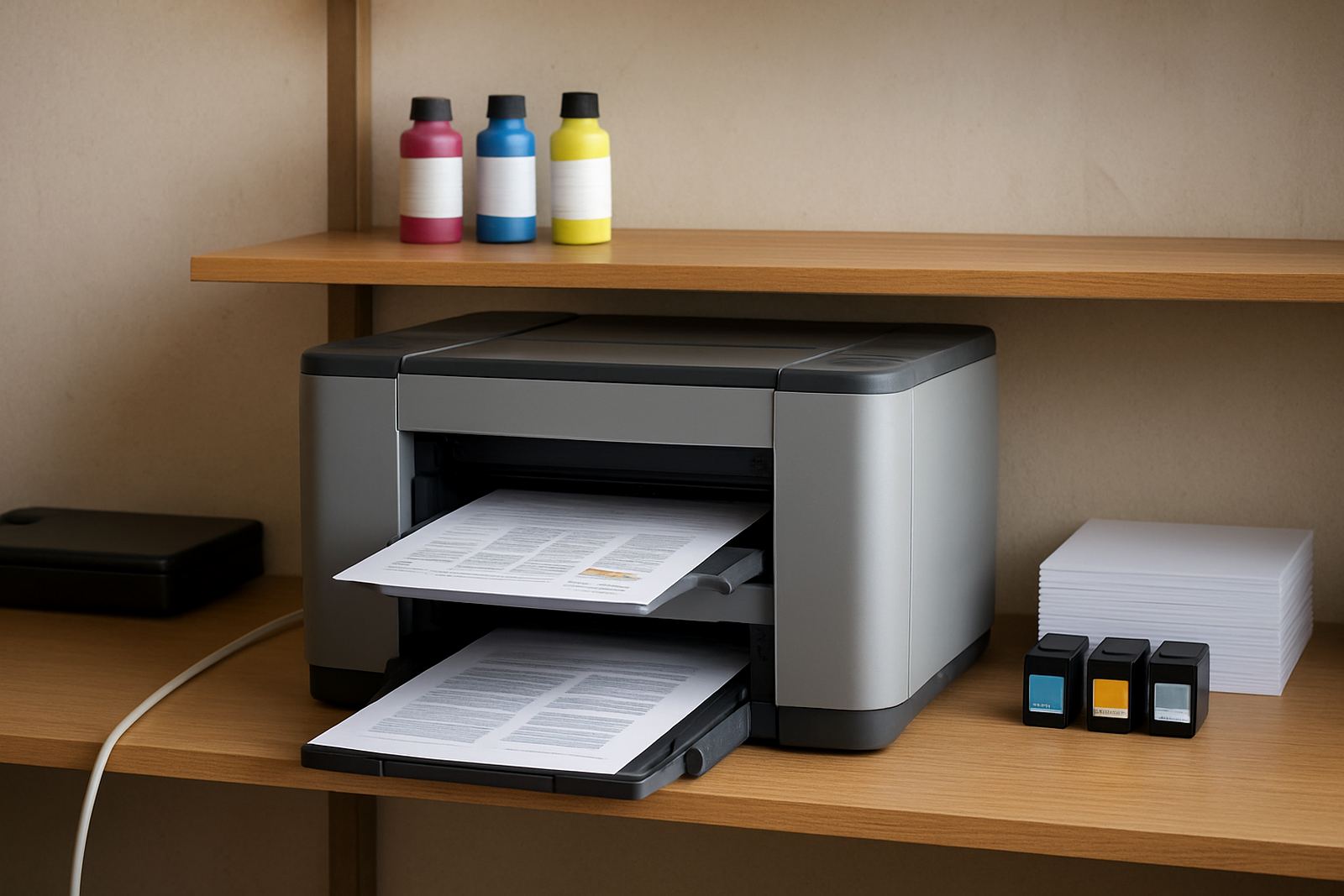
Regular care keeps a duplex office printer reliable. That means using the right inks, printing often enough that heads do not dry out, and checking paper quality before blaming the machine. Offices that print only once a week often run into blocked nozzles or faded colour, while teams that print daily usually get better value from the same unit over time.
MyColour can assist with preventive maintenance, print quality checks, media matching and consumable reordering so the office does not run out at month end. If a printer starts leaving marks, banding or uneven colour, it is better to check the media, settings and ink condition early. A quick service call is usually easier than trying to recover bad stock after a client has already seen it.
- Use the correct paper weight and finish for the job
- Store paper and inks in a cool dry place
- Run regular test prints to keep colour consistent
- Book servicing before quality drops, not after it affects work
What to verify before ordering the printer
Before ordering, check the monthly page volume, the sizes you need, and whether the printer must handle colour only or colour plus scanning and copying. Also confirm whether your team wants low running cost, faster output, or better image quality. Those three points often point to different models, so it helps to be specific from the start.
It is also worth checking your delivery location, especially if the office sits in Ndabeni, Montague Gardens, Woodstock, Claremont, Bellville or Somerset West, because installation and collection support can be arranged around local access times. For nationwide supply, courier delivery is available, and consumable planning can be set up so inks arrive before the last set runs dry.
- Daily and monthly print volume
- Need for A4, A3 or mixed sizes
- Whether you need scanning and copying as well
- Ink type, replacement cycle and stock holding level
Colour printer advice tied to production
MyColour focuses on colour printers, wide-format machines and the inks that keep them running, so advice stays practical and tied to the actual work being done. That matters when a team needs to know whether office colour is enough or whether it is time to step up to wider media and larger sheets. The goal is to keep printing steady, clean and predictable, with the right consumables on hand.
From Ndabeni in Cape Town, the team supports local businesses and courier supply nationwide. That includes printer installation, wide-format setup, ink supply planning, remote help, collection coordination and user handover. When the printer is part of daily operations, having one supplier for the machine, ink and follow-up support saves time and avoids the back and forth between different vendors.
Key facts
| Print type | Colour office printer with automatic duplex printing |
|---|---|
| Paper sizes | A4 standard, A3 on selected larger models |
| Connectivity | USB, network cable and Wi-Fi on selected models |
| Typical speed | Around 20 to 40 plus pages per minute depending on model |
| Use case | Daily office colour, proofs, reports and shared team printing |
| Support | Installation, consumables planning, servicing and remote help |